Brand Guidelines
KioSnap Identity
A complete brand system for the AI-powered digital kiosk platform.
Logo Mark
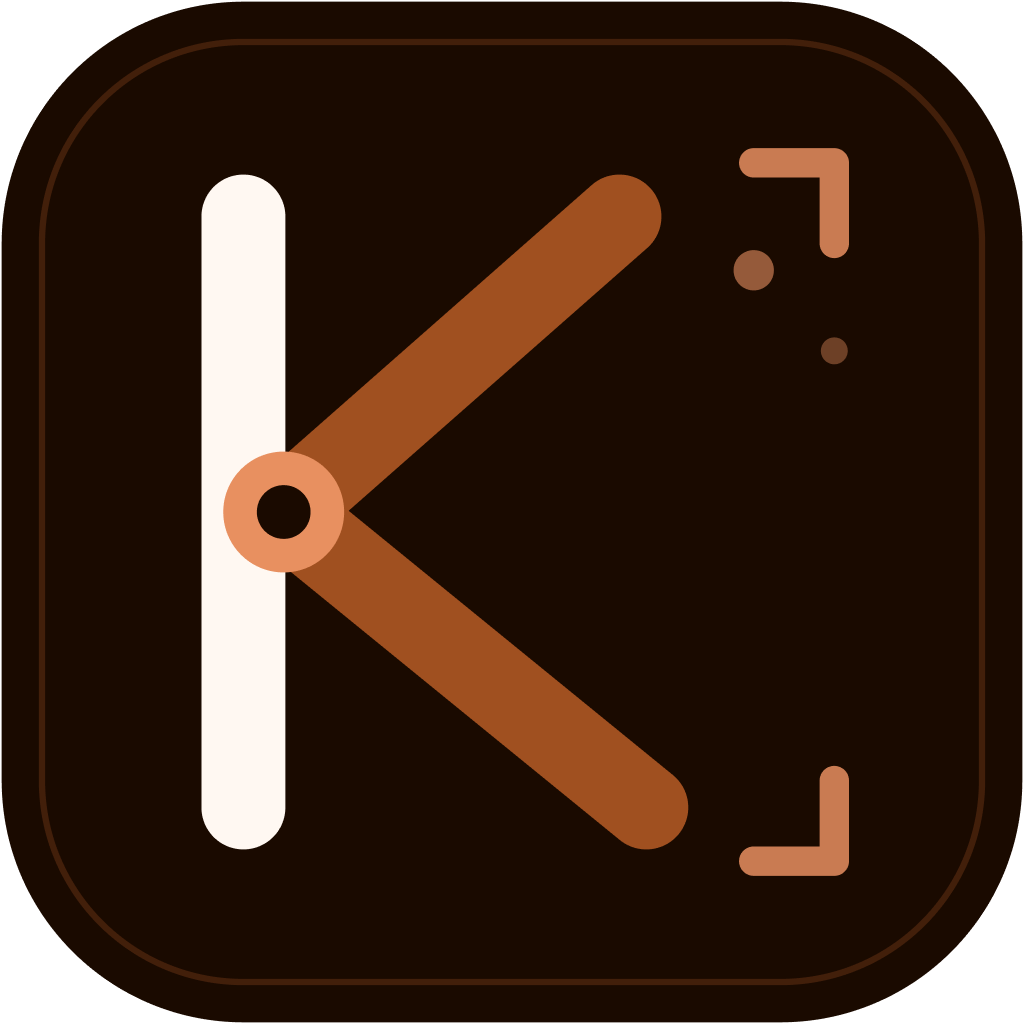
The mark combines a bold geometric “K” letterform with camera viewfinder brackets and a focus dot, merging “Kiosk” and “Snap” into one symbol.
 Default
 Light
Light Mono
Mono Mono Dark
Horizontal Lockup

 On dark surfaces
Scalability
The mark is designed to remain legible from 16px favicons to large hero placements.
16px24px32px48px64px80px100pxColor Palette
Warm amber/brown “Ember” palette. Primary action color is Ember 600 (#a05020).
#a05020 · Ember 600
Primary action color. Used for buttons, links, active states.
Typography
DM Sans 600
font-sans font-semibold tracking-tightSnap. Display. Sell.
Headings on kiosnap.com, the dashboard and the vendor app
DM Sans
font-sansThe quick brown fox jumps over the lazy dog.
Body text, UI elements, buttons
DM Mono
font-mono₹299/mo · 50 items · 7 categories
Code, numbers, technical labels
Download Assets
Every logo variant as production-ready SVG and PNG files. Download directly, or copy a permanent public link to share with printers, partners, and press.
App Icon
Ember tile mark for light surfaces. Favicon, app icon, avatar.
App Icon (Dark Surfaces)
Cream tile mark for dark backgrounds and dark mode.
Full Logo
Mark + wordmark lockup for light surfaces. Headers, documents.
Full Logo (Dark Surfaces)
Mark + wordmark lockup for dark backgrounds.
Logo + Tagline
Full lockup with “Snap. Display. Sell.” for hero placements.
Logo + Tagline (Dark Surfaces)
Tagline lockup for dark backgrounds.
Mono Mark (Ember)
Single-color outline mark. Watermarks, loading states.
Mono Mark (Dark)
Near-black outline mark for light surfaces.












Usage Rules
✓ Do
- Use provided color variants on appropriate backgrounds
- Maintain minimum clear space equal to the icon height
- Use the horizontal lockup for headers and navigation
- Use the icon-only mark for favicons and small spaces
✗ Don't
- Stretch, rotate, or distort the logo
- Change the brand colors outside the palette
- Place the logo on busy or low-contrast backgrounds
- Recreate the wordmark in a different font