
For cafés
Run your café from your phone: tables, kitchen, counter and the day's cash.
KioSnap gives a café a QR on every table that guests order from on their own phone, a kitchen screen that keeps pace, a POS for the counter and a day book that closes against the cash drawer. Tables and table QR come with the Gas plan; a café that takes orders only at the counter can start on Charcoal. Every paid plan starts with a 14-day free trial, with no commission.
Updated 7 Oct 2026
Follow one order
Order #33 at a café, on both phones.
Every screen here is real: a customer orders a chai and a sandwich, and the café runs it to the counter.
Real screens, captured 7 Oct 2026 from a KioSnap demo café
- Customer
Opens your menu
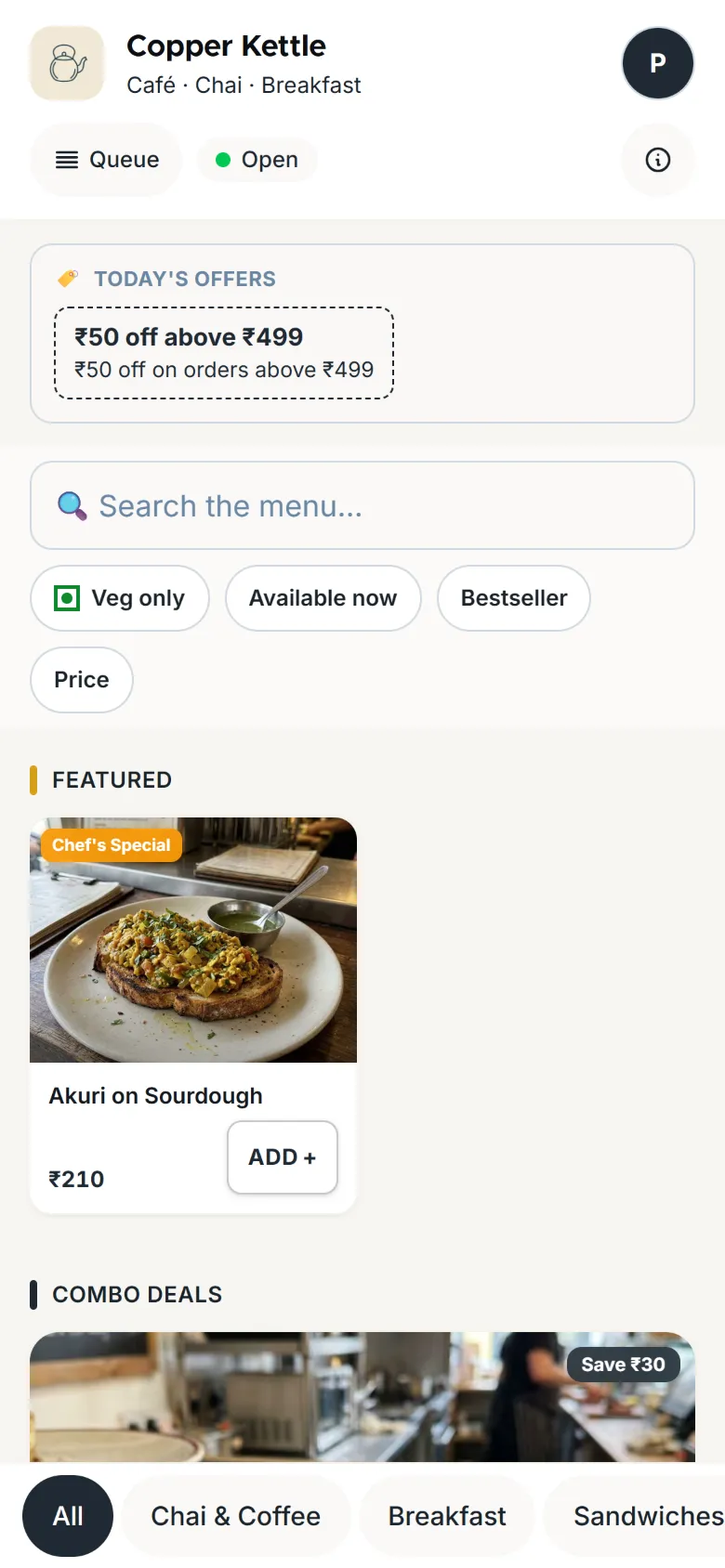
Priya scans the QR on the counter. Your menu opens in her phone's browser, with photos, prices and today's offer. Nothing to install.
- Customer
Orders in two taps
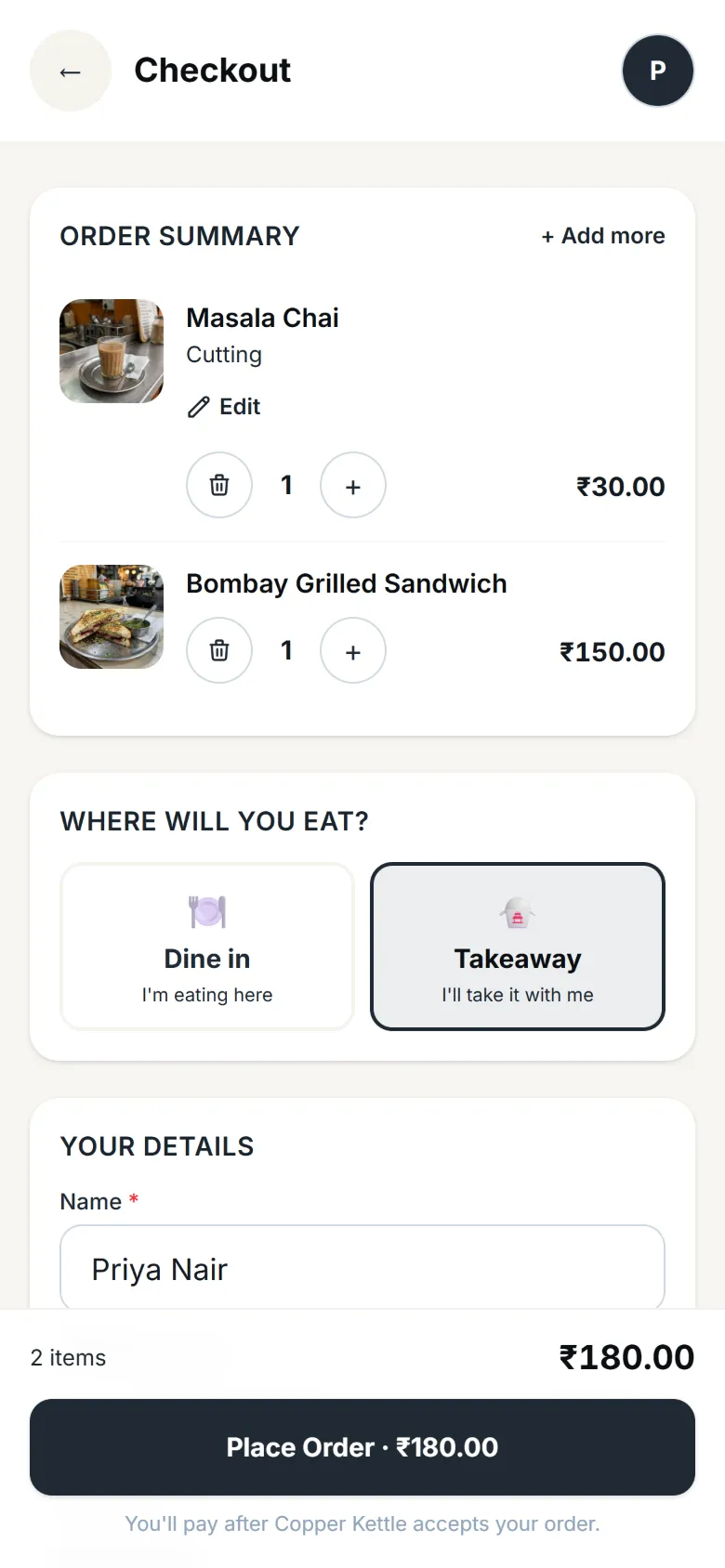
A cutting chai and a Bombay grilled sandwich. Her name and number are already filled in from her last visit.
- You
Your phone rings
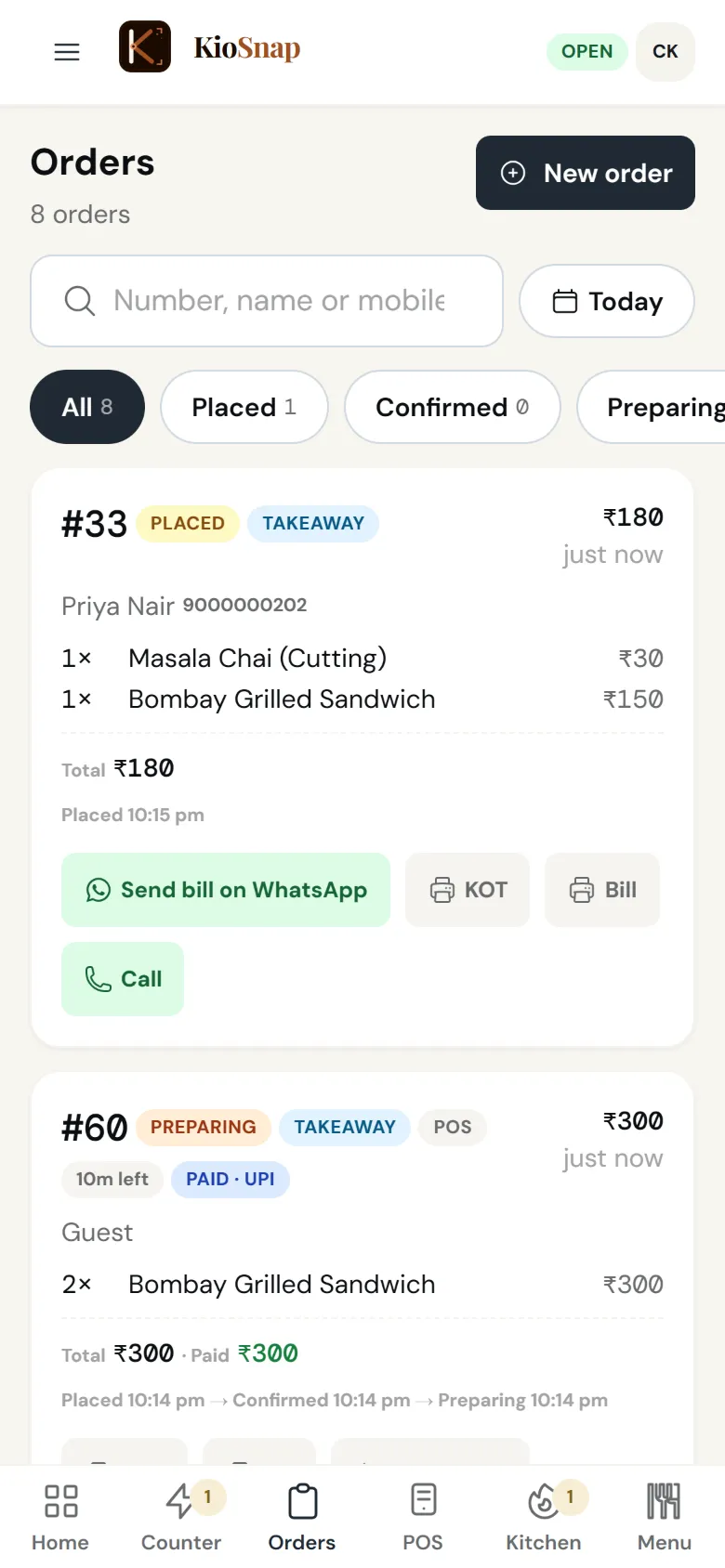
Order #33 lands on your phone and keeps ringing until someone answers. Priya is told to pay at the counter.
Taking orders: Charcoal and up - You
Paid, accepted, in the queue
She pays by UPI to your own QR and you accept. Her phone shows her place in the queue and roughly when it will be ready.
- You
The kitchen makes it
The kitchen screen lists what to make. One tap on Food ready when it is done.
Kitchen screen: Charcoal and up · food - Customer
Ready, without shouting a number
Her phone turns green: pick it up at the counter. Then it asks her to rate the order, so your reviews come from real orders.
- Happens on its own
Already in your books
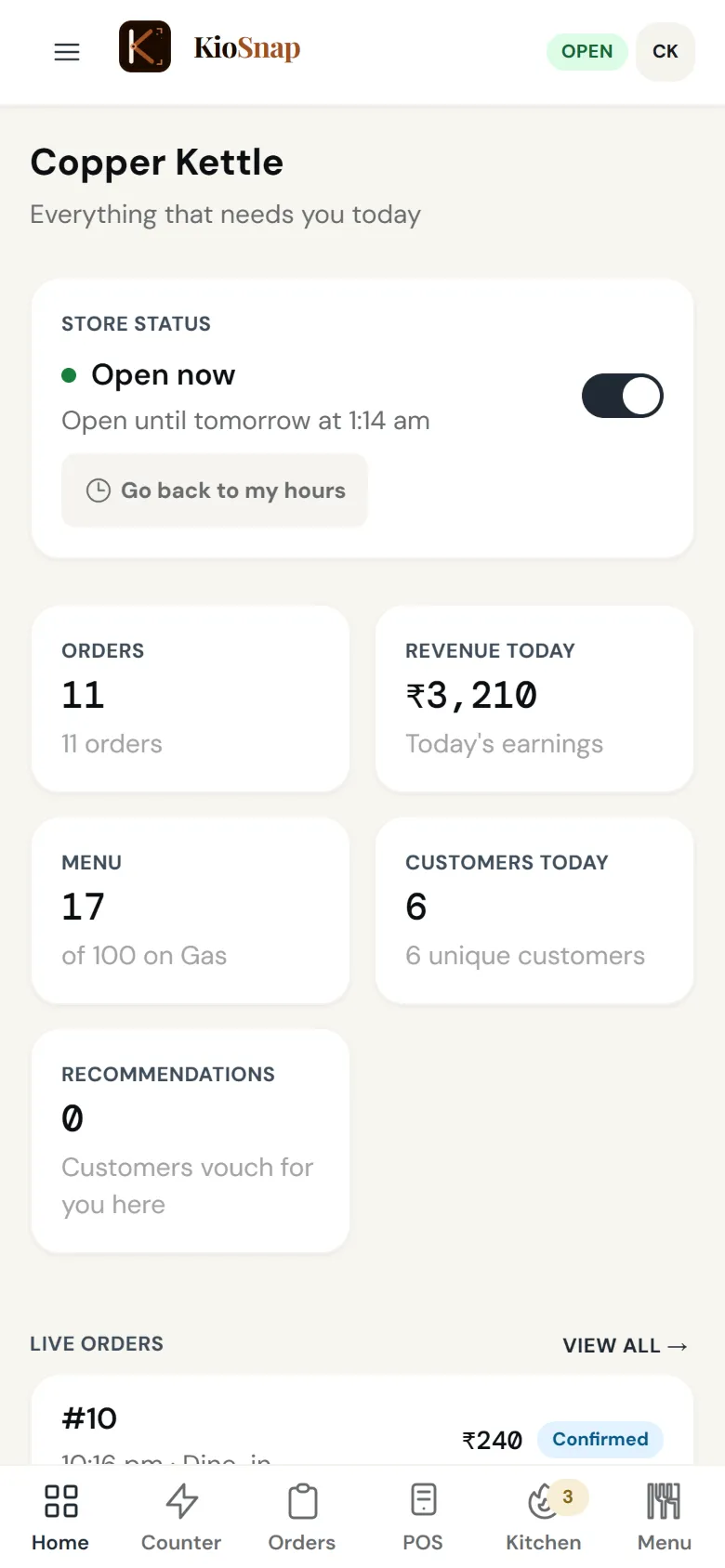
The sale is in the day book as UPI. Cash in the drawer, expenses and the day's close are on the same screen.
Day book: Charcoal and up · food
What you get
Made for the way you work.
- Tables and table QRGas and up · foodA QR on every table, several bills per table, a button to call for water or the bill, and a captain role that sends rounds from the table.
- Kitchen screenCharcoal and up · foodAccepted orders show on the kitchen screen by station, with a countdown so nothing waits too long, and one tap for Food ready.
- POS at the counterCharcoal and up · foodBill walk-ins: tap items, add a custom item, take cash or UPI, and the bill is ready on screen and as a PDF.
- Day bookCharcoal and up · foodOpening cash, money in by cash and UPI, cash paid out, and the day closed against the count in the drawer.
- Combos and offersCharcoal and upCombos, flat or percent off, buy one get one, first-order offers and offer codes, one offer per order. Combos are not for services.
- TeamCharcoal and upStaff logins with their own role and PIN, quick switching on a shared phone, and every sale shows who made it. 2, 3 or 5 staff by plan.
Who it's for
- Cafés
- Tea and coffee bars
- Bakery cafés
- Dessert parlours
What it costs
Starts on Gas at ₹599 a month, after a 14-day free trial, with ₹199 once on your first paid month. No commission on any order.
See every planFor cafés
Quick answers before you start
Do guests need to install an app?
No. The table QR opens your menu in their phone's browser, and their order goes straight to that table's bill.
Can a table order again later in the visit?
Yes. Every round lands on the same table, and a table can hold several bills when friends pay separately.
Can guests call for water or the bill?
Yes. Guests tap a button for what they need, and your staff answer it from their phone.
Cafe ke liye billing software chahiye?
KioSnap's POS bills walk-ins on any phone or tablet, with a GST-ready bill on screen and as a PDF, and every sale goes into the day book.
Do I need a tablet in the kitchen?
No. The kitchen screen runs in any browser. A spare tablet or phone in the kitchen helps once you are busy, but nothing is needed to start.
More questions? Read the full FAQ →
Your tables, ordering this week.
Print a QR for each table, put a spare tablet in the kitchen, and take the first table order before the weekend.