
Stock and inventory
Inventory that counts itself as you sell.
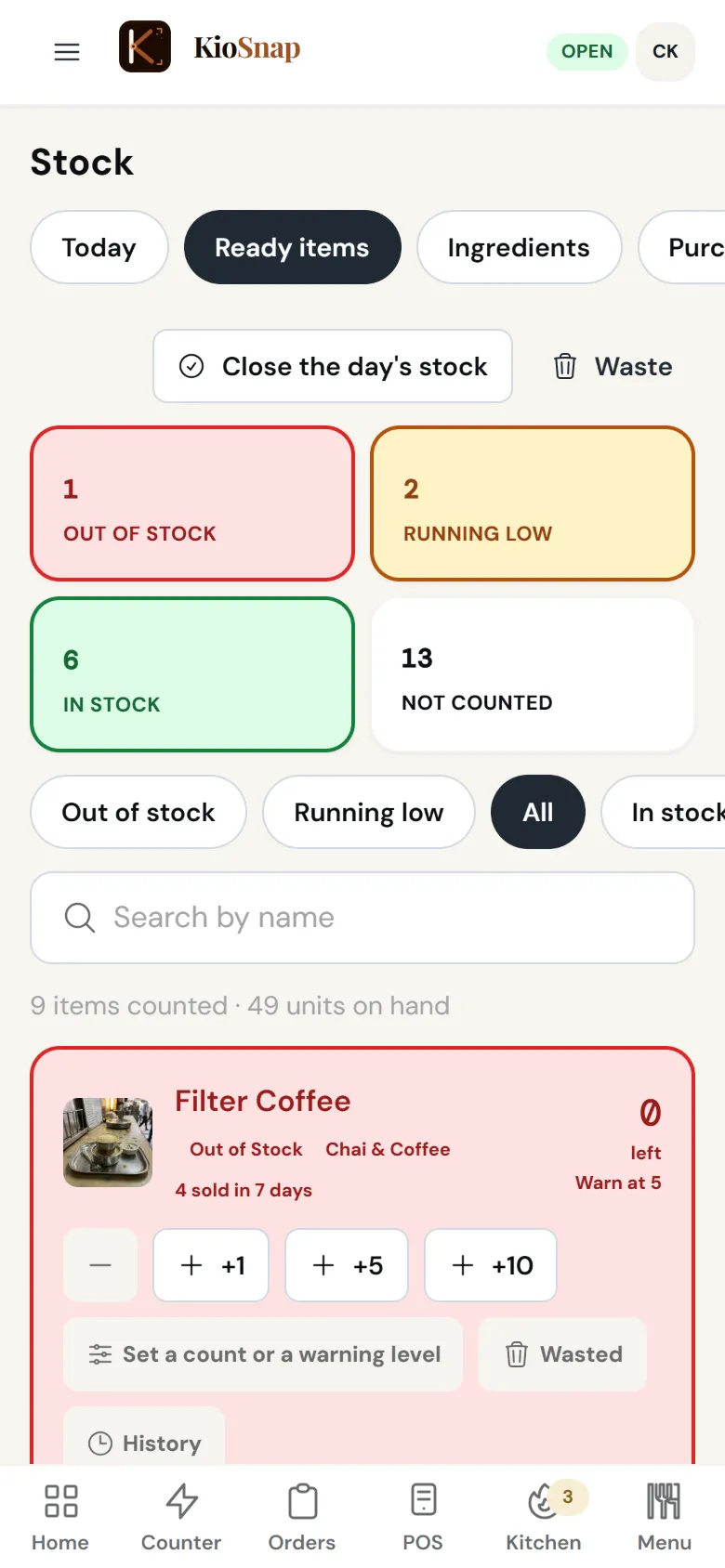
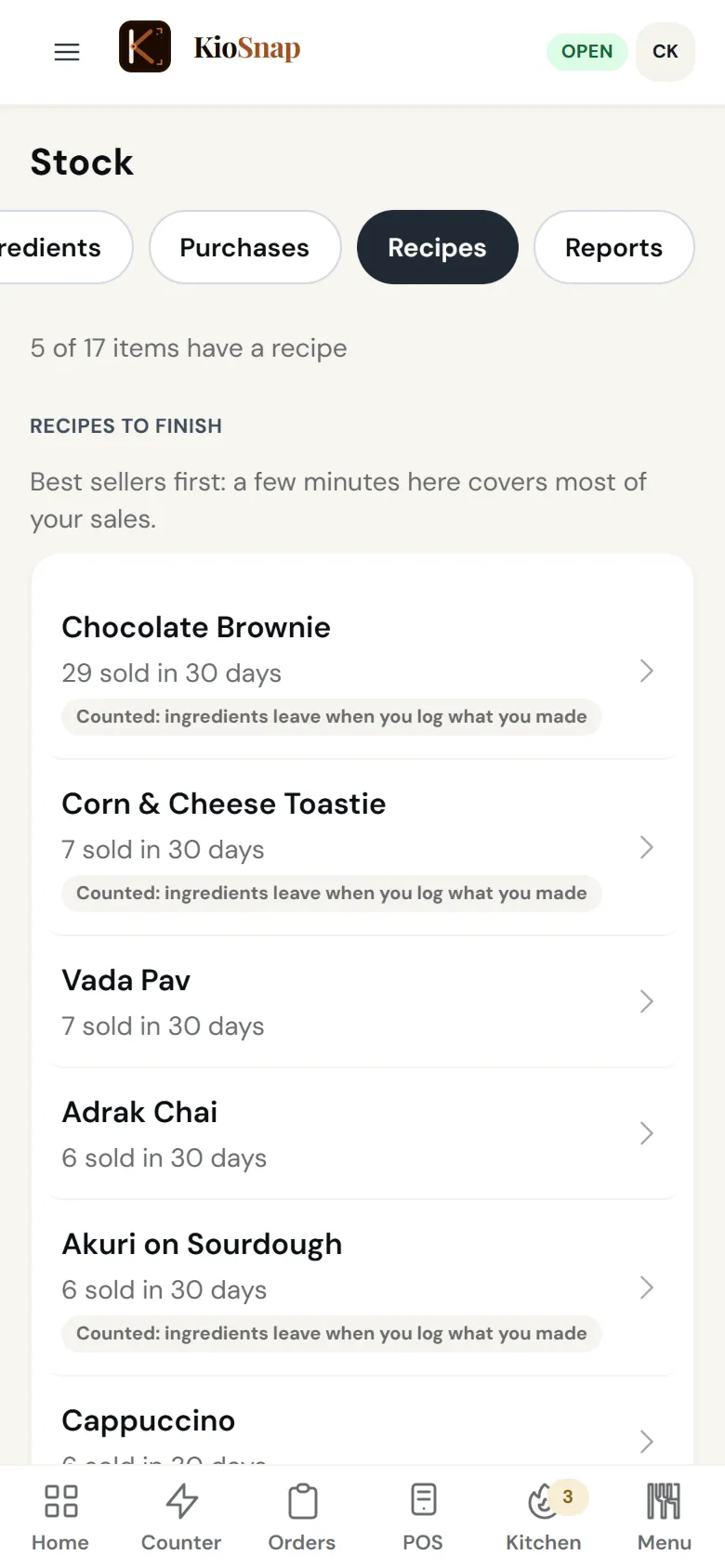
KioSnap's inventory keeps a count of what you have, and each sale comes off it, with alerts when something runs low and a full history for every item. Log waste with a reason and see it in units and rupees. Stock counts and waste are on every plan; raw materials, suppliers, purchases and a reorder list start on Charcoal; recipes, food cost and a suggested amount to make start on Gas.
Updated 7 Oct 2026
How it works
- 1
Count what you have
Set a count on the items you want to track. Each sale comes off it.
- 2
Log waste and buying
Waste with a reason, purchases from suppliers, paid or on credit.
- 3
See the cost
Waste in rupees, and on Gas the food cost of every item from its recipe.
Who it's for
- Café or restaurant
- Bakery or home kitchen
- Salon or service
- Shop or home brand
- Makers and more
Stock and inventory
Quick answers before you start
Stock register app chahiye?
KioSnap keeps your stock count and history on your phone, and each sale comes off it. Free on every plan.
Can it show food cost?
On Gas and Solar, recipes use up ingredients with every sale, so each item shows what it costs to make.
Can I scan a supplier's bill?
Yes, on paid plans: 1, 2 or 4 bill scans a day. The AI drafts the purchase and nothing changes until you save it.
Does it tell me what to reorder?
From Charcoal, a reorder list shows what is running low, and you can send it to your supplier on WhatsApp. It suggests from your past sales; you decide.
Is it only for restaurants?
No. Shops, bakeries and home brands count stock the same way; raw materials are called materials outside food.
More questions? Read the full FAQ →
Try it on your own business.
Start free and set it up yourself, or WhatsApp us and we set it up with you.