
How it works
Set it up yourself, or send us your menu.
Two ways in, the same KioSnap at the end. Most owners set it up in one sitting; if you would rather not, a person on WhatsApp does it with you.
Yourself, in one sitting
Four steps from sign-up to your first order.
- 1
Sign up with your mobile
Enter your mobile number and the code we send. Name your shop and pick your kind of business, so KioSnap uses your words: menu or catalog, orders or bookings.
About a minute
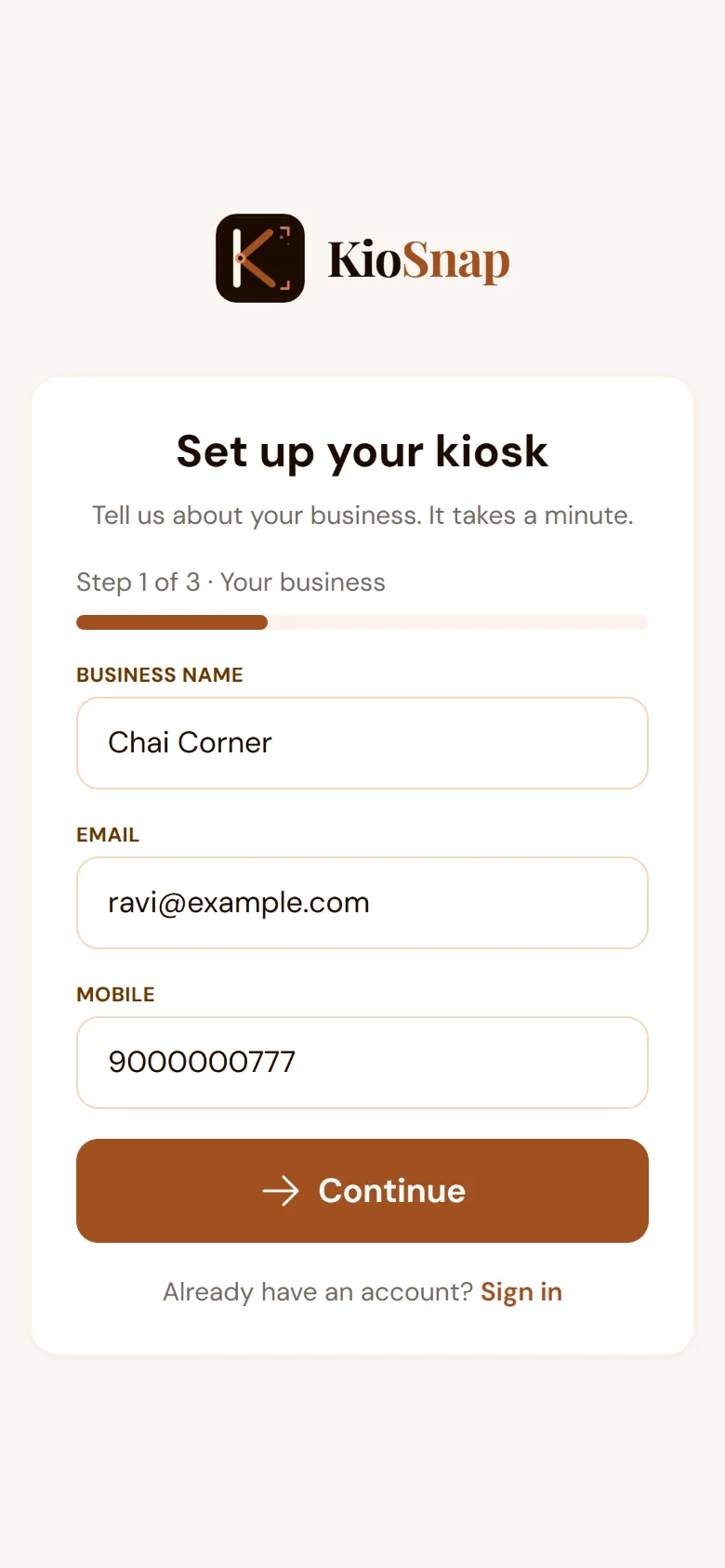
Sign-up on your phone - 2
Add your items
Type your items with prices, sizes and photos. Or photograph your printed menu or price list: the AI drafts the items and you check them before they go live.
AI scan: 3 a month on paid plans and the 14-day trial
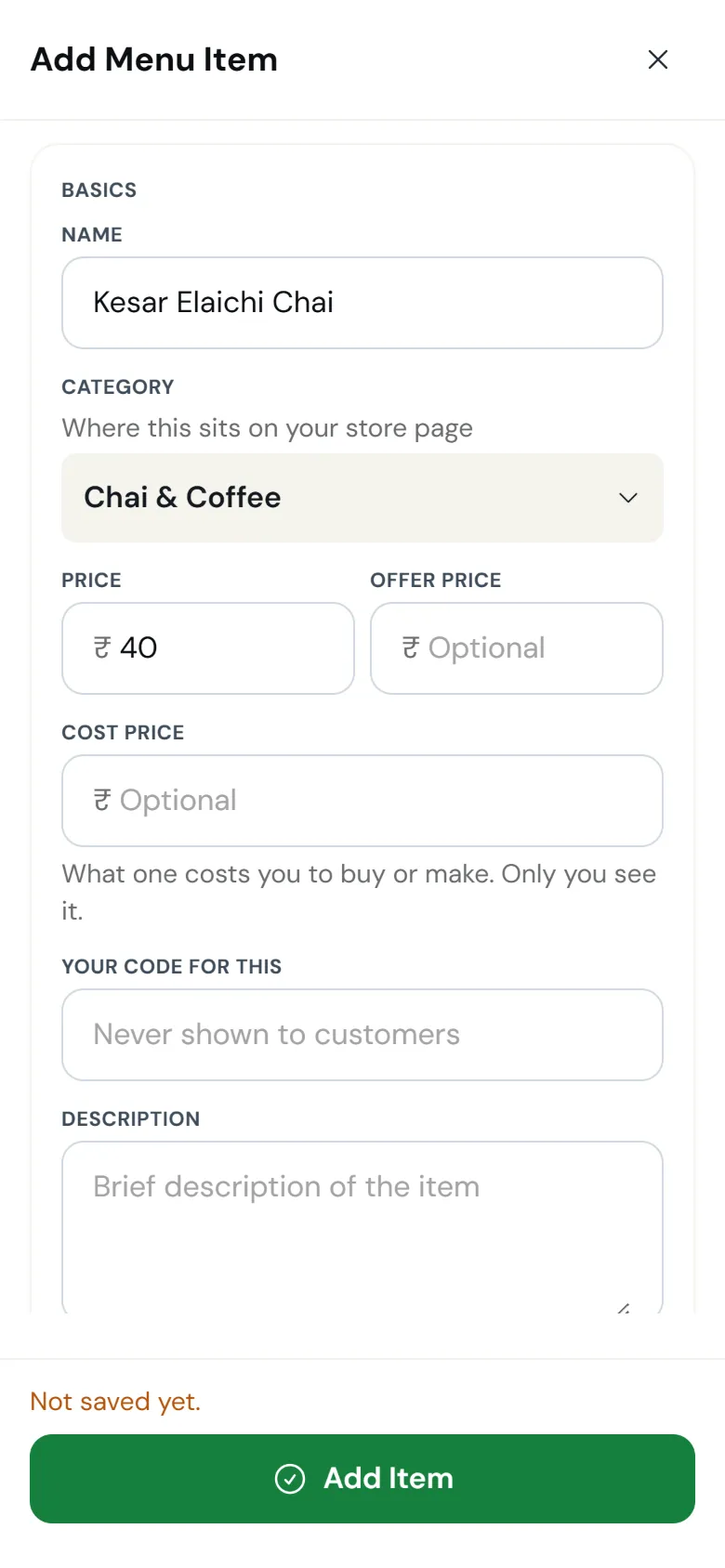
Adding an item - 3
Put out your QR
Your storefront is live on your own kiosnap.store link. Print the QR poster for the counter or the tables, and share the link on WhatsApp and Instagram.
One QR that keeps working, even if you rename the shop
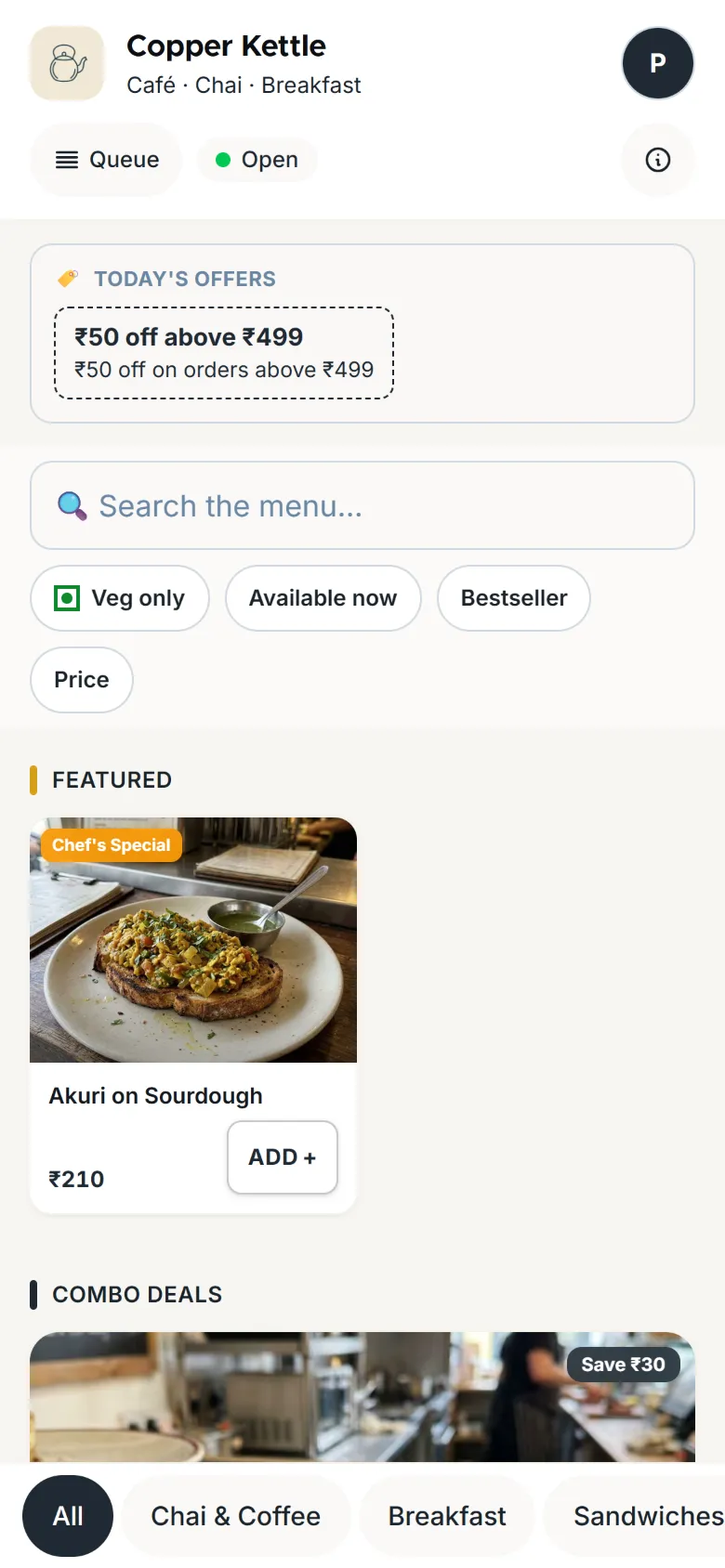
What your customer sees - 4
Take your first order
A new order rings on your phone until someone answers. Accept it, make it, hand it over, while the customer follows each step on their own phone.
Taking orders: Charcoal and up
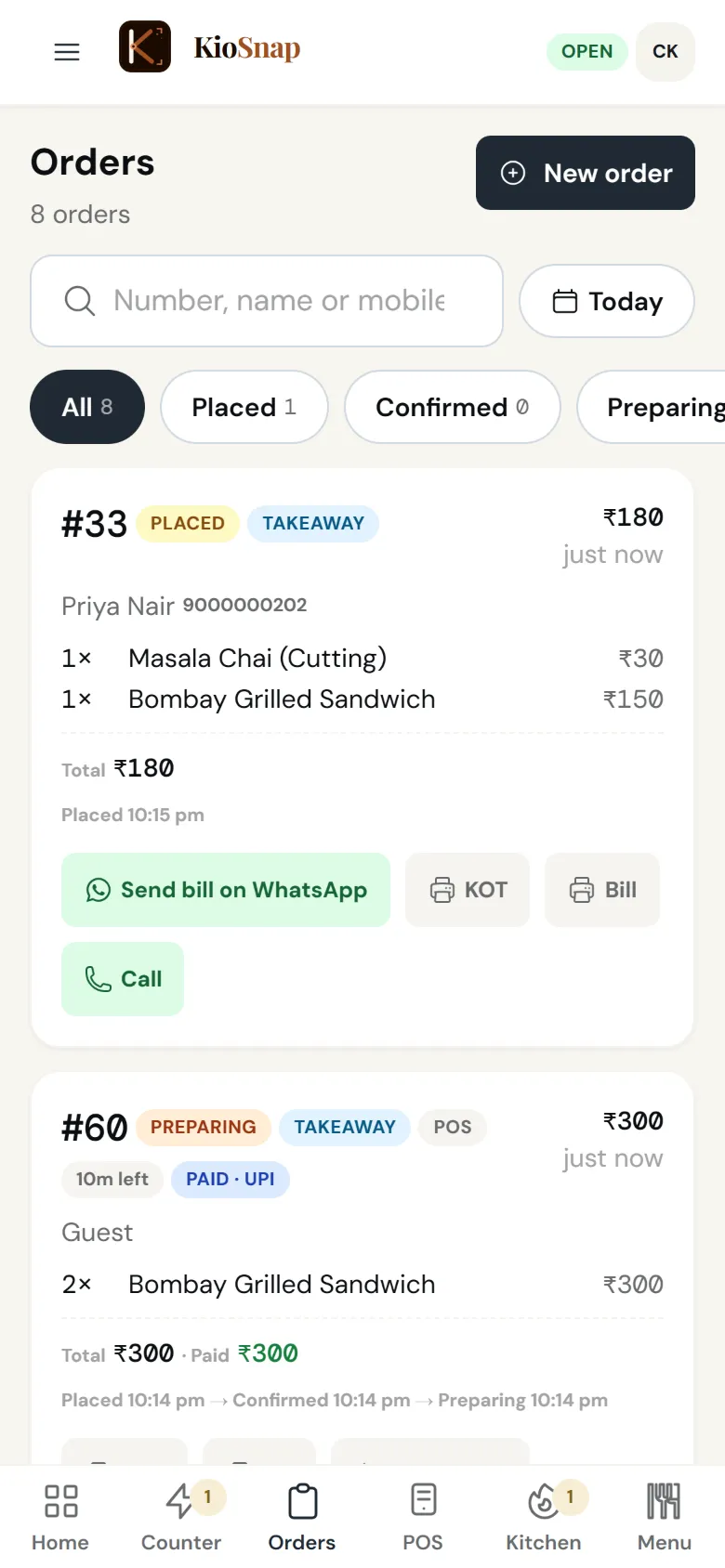
What you see
Or, we do it with you
Send us your menu. We build your storefront today.
Free. A real person replies, usually the same day.
- YouWhatsApp us a photo of your menu, price list or catalog, and your shop name.
- KioSnapWe set up your storefront with your items, prices and categories.
- KioSnapYou get your link and your QR, ready to print.
- KioSnapWe walk you through the dashboard in your language.
Your kind of business
Every business runs its own flow.
KioSnap uses the steps your kind of business already works in. The words on each line are the ones on your screen.
Café or restaurantCafés, restaurants and stalls: a live queue for the counter and the kitchen.
- Placed
- Confirmed
- Preparing
- Ready
- Served
Bakery or home kitchenBakeries and home kitchens: pre-orders with a pickup time, then pickup or delivery.
- Placed
- Accepted
- Preparing
- Ready
- Dispatched
- Delivered
Salon or serviceSalons and services: bookings with a time slot.
- New
- Confirmed
- In progress
- Completed
Shop or home brandShops and home brands: orders you accept, pack and deliver.
- Placed
- Accepted
- Preparing
- Ready
- Dispatched
- Delivered
Something elseMakers and everything else: orders, and quotes for custom work.
- Placed
- Accepted
- Preparing
- Ready
- Dispatched
- Delivered
For your customers
Nothing to install, nothing to learn.
- 1ScanScan your QR or tap your link.
- 2BrowseYour items with photos and prices, in any phone browser.
- 3OrderConfirm their mobile with a one-time code, and place the order.
- 4TrackFollow it step by step on their phone, and reorder later in one tap.
FAQ
Questions before you start
How long does it take to set up?
Most owners set it up in one sitting: sign up, add items, print the QR. On paid plans and the 14-day trial, a photo of your printed menu becomes a draft of your items in about a minute, and you check it before it goes live.
What can the AI menu scan read?
Printed or typed menus, price lists and catalogs, from a clear, well-lit photo (up to 5 pages) or text you paste. You check every item the AI drafts before anything goes live.
What if I don't have a printed menu or catalog?
Add your items by hand in the dashboard or the KioSnap Vendor app, with prices, sizes and photos. Or WhatsApp us a list and we set it up for you.
Can I change my items after publishing?
Yes, any time. Edit items, prices, photos and availability from your phone, and your storefront updates within about a minute. Your QR code never changes.
How do customers find my store?
From the QR on your counter or packaging, the link you share on WhatsApp or Instagram, the kiosnap.store pages for your city and category, and Google.
Do customers need an account to order?
No form and no password. Browsing needs nothing at all. To order online, customers confirm their mobile number with a one-time code, which keeps orders genuine and signs them in for order history and one-tap reorder. Orders from a self-order screen or a table QR stay guest.
More questions? Read the full FAQ →
Ready when you are.
Start free and set it up yourself, or WhatsApp us your menu and we set it up with you.