
Vendor app
Your whole store in the KioSnap Vendor app for Android.
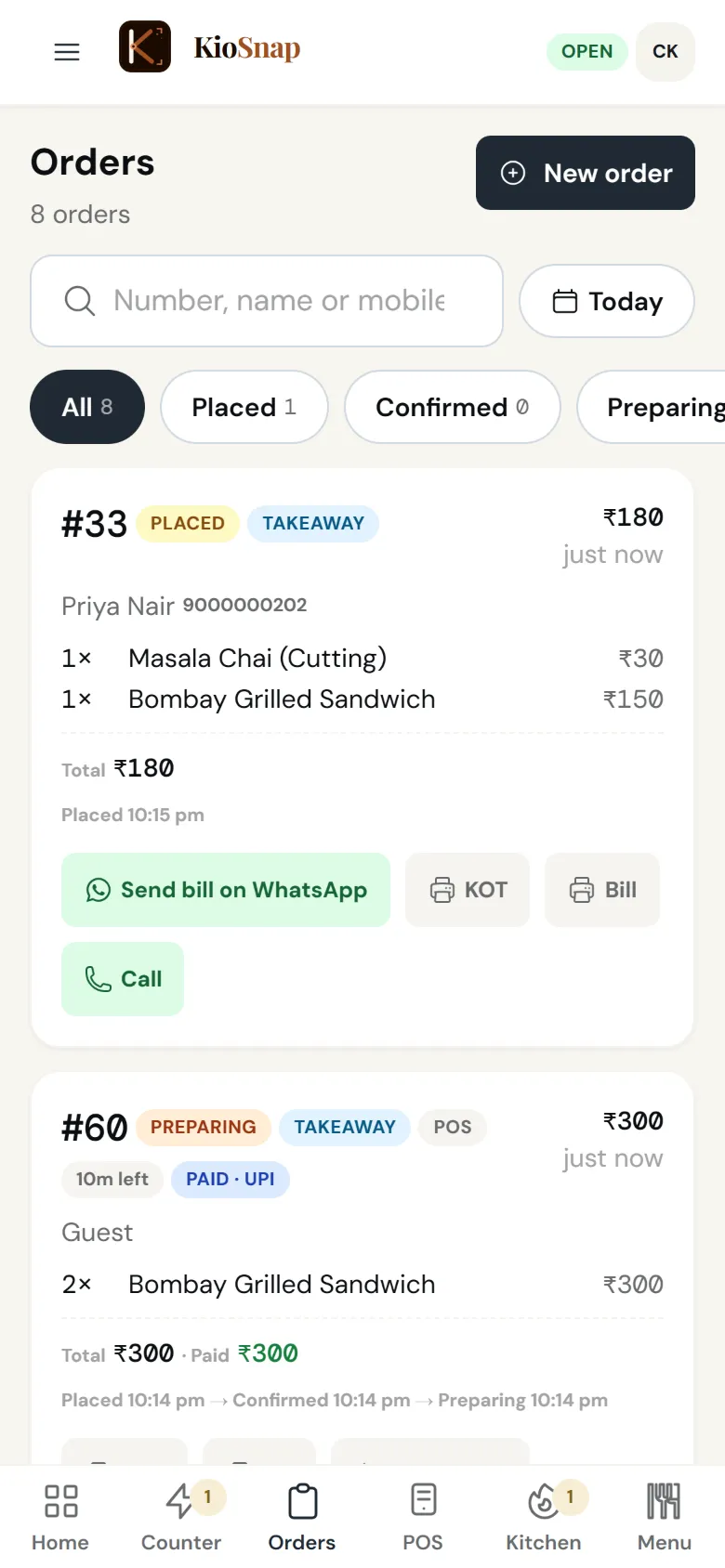
The KioSnap Vendor app for Android runs your store with the same screens as the dashboard, an order alarm that rings even on a locked screen, and counter billing that keeps working without internet and syncs later. It is free on Google Play; the order alarm and offline billing need a plan that takes orders, Charcoal and up. An iPhone app is not available.

Updated 7 Oct 2026
How it works
- 1
Install it
Get the KioSnap Vendor app on Google Play and sign in.
- 2
Let it ring
New orders ring on a locked screen until someone answers.
- 3
Bill offline
Counter sales keep going without internet and sync when you are back.
Who it's for
- Café or restaurant
- Bakery or home kitchen
- Salon or service
- Shop or home brand
- Makers and more
Set it up, step by step
Never miss an order: sounds, ringing & push
Set up alert sounds, ring-until-acknowledged, and push notifications on every device, so a new order is impossible to sleep through.
Read the guideAvailable on Charcoal and above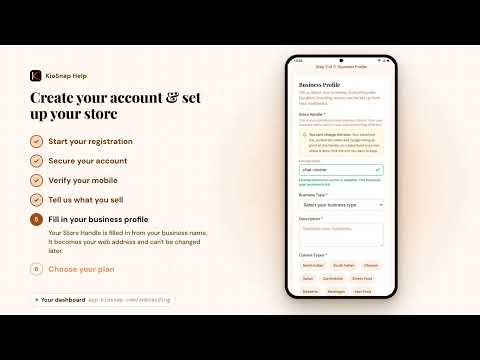 Video
VideoCreate your account & set up your store
From signup to a live storefront in about five minutes: account, what you sell, business profile, store handle and plan.
Watch and read
Vendor app
Quick answers before you start
KioSnap app kaha se download kare?
From Google Play: search for KioSnap Vendor, or tap the Google Play badge on this site.
Is there an iPhone app?
Not yet. On an iPhone, use the dashboard in the browser.
Does it work without internet?
Counter billing does, and syncs later. New online orders need a connection.
Is the app different from the website?
It has the same screens and the same login, and adds the locked-screen alarm and offline billing.
Can I pay for my plan in the app?
No. Change or pay for your plan at app.kiosnap.com.
More questions? Read the full FAQ →
Try it on your own business.
Start free and set it up yourself, or WhatsApp us and we set it up with you.