How to Manage WhatsApp Orders for Your Home Business
7 min read
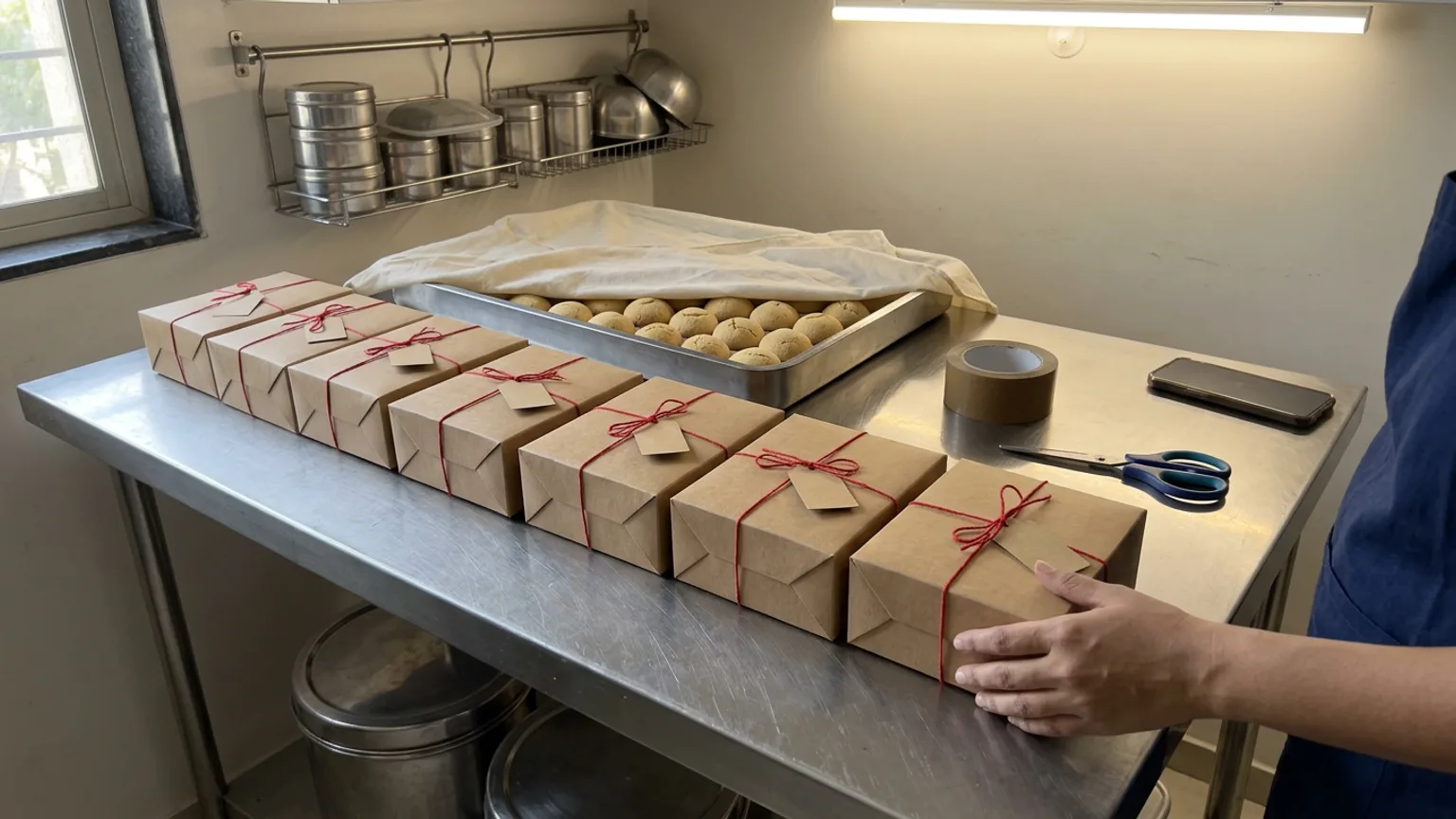
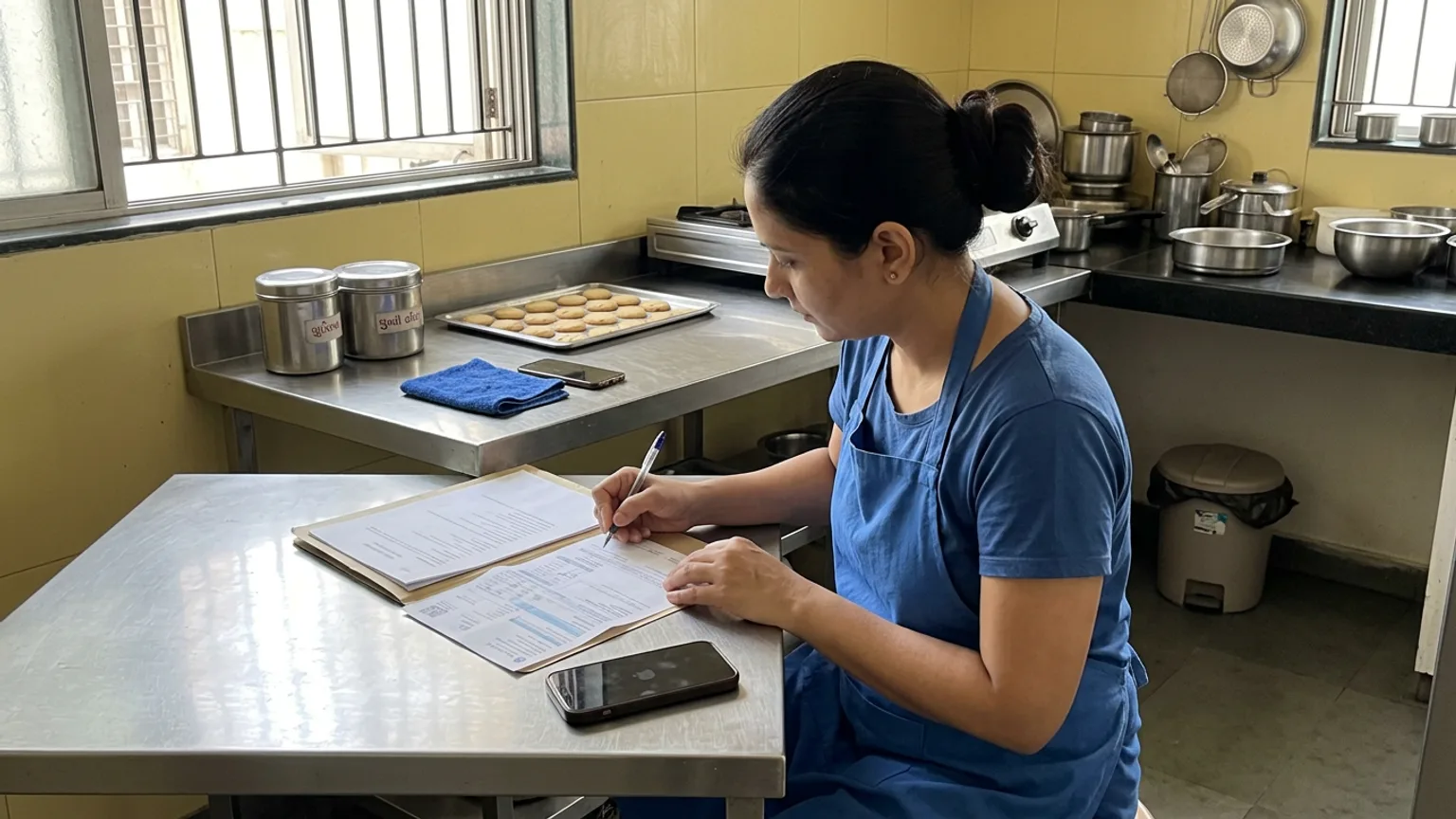
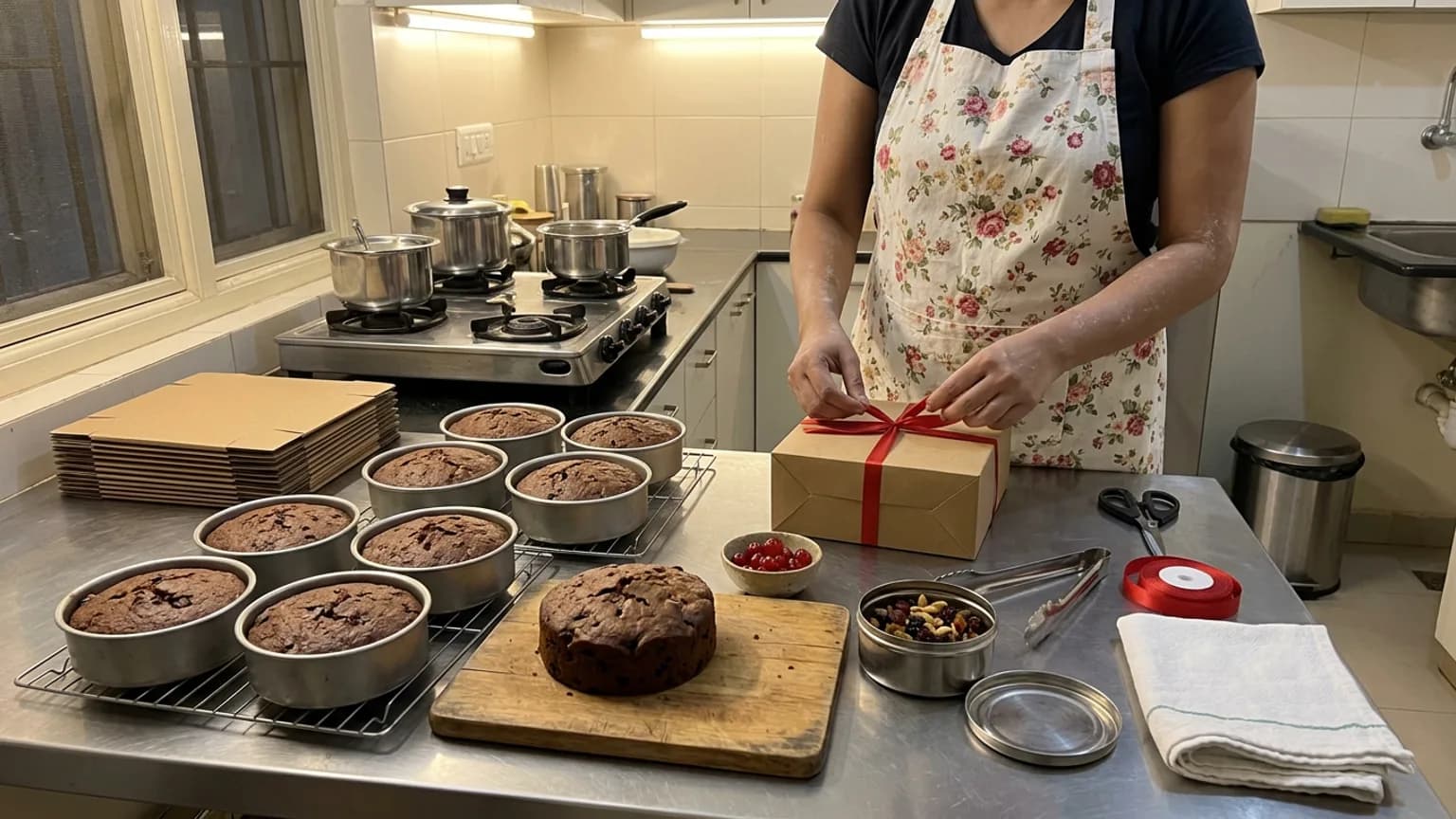
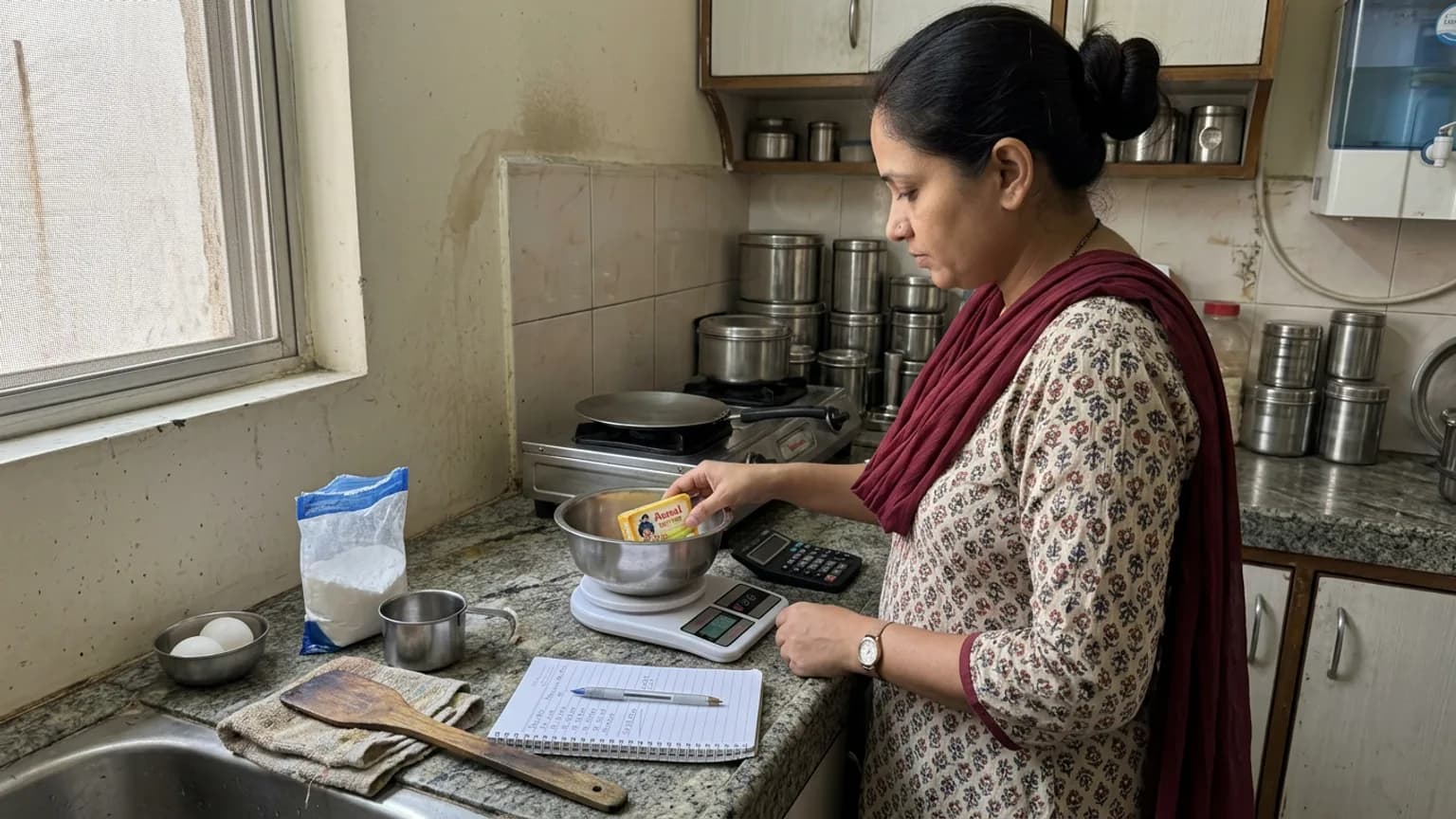
Most home businesses in India start with the same tool: WhatsApp. It works beautifully for the first ten orders. Then the festive season arrives, and you need a way to manage WhatsApp orders that does not depend on you scrolling up at midnight to find who asked for what.
This guide is for home bakers, sweet makers and home brands who sell mostly through chats. You do not have to leave WhatsApp. You have to stop using it as your order book. Diwali falls on 8 November this year, with Bhai Dooj two days later, so the next few weeks are the right time to fix it.
Where WhatsApp orders go wrong
WhatsApp is a conversation tool. An order is not a conversation, it is a record: who, what, how many, for which day, where to, and whether it is paid. Chats mix all of that with greetings, photos and voice notes.
- The order is spread over many messages. The flavour is on Monday, the date is on Wednesday and the address arrives as a pin an hour later.
- Changes hide in the thread. "Make it 1 kg instead" is easy to miss when forty other chats are open.
- You are the database. Everything depends on your memory and your scrolling, and a long day makes both worse.
- There is no total. At month end you cannot say what sold, what is still unpaid or who your repeat customers are.
Step 1: Keep WhatsApp for talking, not for recording
Customers like WhatsApp because it is personal and they already have it. Keep that. Change what happens after "Yes, I want it": the order gets written into one place, with every detail in a fixed shape, and the chat goes back to being a chat.
| Orders left in the chat | Orders in one place | |
|---|---|---|
| Finding an order | Scroll through threads and search by name | Open one list, newest first |
| Knowing what is due | Remember it, or ask the customer again | Filter by day and status |
| Seeing what is unpaid | Hope someone reminds you | A payment status on every order |
| Month-end numbers | Add them up from memory | Sales and repeat customers on one screen |
Step 2: Build a small system, even before software
If you are not ready for a tool, a plain notebook or a shared sheet is better than chats. What matters is that every order has the same fields and gets written down the moment it is agreed.
Agree the facts before you say yes
Item, size or quantity, flavour, date and time, pickup or delivery, address, price. If one is missing, ask for it in the same reply.
Write it down immediately
One line per order, in the same order of fields every time. Do it before you reply to the next chat.
Confirm back in one message
Send a short recap: what, when, how much, how to pay. The customer corrects it now rather than on the day.
Take an advance for big orders
For anything made to order, ask for part of the payment up front by UPI. It protects your ingredients and your time.
Set a cut-off for each festival
Tell customers the last day you take orders, and pin it in your WhatsApp Business status. Anything later is a polite no.
Step 3: Send customers to a page that takes the order
The biggest reduction in chat work is to answer "price?" and "what flavours?" once, on a page, and send the link. The WhatsApp Business app lets you add a catalog and save quick replies, and both help. A storefront goes one step further: the customer picks the item and size and leaves their details, and the order arrives already structured.
On KioSnap, your storefront has its own link and QR code. Put the link in your WhatsApp Business profile, your status and your Instagram bio, and print the QR on your boxes. See share your store QR. Customers need no app to order, and you keep the same direct payment you use today: UPI, cash or payment at pickup, with no commission.
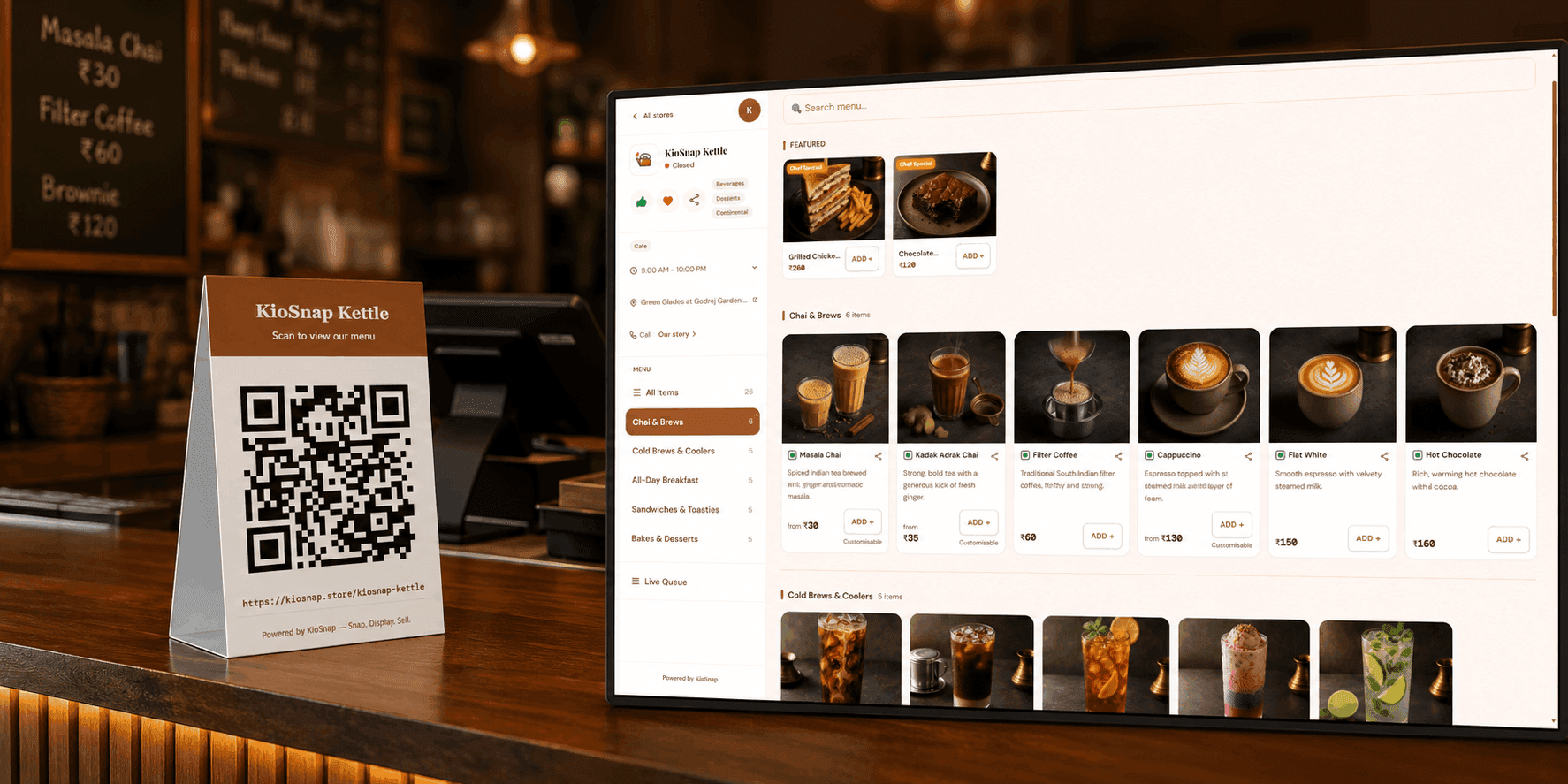
To get started you can type your items in, or photograph your price list and let the AI read it for you. See scan your menu with AI. Your own pictures matter most, so add them: add item photos and videos.
Step 4: Put the chat orders on the same board
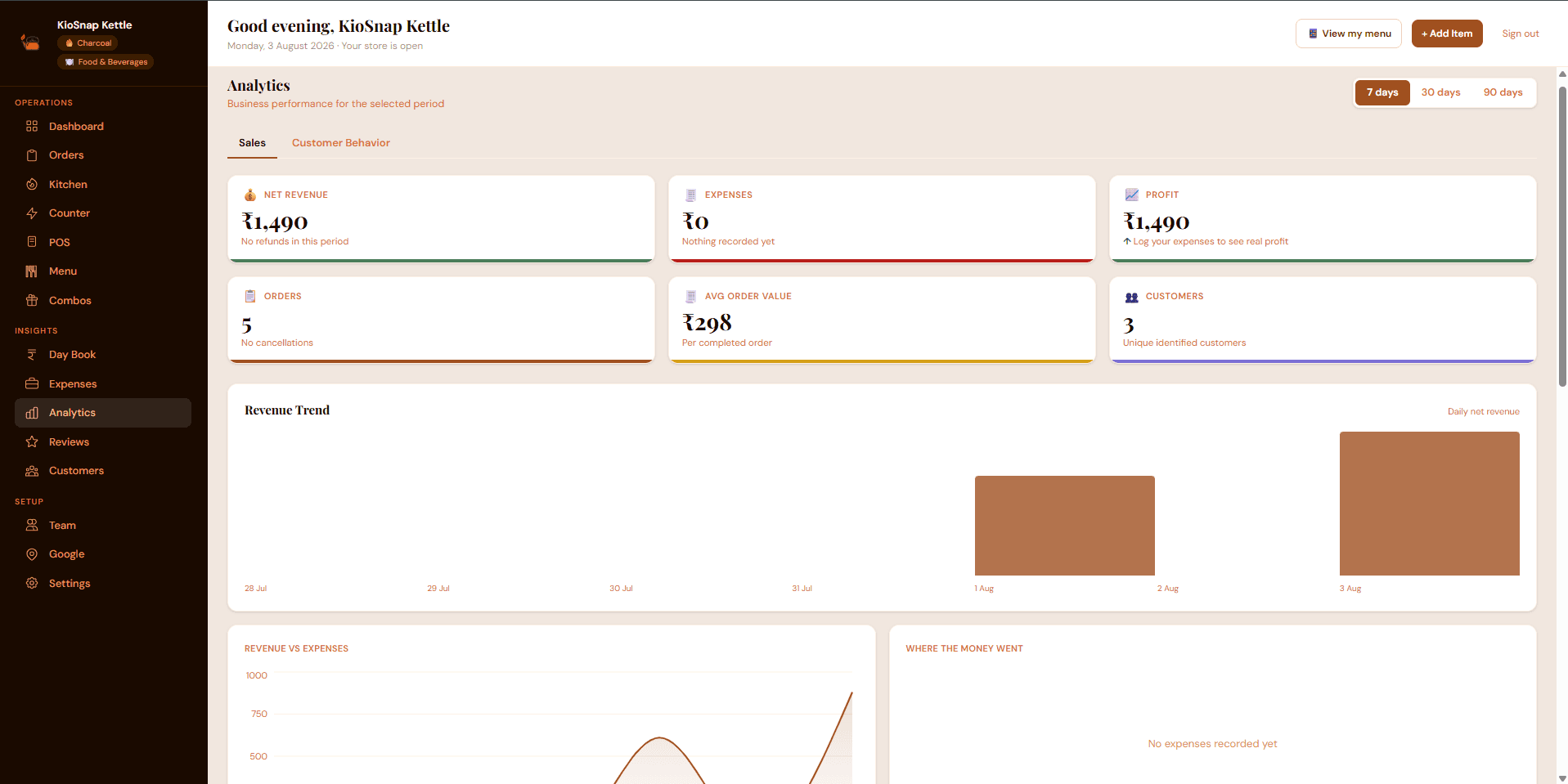
Some customers will always order by message, and that is fine. On the Charcoal plan and above, KioSnap has manual order entry for exactly this. You add the order yourself, choosing WhatsApp as where it came from, and it lands on the same board as orders from your storefront.
There are two ways to enter it. Add order is for work still to do: it goes on your board for pickup or delivery, with the date you promised. Record sale is for something already done, such as a box handed over yesterday, so your totals stay complete. Either way it counts in your sales and customer records, with the channel shown on the card. Orders from the storefront ring on your phone until you act on them. See never miss an order.
What it costs to move off the chat
You can try this without paying. The Wood plan is free and gives you a storefront with three items. The paid plans start at Charcoal, which adds order management and manual order entry; it comes with a 14-day free trial.
- to start on the Wood plan
- ₹0
- free trial on paid plans
- 14 days
- per month for Charcoal, with order management
- ₹299
- commission on your sales
- 0%
Charcoal has a one-time setup fee of ₹199. See pricing for every plan side by side, and pick the one that fits the number of items you sell.
A two-week plan before Diwali
- Today: decide your last order date for Diwali and Bhai Dooj, and write it in your status.
- This week: set up your storefront with your five best sellers and real photos.
- This week: change your WhatsApp Business greeting to ask for the link first and the details second.
- Next week: enter every chat order the moment it is agreed, with a recap sent to the customer.
- The night before each delivery day: check the list, not the chats, to plan what to bake and pack.
If you are earlier on this road, the Christmas pre-order plan and the Diwali hamper plan go deeper on timing and packing. When you are ready to try the storefront, start from KioSnap for home bakers.
Common questions
Can I keep using WhatsApp and also have an online store?
Yes. Most home sellers do both: WhatsApp for the conversation, and a store link for the order itself. You share the link in your profile, status and replies.
Is WhatsApp Business enough to manage orders?
It is a good start for the first few orders, with a catalog and quick replies. Once you take many orders a week, you need one list with dates and payment status, which a chat does not give you.
Do customers need to install an app to order from my KioSnap storefront?
No. The storefront opens in the browser on any phone, so customers order without installing anything.
Can I add orders that customers sent me on WhatsApp?
Yes, on the Charcoal plan and above. Add order puts it on your board, and Record sale logs a sale that is already done, both with WhatsApp shown as the channel.
Does KioSnap take a commission on my orders?
No. You collect payment from your customers directly, by UPI, cash or at pickup, and KioSnap takes nothing from your sales.
Put this into practice today
Create your free storefront in minutes. No app for your customers, zero commission on your sales.