How to Reduce Waiting Time at Your Food Stall
8 min read
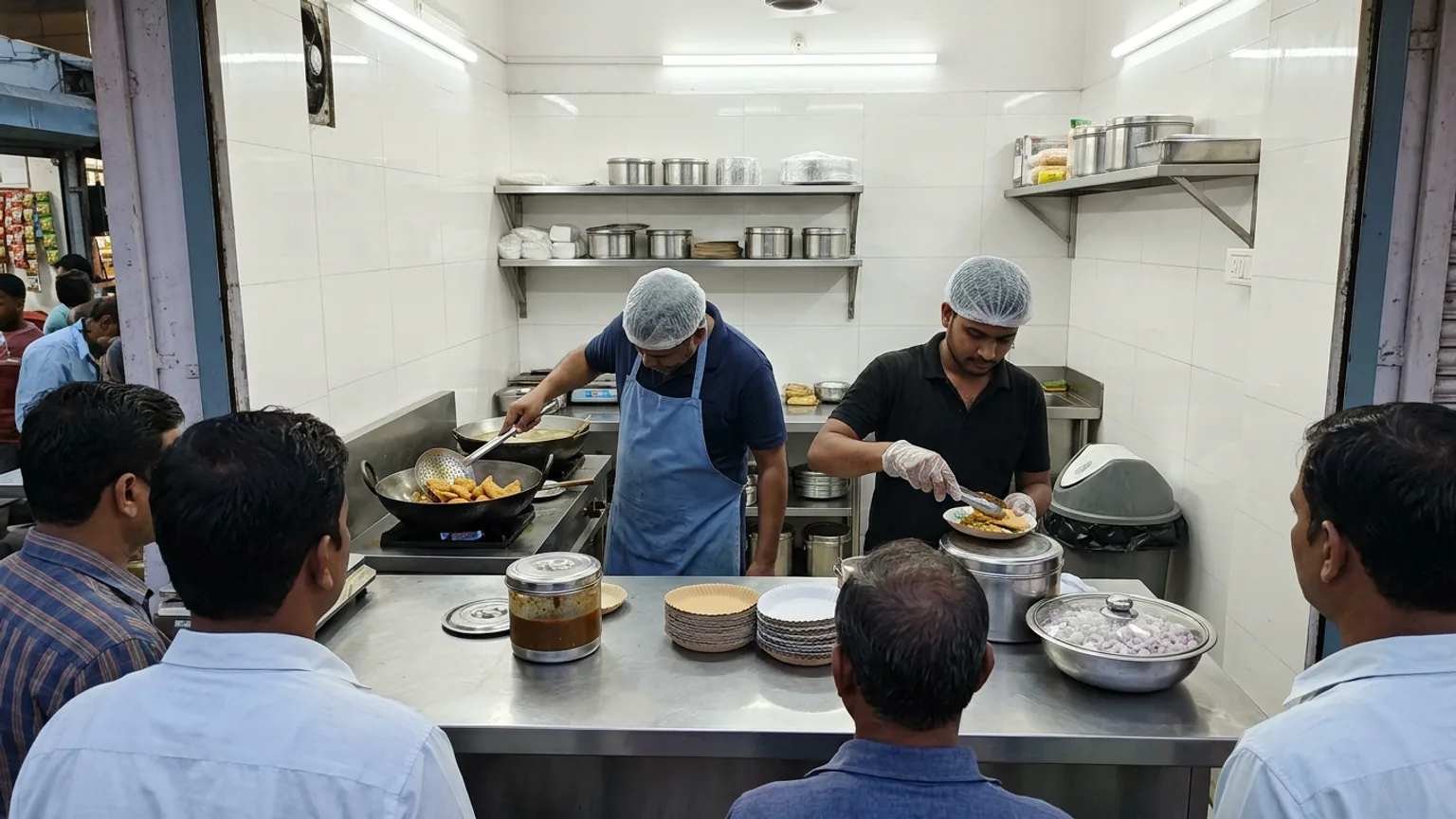
A queue is a good sign until it turns into people walking away. If you run a chaat cart, a dosa counter or a tea stall, you have watched it happen: six people waiting, a seventh looks at the line, checks the time and leaves. Learning to reduce waiting time at your food stall is not about cooking faster. It is about removing the small delays that sit between "I want this" and "here you go".
This guide is for owners with one to four people behind the counter and no budget for a restaurant system. The first five fixes cost nothing, and they matter most in the weeks ahead, when festival crowds arrive.
First find where the minutes actually go
Before changing anything, stand at the front for one busy hour and time three things on your phone for ten customers: how long they take to decide, how long you take to cook, and how long it takes to take their money and hand over. Most owners guess the cooking is the slow part. It is often the other two.
| Where the wait hides | What it looks like | The quick fix |
|---|---|---|
| Deciding | Customers read a long menu, ask the person ahead what is good, then change their mind | A shorter menu in rush hours, bestsellers first, a few clear combos |
| Taking the order | One person shouts, cooks, handles cash and gives change | Split the jobs: one cooks, one takes orders and money |
| Cooking | You start each order from raw, one at a time | Prep and batch the parts that are the same for every order |
| Paying | Counting change, waiting for a QR to be scanned, arguing over who was first | One UPI QR in plain view, and a fair order everyone can see |
| Handing over | Shouting names, customers crowding the counter to check | Token numbers, or a screen the customer can watch from where they stand |
Fix 1: Cut the menu for rush hours
Every extra item is another reason for a customer to stop and think, and another pan, topping or container for you to reach for. A stall that sells twenty things during its busiest hour is slower than one that sells eight, even if both can make all twenty.
- Sell your top five or six from your own sales. If you have no record, count for one week.
- Mark the slow items as evening-only or on request. They stay on the menu, but not in the lunch crush.
- Make two or three combos. A plate plus a drink as one price is one decision instead of two.
- Say sold out early. Telling a customer at the counter is faster than cooking something you are about to run out of.
Fix 2: Do the prep before the line forms
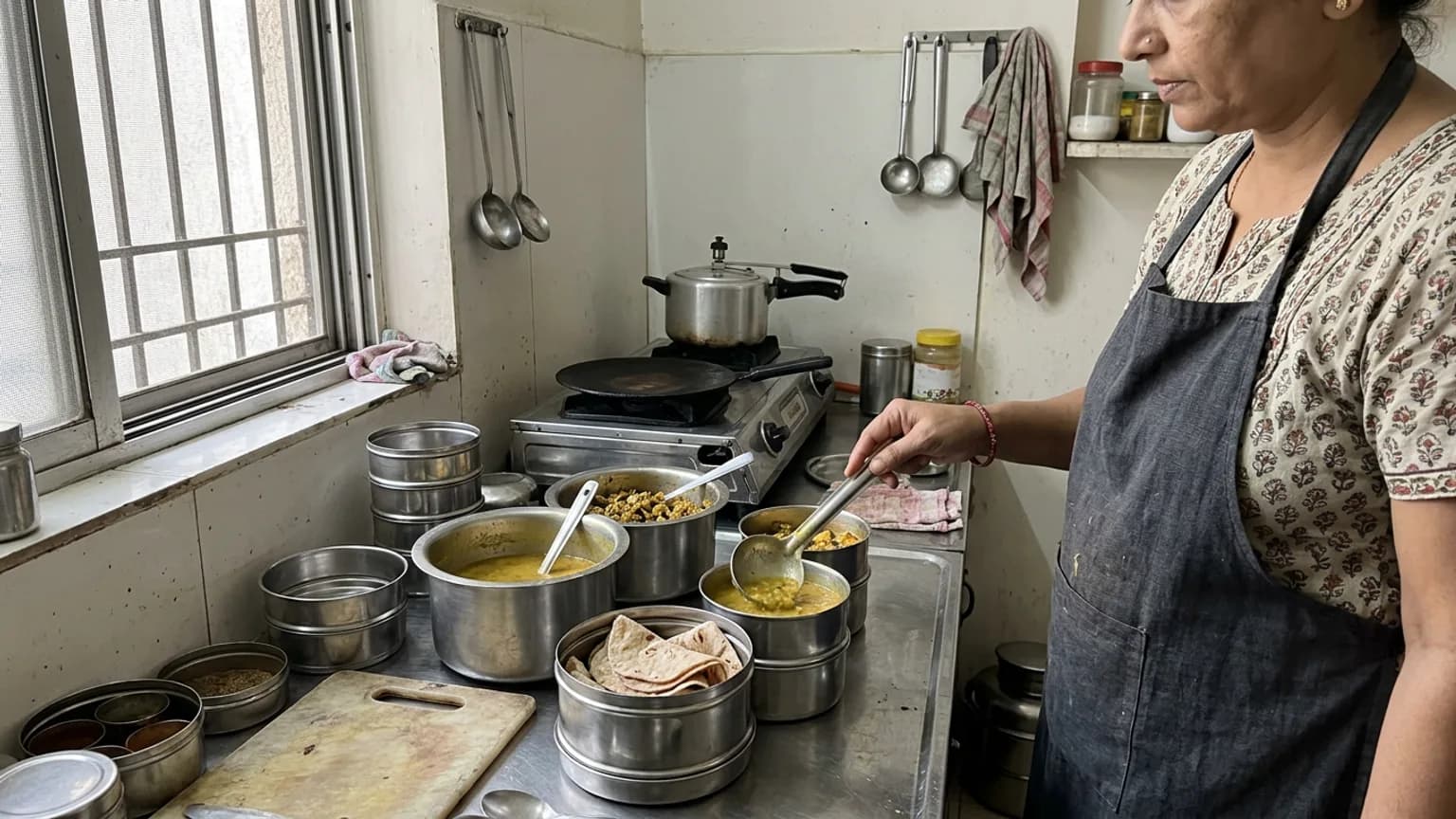
The hour before opening is the cheapest time you will ever have. Everything you chop, portion or mix then is time you do not spend at the counter with a queue watching you.
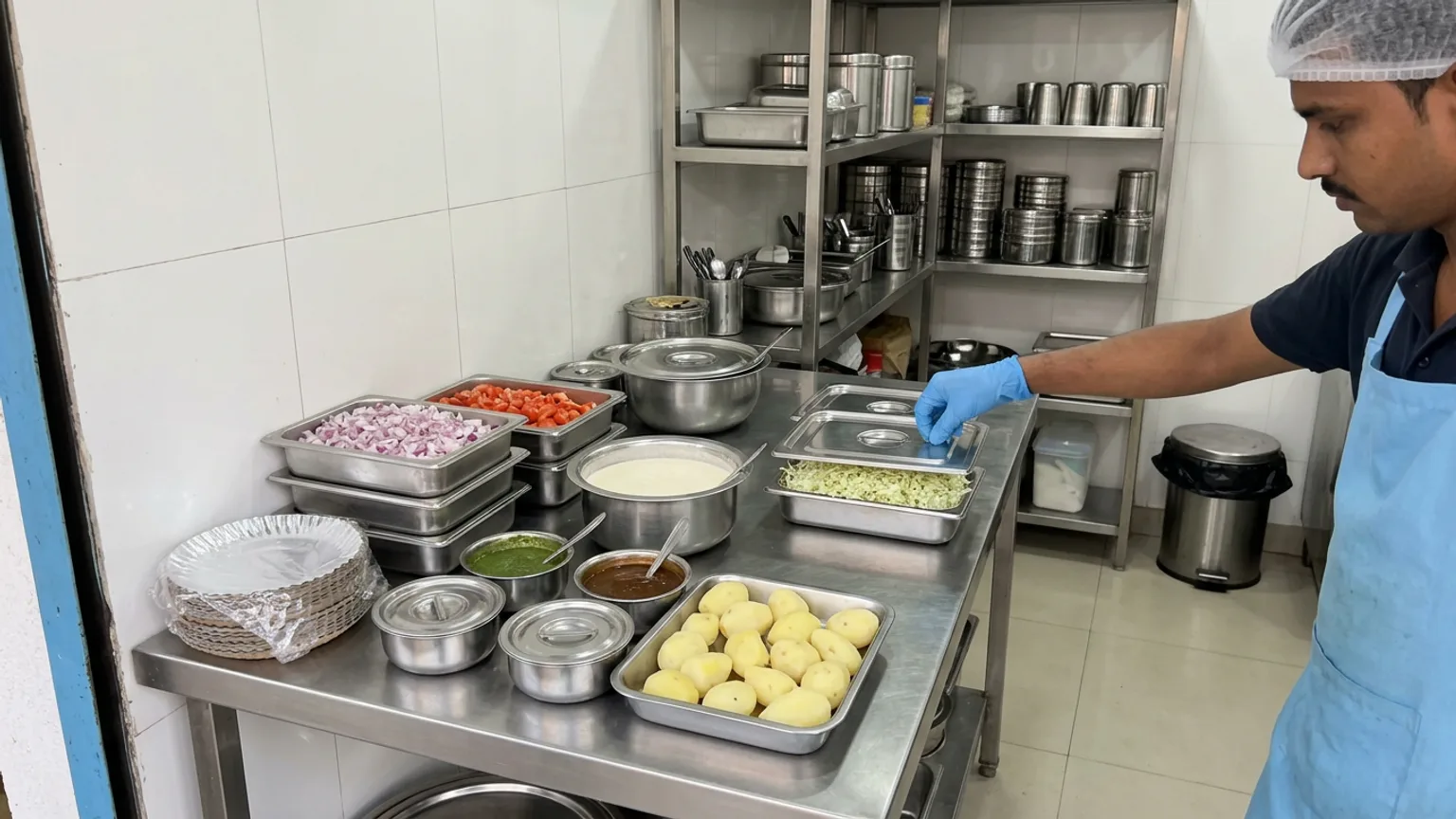
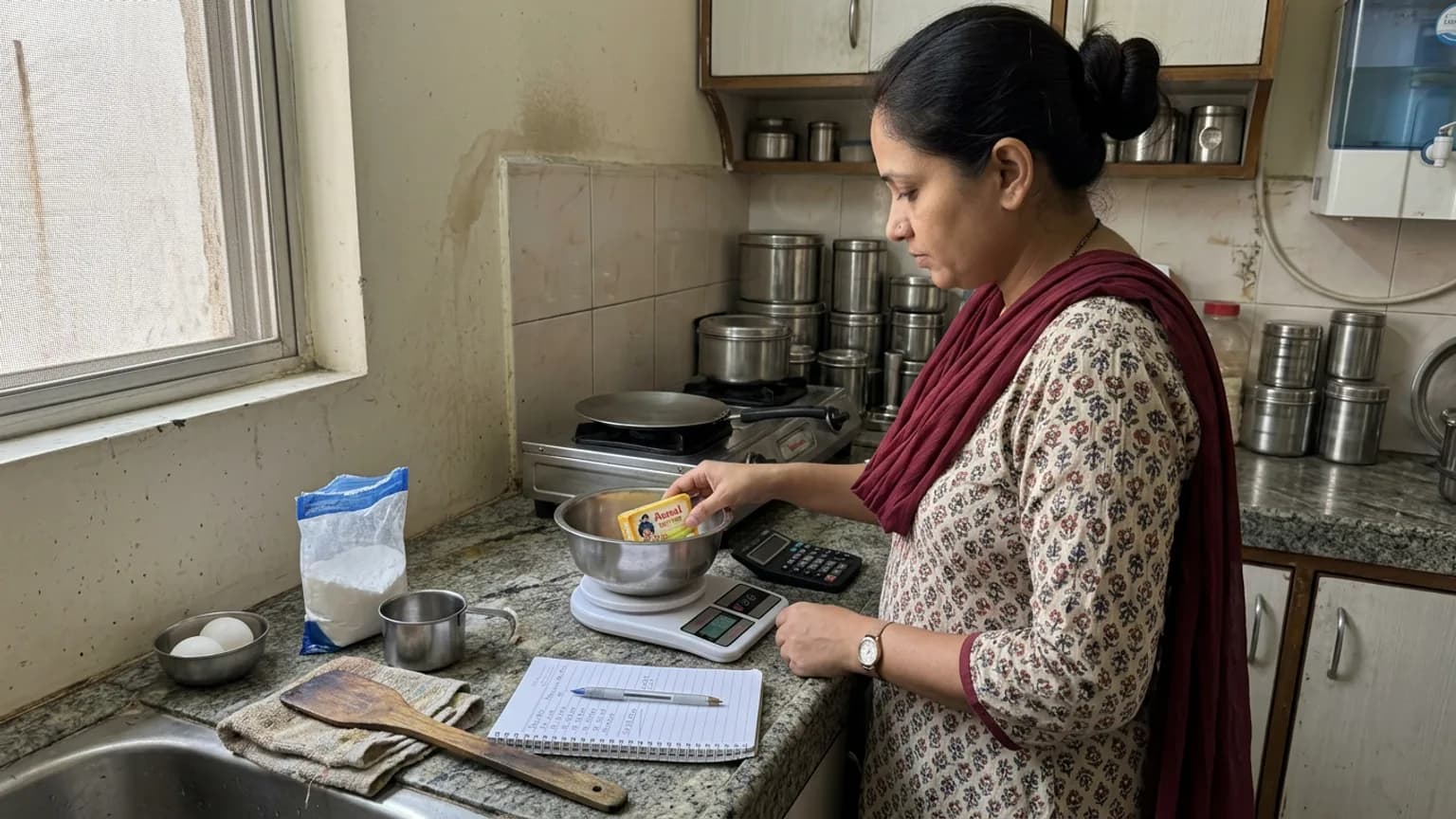
- Portion by the plate. Pre-measured potatoes, batter and toppings mean no weighing by eye while someone waits.
- Keep sauces and chutneys in labelled squeeze bottles or small katoris, in the same place every day, so anyone can reach them without looking.
- Cook in batches for the items that hold well, and cook to order only for the ones that must be fresh.
- Set out plates, spoons and packaging before opening, not after the first order.
- Start the next order while the first finishes. If two things take four minutes each, running them side by side beats finishing one before the other.
Fix 3: Split the job so the cook only cooks
The most expensive habit at a small stall is the person who cooks also taking the order, handling the money and finding the change. Each switch costs a few seconds, and a few seconds times a hundred orders is a long afternoon.
With two people, make it simple: one takes the order and the money, the other only cooks and hands over. With one person, put the UPI QR where customers can see it and ask them to pay before you start cooking, so you are not handling cash with greasy hands.
Fix 4: Give people a fair order they can see
Waiting feels longer when it feels unfair. When customers do not know who is next, they crowd the counter, ask "mera kab?" and slow you down further. A visible order fixes most of that.
- A paper token with a number works at any size of stall. Tear it, hand it over, call numbers in order.
- Call the number once, clearly, and put the finished order on the same spot every time.
- Tell people how long it will take, honestly. Waiting ten minutes you were told about feels shorter than waiting five minutes you were not.
- Never serve a late-comer ahead of someone waiting unless the order is a one-minute item. Everyone is watching.
Fix 5: Let customers order from the queue, not the counter
If most of your wait is people standing at the counter reading and deciding, move that step away from the counter. A QR code on the stall front or the cart lets customers browse and pick from their own phone while they wait, so the order is ready to cook when they reach you.
This is what KioSnap does for food stalls. Customers scan your QR, see your menu with prices on their phone, and place the order; no app to install. It lands on your Counter board with a ringing alert, and the customer can watch their order move from received to ready on their own phone instead of crowding you. KioSnap does not do home delivery for food stalls: it is about the person standing at your counter.
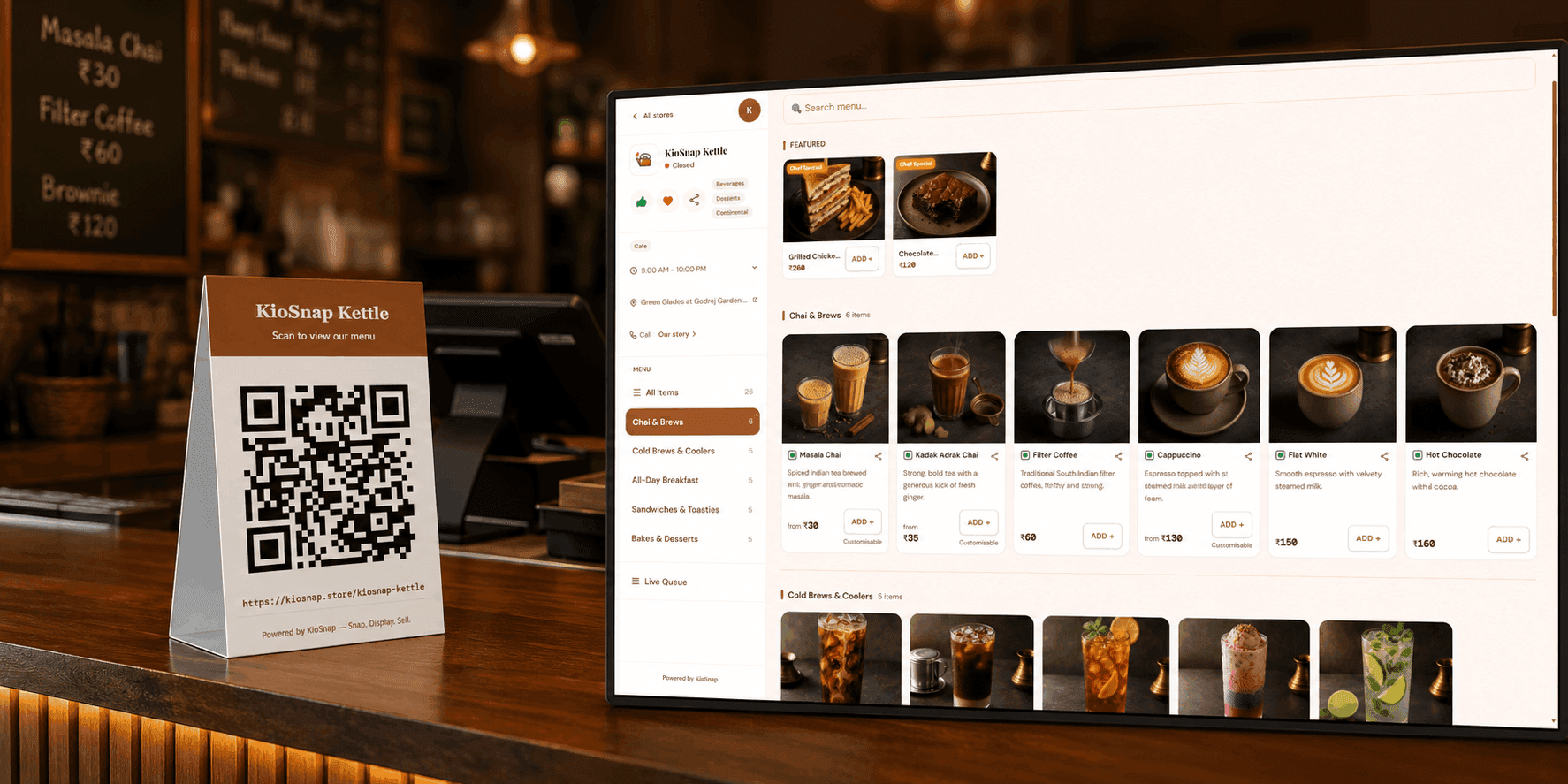
Ordering from the QR starts on the Charcoal plan at ₹299 a month, after a 14-day free trial and a one-time ₹199 setup. The free Wood plan shows your menu on a QR but does not take orders. Customers pay you directly, by cash or your own UPI, and KioSnap takes no commission. Details are on the pricing page, and the setup steps are in run your live order board.
Put your top items on the menu
Type them in, or photograph your price board and let the AI read it. See scan your menu with AI.
Print the QR and place it at the queue
Stick it where people stand, not only at the counter. See share your store QR.
Turn on the ring-until-acknowledged alert
A new order keeps ringing until someone acts, so nothing is missed in a rush. See never miss an order.
Take orders on the Counter board
Accept with cash or UPI, mark ready, hand over. Orders waiting too long show a red timer.
A plan for Navratri, Diwali and Chhath crowds
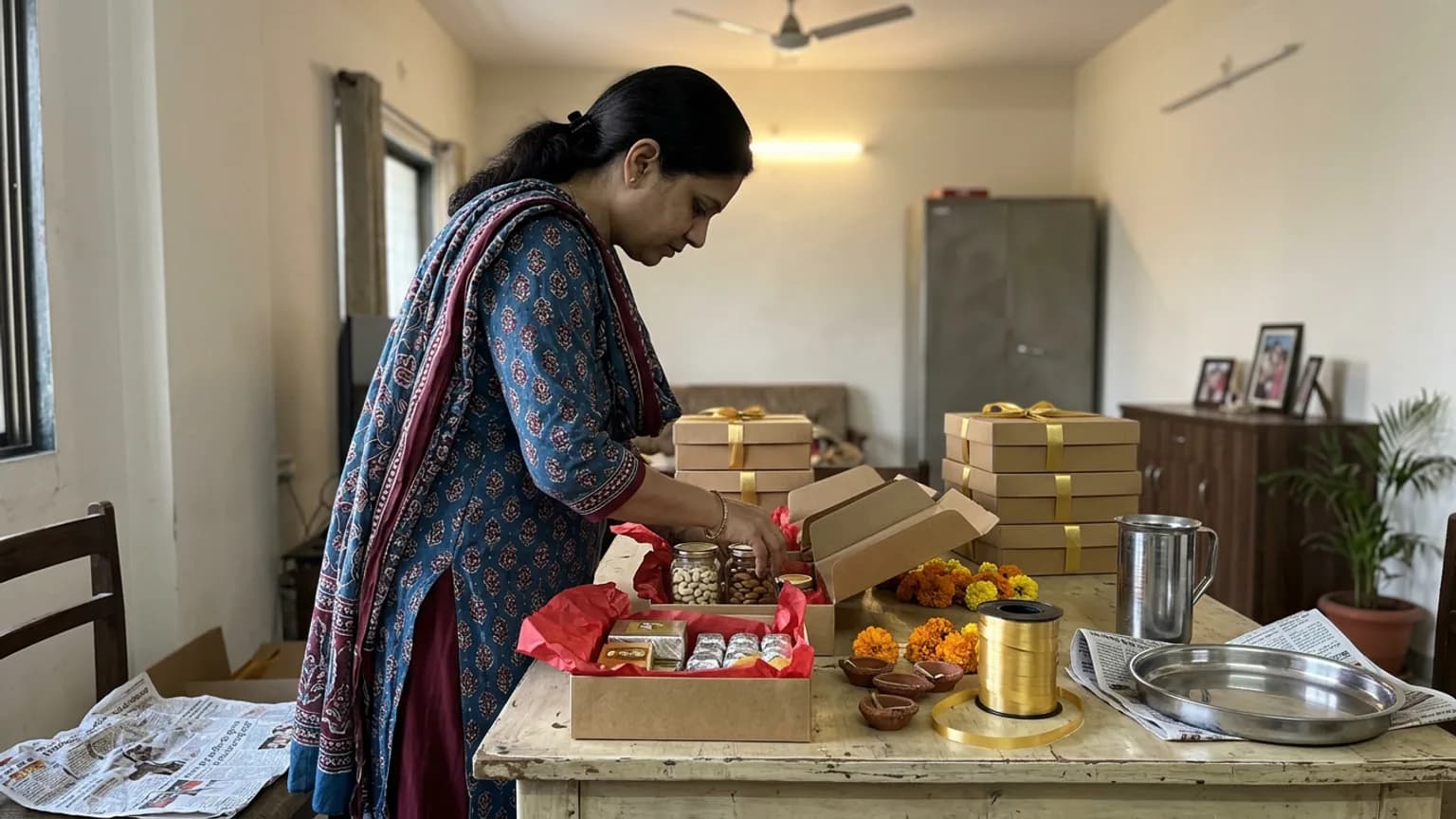
Sharad Navratri runs from 11 to 20 October this year, with Dussehra on 20 October, Diwali on 8 November (Dhanteras on 6 November) and Chhath from 13 to 16 November, according to published festival calendars. Crowds come in waves, and the waves are predictable.
- Pick your festival menu a week ahead. Fewer items, each one practised, and nothing you have never cooked in volume.
- Double your prep before the evening peak, and work out the cut-off time after which you stop taking new orders.
- Add a helper for the peak hours only, even a family member, and give them one job.
- Stock the basics a day early. Running to the market mid-queue costs more than any discount.
- Rehearse once on a normal evening. Tokens, the QR and the split of jobs are easier to learn when it is quiet.
- to put your menu on a QR (Wood plan)
- ₹0
- a month to take orders from the QR
- ₹299
- free trial on paid plans
- 14 days
- commission on your sales
- 0%
Check the result after a week
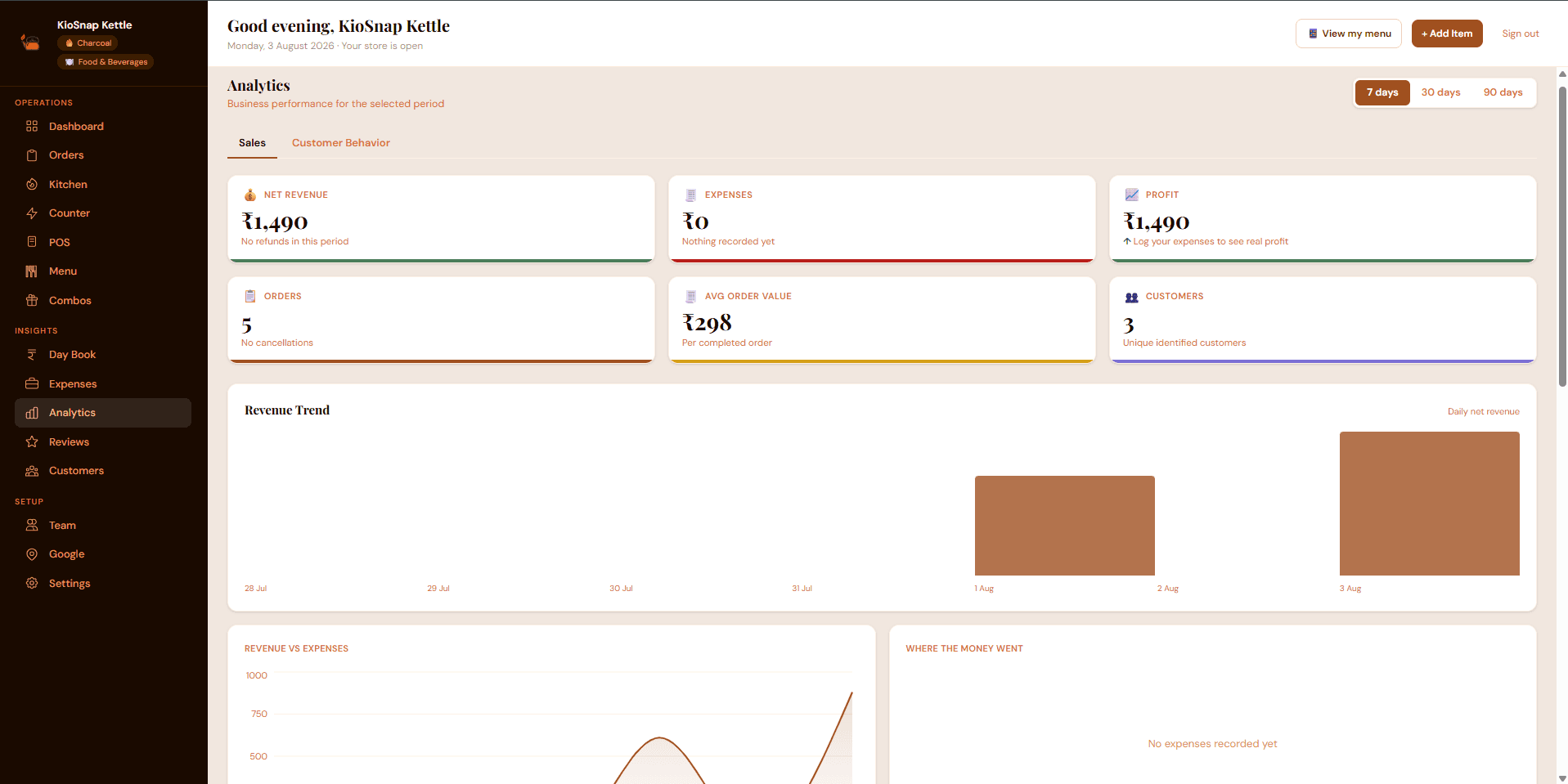
Repeat the ten-customer timing you did at the start. If the average wait has not dropped, look at which of the five stages is still the slowest and attack that one. The analytics screen in KioSnap shows your orders and revenue by day, which helps you see which hours are really your rush rather than guessing.
Faster service is mostly a handful of small habits, kept every day. Shorten the menu, prep early, split the jobs, make the order visible, and move the deciding off the counter. Do those five before the festival crowd, and the queue becomes what it should be: proof that people want what you make.
Common questions
How do I reduce waiting time at my food stall without hiring more staff?
Shorten the menu during rush hours, do all repeatable prep before opening, and move deciding and paying away from the cook. One person cooking and one taking orders and money is faster than two people doing everything.
Is a token system worth it for a small food stall?
Yes. Even paper tokens stop people crowding the counter and arguing about who was first. Calling numbers in order makes the wait feel fair, which makes it feel shorter.
Can customers order from their phone at a stall without installing an app?
On KioSnap they can. They scan your QR, browse your menu in their phone's browser and place the order. Ordering is on the Charcoal plan and above, and customers pay you directly.
Does KioSnap deliver food from my stall?
No. For food stalls it is built for the customer at your counter: QR ordering, a live order board and a day book. It does not replace Zomato or Swiggy delivery.
Put this into practice today
Create your free storefront in minutes. No app for your customers, zero commission on your sales.