Daily Cash Closing for a Food Stall or Café: 10 Minutes
7 min read
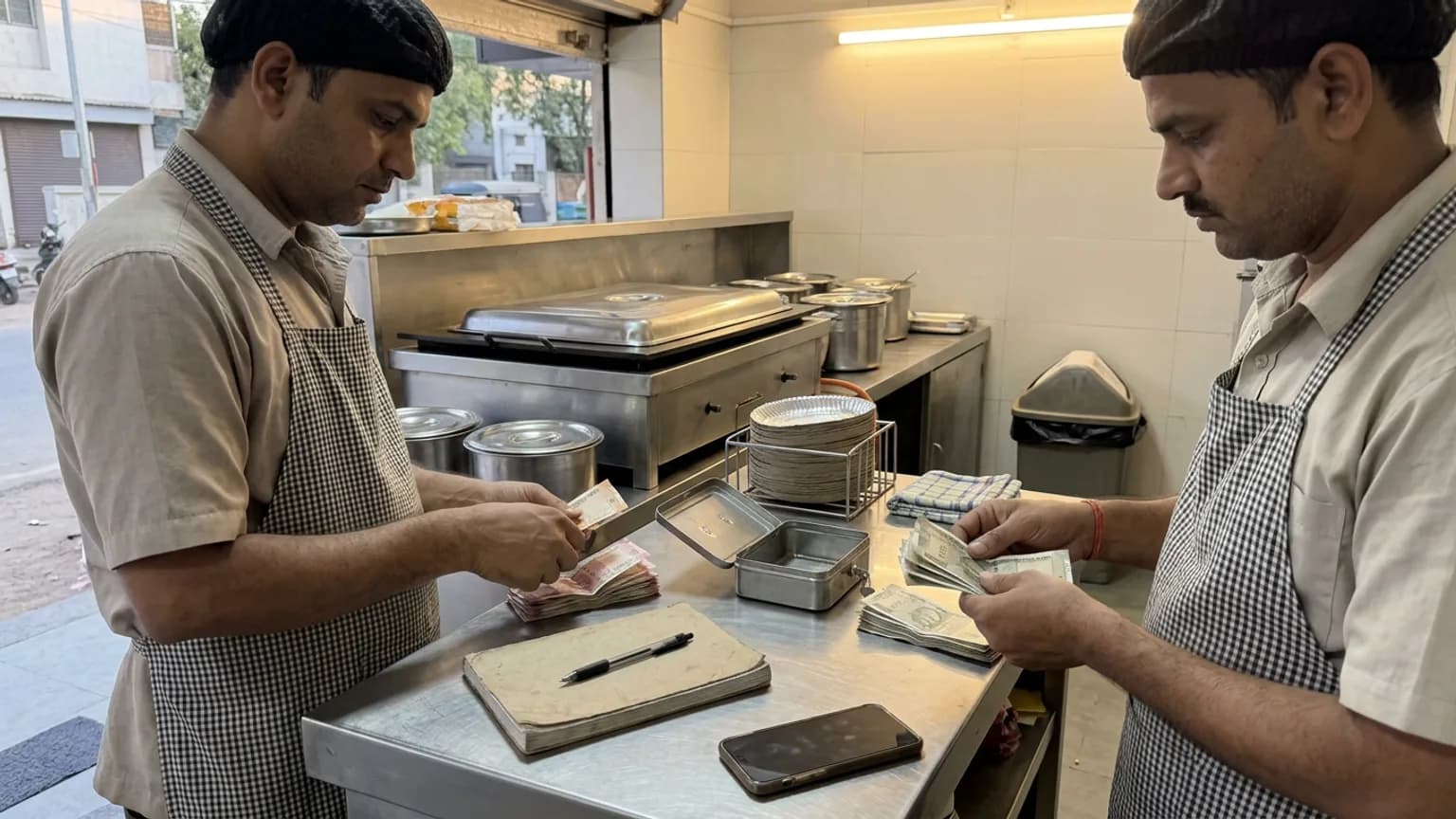
It is 11 at night, the shutter is half down, and the drawer holds ₹300 less than you think it should. Was it a wrong change, an order nobody billed, or the vegetable man you paid from the tin and forgot to write? A fixed daily cash closing routine answers that question the same night, while you can still remember, instead of at month end when nobody can.
This guide gives food stalls, cafés and small restaurants a routine that takes about ten minutes. It works with a notebook and a calculator. It works better when the sales write themselves down as you bill.
Why a daily close beats a monthly one
A cash business leaks in small amounts: a missed bill, a customer who paid less, a payout from the tin that was never noted. One ₹40 gap on a Tuesday is easy to trace. Thirty of them added up at month end are a mystery.
- You catch gaps while they are fresh. Tonight you remember who was at the counter. Next month you do not.
- You see real profit. Sales minus what you actually paid out, not sales alone.
- Your staff know the count is checked every day. Most mistakes are honest, and daily counts stop the others quietly.
- Your accountant gets a clean record instead of a bag of chits.
The numbers you need every night
Six figures are enough. Write them in the same order every day so a gap shows itself.
| Figure | What it means | Where it comes from |
|---|---|---|
| Opening cash | The change money in the drawer when you opened | What you left or put in that morning |
| Cash sales | Money customers handed you today | Your bills, split by cash, UPI and card |
| Cash expenses | Anything paid out of the tin: milk, gas, a helper's advance | Chits, or a note made at the moment you paid |
| Expected cash | Opening cash + cash sales − cash expenses | Worked out, never counted |
| Counted cash | What is physically in the drawer | Your hands, at closing |
| Difference | Counted minus expected: over, short or tallies | The one number to chase |
A ten-minute closing routine
Finish open orders
Serve or cancel anything still pending, and collect any balance owed. A bill left open is the most common reason a count is off.
Write down what came out of the drawer
Every payout from the tin tonight: supplies, gas, staff advance, tea for the helper. If it left the drawer, it goes in the book.
Count the cash
Sort by note, count once, count again if the first number surprises you. Separate the opening float for tomorrow.
Compare with what the sales say
Opening cash plus cash sales minus cash expenses is what should be there. Note over, short or exact.
Check UPI against your payment app
Digital money never touches the drawer, but it should match your bills. A mismatch here is a billing mistake, not a theft.
Close and move on
Write one line on any gap and its likely cause. Leave the float for tomorrow, bank the rest, and go home.
Finding a gap the same night
If you are short, work down this list before you worry. Most gaps are one of these.
- A payout you did not note. The commonest cause by far. Think back to every time you opened the tin for something other than change.
- A bill entered as UPI that was paid in cash, or the other way round. The total looks right but the drawer is off.
- A cancelled or discounted order handed back cash that the book does not know about.
- Wrong change. Small, frequent and honest. If the same amount is short every day, look at the busiest hour.
- An order still open whose money you already took.
If the gap is small and you cannot trace it, write it down and move on. A pattern across a week tells you more than one night.
Doing it in a notebook, and when to stop
A cash book in a notebook works for a one-person stall. Rule the page with the six figures above and fill it every night. It starts to fail when you have two people billing, a rush that leaves no time to write, or UPI and cash mixing through the day: you end up rebuilding the day from memory.
| Way of closing | Good for | Where it breaks |
|---|---|---|
| Notebook and calculator | One person, a few dozen bills a day | Staff, rush hours, and any bill written late |
| Spreadsheet | Someone who is happy typing at night | Bills still need typing in twice |
| Billing that records as you sell | Several staff, UPI and cash mixed, a busy counter | Needs a plan that includes order management |
How KioSnap closes the day for you
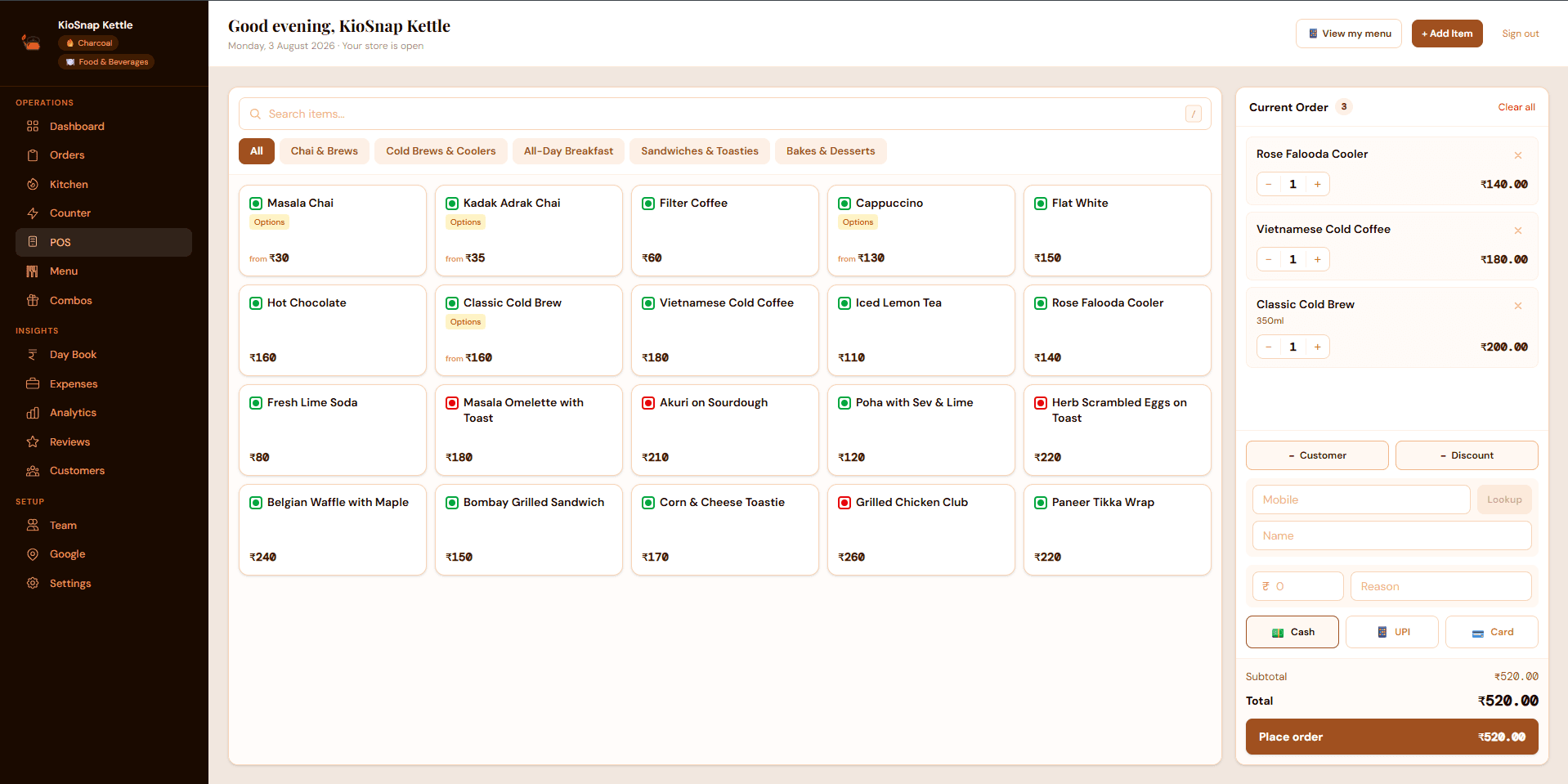
If you bill on a counter, the closing numbers should already exist by the time you sit down. On KioSnap, the POS records each sale by cash, UPI or card as you bill it, and the Day Book uses those to show what the drawer should hold: your opening cash plus cash sales, less the cash expenses you logged.
You count the drawer and enter it on the "Close day" page. A live line tells you "Tallies exactly", "Over by ₹50" or "Short by ₹50" before you save, and you can switch on a UPI and card check to match your payment app. If you forget a few days, one count can close them together. A closed day can be reopened and corrected, and the correction is tracked.
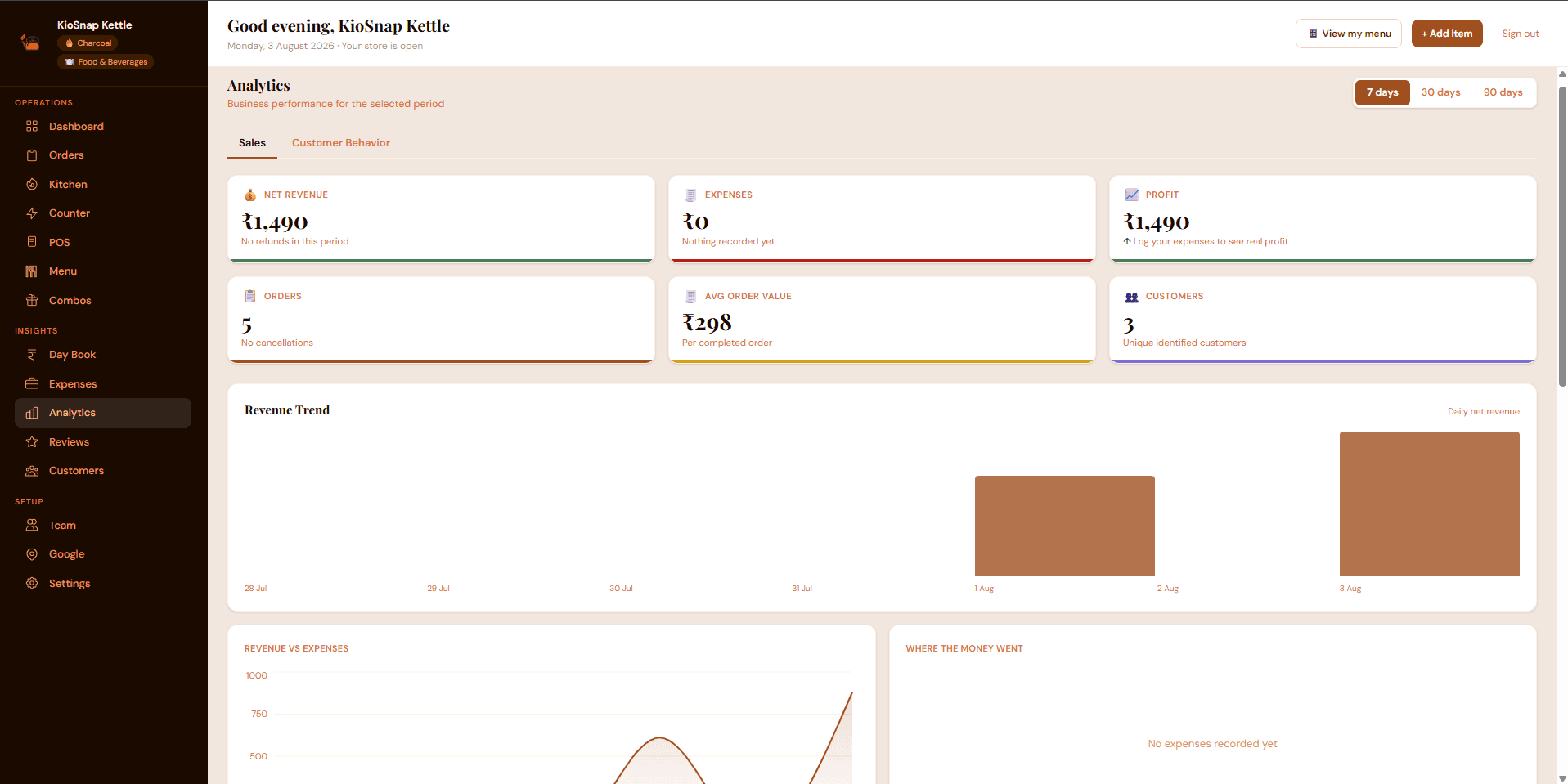
Expenses are logged in the same place, and anything marked as paid from the cash drawer comes off that day's expected cash, so your evening count tallies. Once you have logged a month of expenses, the analytics screen shows profit as well as revenue. It only counts the expenses you have logged, so the fuller your ledger, the truer the number. See track your expenses.
- to start, on the free plan
- ₹0
- a month for order management and the Day Book
- ₹299
- free trial on paid plans
- 14 days
- commission on your sales
- 0%
The Day Book and POS come with order management, which starts on the Charcoal plan at ₹299 a month, after a 14-day free trial and a one-time ₹199 setup. Expenses are available on every plan, including the free one. Customers pay you directly, and KioSnap takes no cut. Full details are on the pricing page.
The short version
Close every day, in the same order, with the same six figures. Count before you look, chase a gap while the day is fresh, and write one line on anything you cannot explain. Ten minutes at night is cheaper than a month of guessing.
Common questions
What is daily cash closing?
It is the nightly check where you count the cash in the drawer and compare it with what your sales and payouts say should be there. The difference tells you whether the day tallies.
How do I work out the expected cash in my drawer?
Take your opening cash, add the cash sales for the day, and subtract any cash you paid out for expenses. UPI and card sales are left out, because that money never enters the drawer.
What if my cash is short by a small amount every day?
Write the difference down each night and look for a pattern. A fixed small gap usually points to change given at the busiest hour or a payout that was not noted.
Can I close several missed days together?
On KioSnap's Day Book, yes: if earlier days were left open, one drawer count can close them together. In a notebook, count once and note that the entry covers more than one day.
Is the Day Book available on the free plan?
No. The Day Book comes with order management on Charcoal and above. Expenses can be logged on every plan, including the free one.
Put this into practice today
Create your free storefront in minutes. No app for your customers, zero commission on your sales.