Bulk Orders for Weddings: A Home Business Guide
6 min read
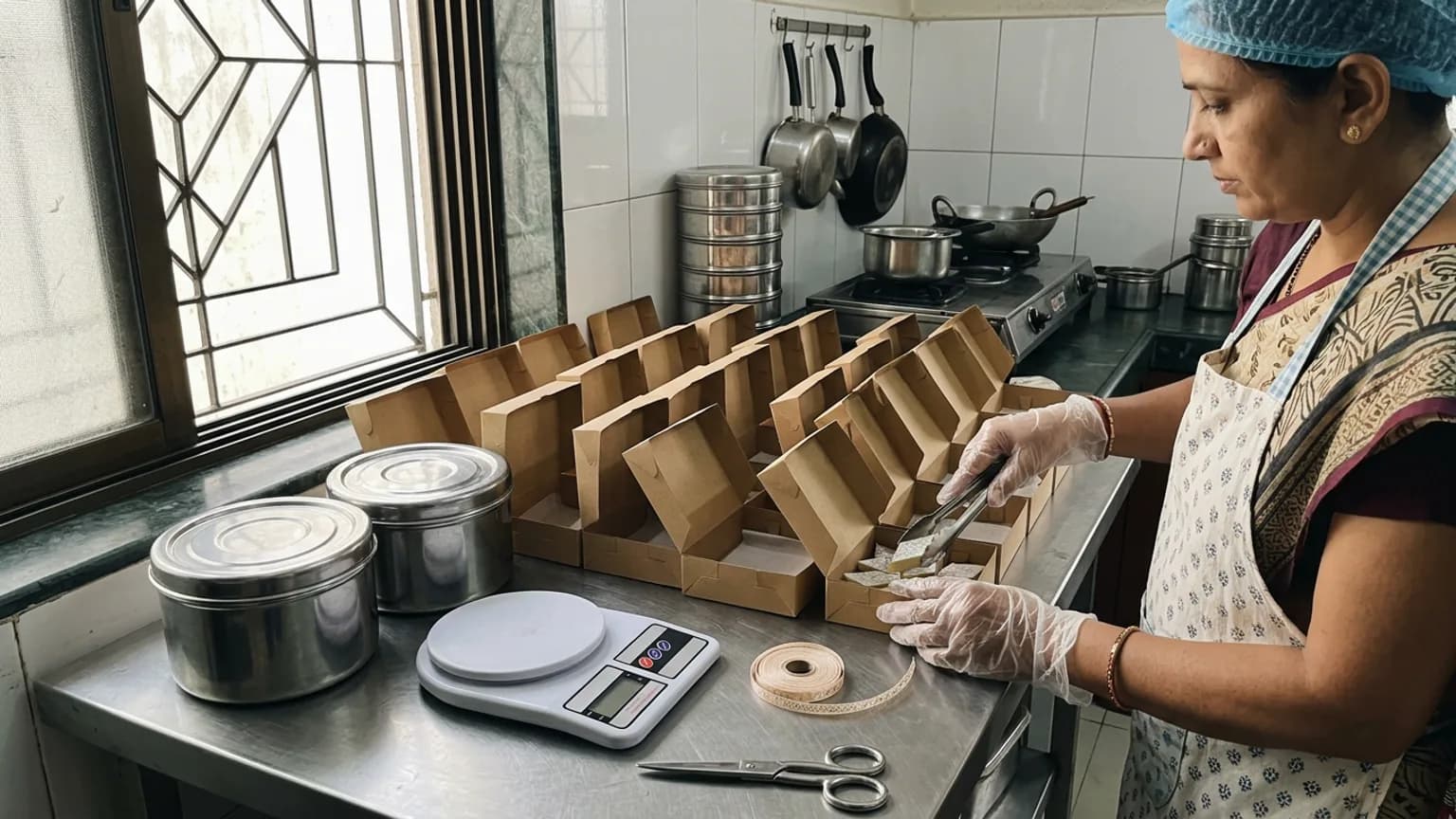
A message arrives on a Tuesday: "We need 150 boxes for my sister's wedding. Can you do it by the 5th?" It is the best kind of order and the riskiest. Handled well, it pays for a month. Handled badly, it means a sleepless week, a loss on every box, or a promise you could not keep. This guide is about taking bulk orders for weddings from a home kitchen or small brand, and doing it on terms you can live with.
The wedding season reopens after Dev Uthani Ekadashi on 20 November 2026, with most muhurat dates bunched into late November and early December. Customers start asking weeks ahead, so the work you do this month decides how many of those enquiries you can say yes to.
Decide what you can really make in a day
Before you quote anyone, know your own ceiling. A home kitchen has one oven, one stove and one pair of hands, and bulk orders do not scale the way you expect: 150 boxes is not six times 25 boxes, because packing, cooling and labelling grow with it.
- Time one batch end to end, from cooking to a sealed box, and note the number of hours.
- Find your daily maximum with the help you actually have, not the help you hope for.
- Count the days to the delivery date and work back, leaving one buffer day for the unexpected.
- Write down the number you will not go beyond. Say it out loud to yourself before the customer asks.
Run every bulk order through the same five steps
Get the facts in writing
Quantity, what is in each box, the date and time, where it goes, and whether anything must be veg, eggless or sugar-free. A bulk order with a missing detail is a loss waiting to happen.
Offer a tasting
A small sample box, charged at cost or free, settles flavour questions before the order, not after it. Customers who taste are customers who stay.
Quote with a validity date
Send one clear price, what it includes, and the date until which it holds. Ingredient prices move in the season, so a quote should not stay open forever.
Take an advance before you buy
Ask for a share of the amount, commonly half, before you buy ingredients or packaging. Agree how the balance is paid: on delivery or on pickup.
Confirm a week before
Message the customer with the final quantity, the date and the address. Changes are easy a week out and painful the night before.
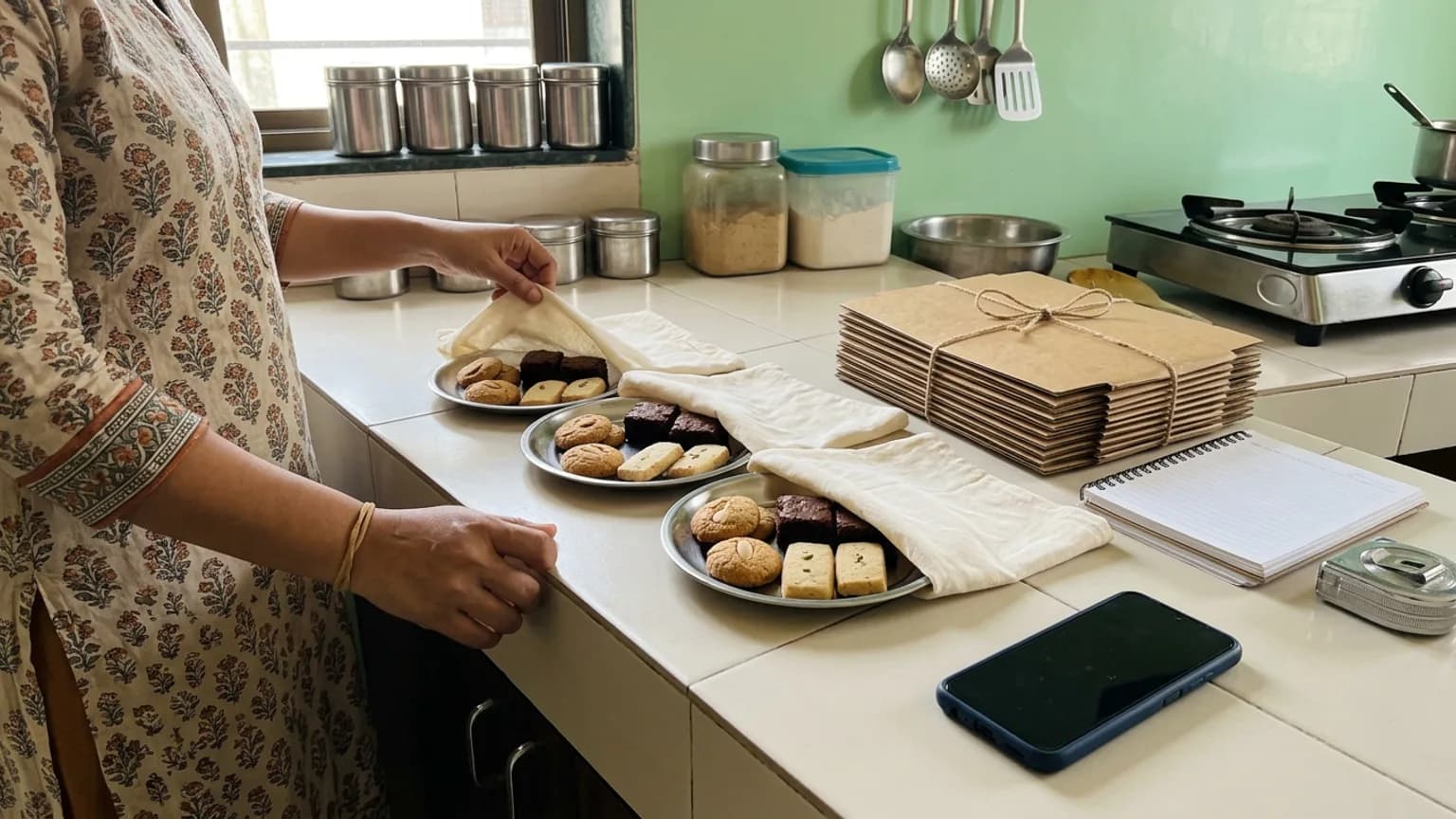
Where the order gets lost, and how to stop it
Most bulk orders fail in the same few places, and all of them are about records, not cooking. A date remembered wrongly, a quantity changed in a voice note, a balance never collected. The order sits in a chat, between family greetings and photos of the venue.
- One line per order in one place: customer, quantity, date, address, amount, advance received, balance due.
- Changes confirmed in writing, then updated in that one place.
- A schedule you can see: which orders are due on which days, so you never promise two large orders for the same day.
- A record of what was paid, so the balance does not rest on memory.
How KioSnap fits, and where it does not
KioSnap is a storefront with an order board for businesses like yours, and it helps with the repetitive part of this work. It does not replace a phone call about a 150-box wedding order, and it is not built for booking an order several weeks ahead. Here is the honest split.
- Your regular range, online. Put your sweets, hampers and gift boxes on your own link, with pack sizes as variants, each with its own price. See sell in sizes with variants.
- Hampers as one item. Bundle boxes into a combo customers can buy in one tap. See create combo offers.
- Orders with a date. With scheduled orders on, customers choose a pickup or delivery slot up to seven days ahead, and it sits on your board with its slot. For an order further out, agree it by call or message and confirm it inside that window.
- Large orders you take by phone. When a customer rings, you can add the order yourself on the board, so it lives beside the rest instead of in a chat.
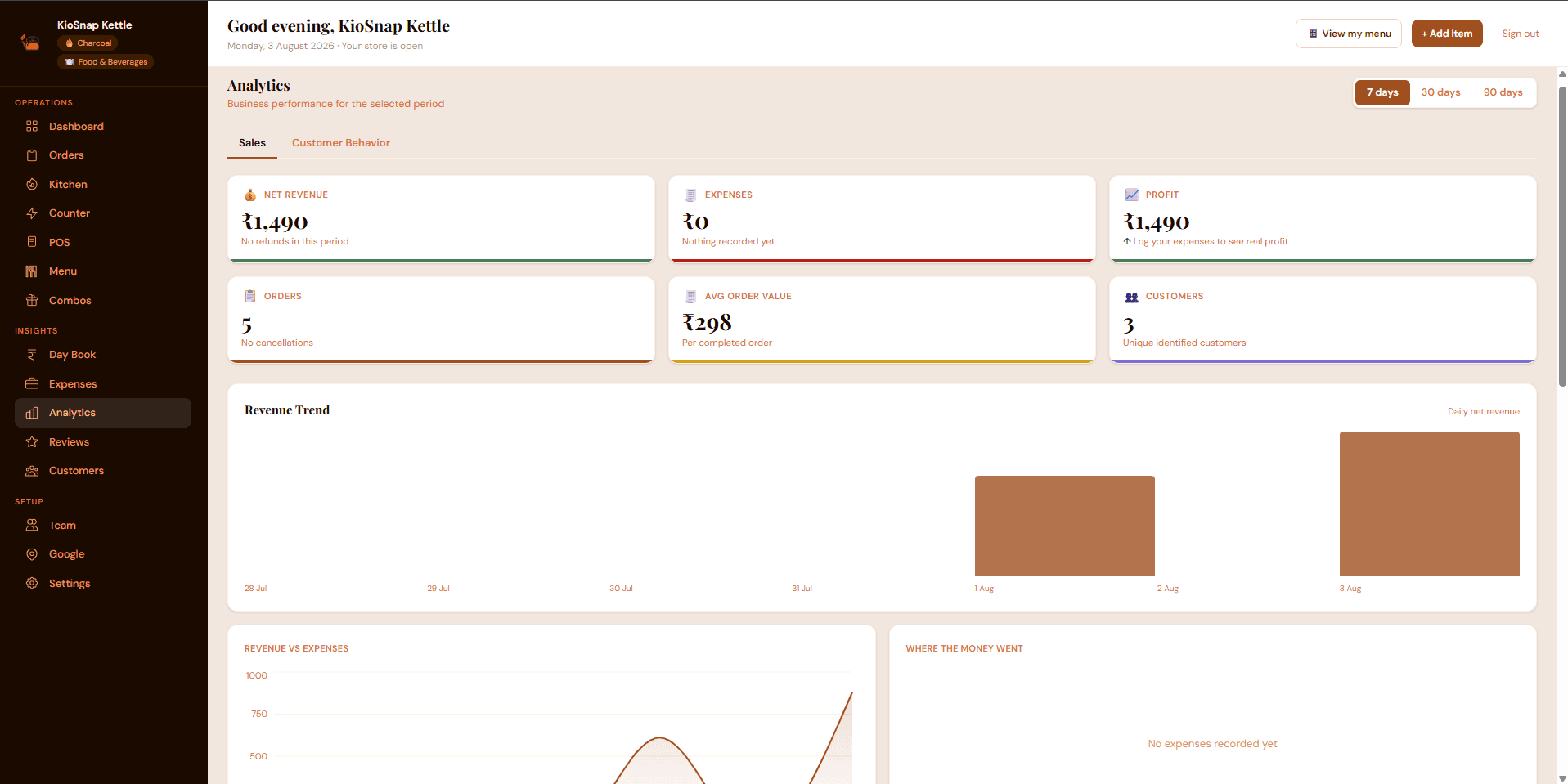
- One record of what sold. The day book and analytics show what each day and each week brought in. See close your day with the day book.
- to start, on the free plan
- ₹0
- a month to take orders
- ₹299
- free trial on paid plans
- 14 days
- commission on your sales
- 0%
The free Wood plan puts a three-item catalog on your link. Taking orders starts on the Charcoal plan at ₹299 a month, after a 14-day free trial and a one-time ₹199 setup. Customers pay you directly, by cash or UPI, and KioSnap takes no commission. Details are on the pricing page.
Rules that protect you
- Say no, or yes later. "I can do 60 on that date, and 90 by the next day" keeps a customer. A rushed yes loses one.
- Set a cut-off for changes. After it, the quantity is fixed.
- Keep food safe at scale. Pack in clean, covered batches, cool before sealing, and tell the customer how long the sweets keep. If you are not sure about your registration, read FSSAI registration for home bakers.
- Keep a spare 5 percent. Boxes get crushed and pieces break in transit.
The short version
Know your daily ceiling, price the order from its own costs, take an advance, and keep every order in one place. A wedding order is won on trust and kept on records. Do the preparation in the weeks before the muhurat dates, and the rush becomes the best month of your year.
Common questions
How far ahead should I ask customers to book wedding orders?
As far ahead as your calendar needs. For large orders, two to three weeks is common, and longer for the busiest muhurat dates. State the notice you need on your page and in every reply.
How much advance should I take on a bulk order?
Many home businesses ask for about half before buying ingredients, with the balance on delivery or pickup. Whatever you choose, state it before you quote, and keep a record of what was paid.
Can I take orders for weddings through KioSnap?
For your usual range, yes: customers order from your link and pick a slot up to seven days ahead. For large custom orders further out, agree the details with the customer first, then confirm it on your order board.
Do customers pay online through KioSnap?
No. Customers pay you directly, by cash or UPI, when you agree. KioSnap does not hold your money and takes no commission on sales.
Put this into practice today
Create your free storefront in minutes. No app for your customers, zero commission on your sales.