Restaurant Inventory Management: A Simple Weekly System
6 min read
Most café and restaurant owners know the feeling: the paneer ran out at 8 pm on a Saturday, or the month ended and ₹20,000 of oil, dal and vegetables simply cannot be found in the sales. Good restaurant inventory management fixes both without a spreadsheet degree. It comes down to knowing what you have, noticing what goes missing, and ordering before you run out. This guide gives you a system you can start this week with a notebook, and shows where software takes over the arithmetic.
What inventory management means for a restaurant
It is not a warehouse. For a café or restaurant it means three questions answered regularly: how much of each ingredient is on the shelf, how much did we use since last time, and when do we need to buy more?
Answer those and the usual problems shrink. Stock-outs happen less because you reorder on a rule, not a feeling. Waste shows up because you can see what was bought but never sold. And your food cost stops being a monthly surprise. If you have not worked that number out yet, start with food cost percentage for a restaurant.
Start with a list of what to count
Do not count everything. A kitchen may hold 150 items, but a small number of them are most of your spending.
| Group | Examples | How often to count |
|---|---|---|
| Costly or fast-moving | Paneer, cheese, chicken, cooking oil, milk, coffee | Every week, sometimes twice |
| Staples | Rice, atta, dal, sugar, spices | Every week or two |
| Perishables bought daily | Vegetables, herbs, bread | Do not count; track what you throw away |
| Packing | Boxes, cups, carry bags, tissue | Every two weeks |
A weekly system in five steps
Write down every delivery
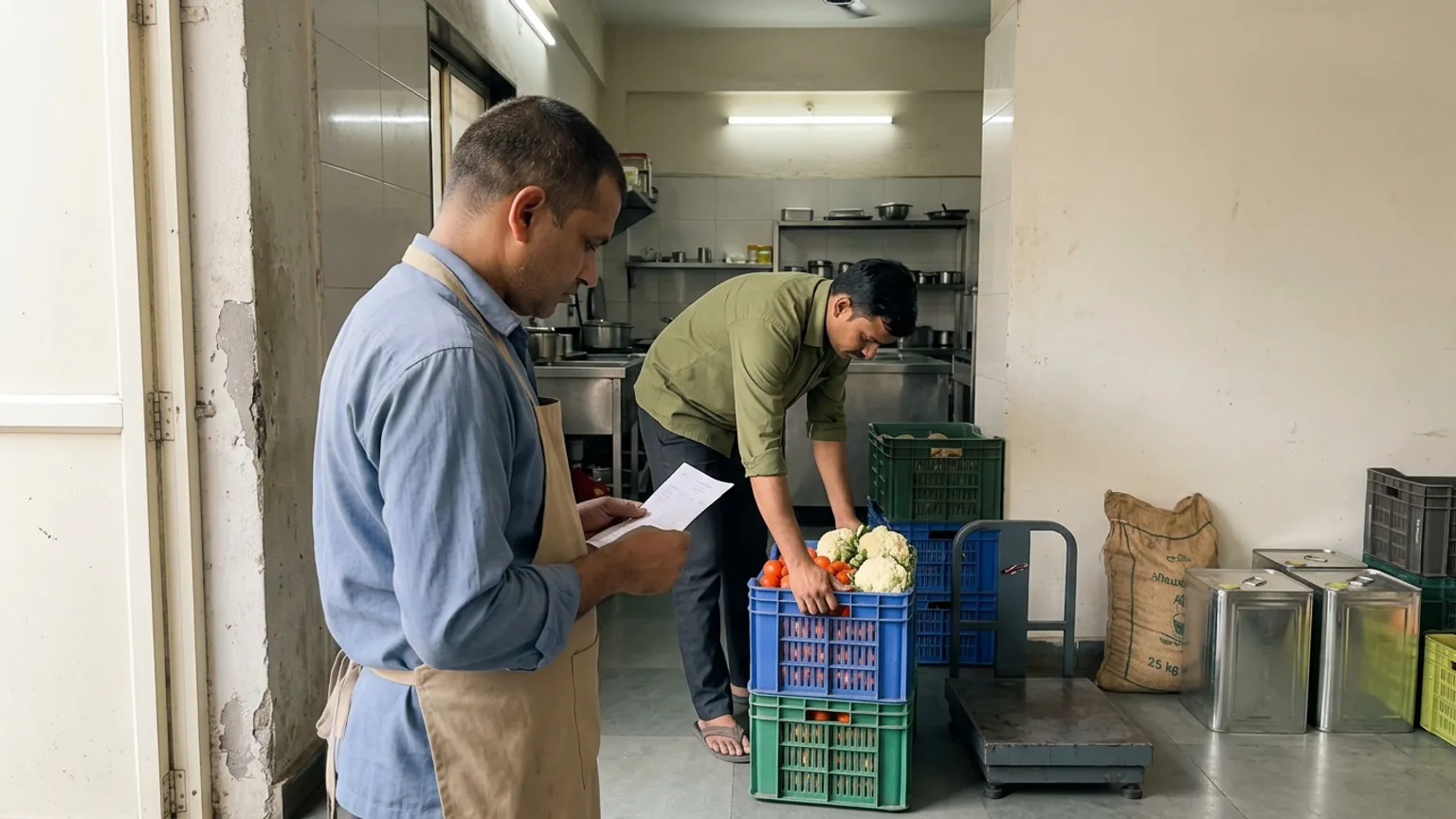
When the supplier's bill arrives, note what came, how much and what you paid. If it is not written when it arrives, it is a guess at month end.
Count on the same night each week
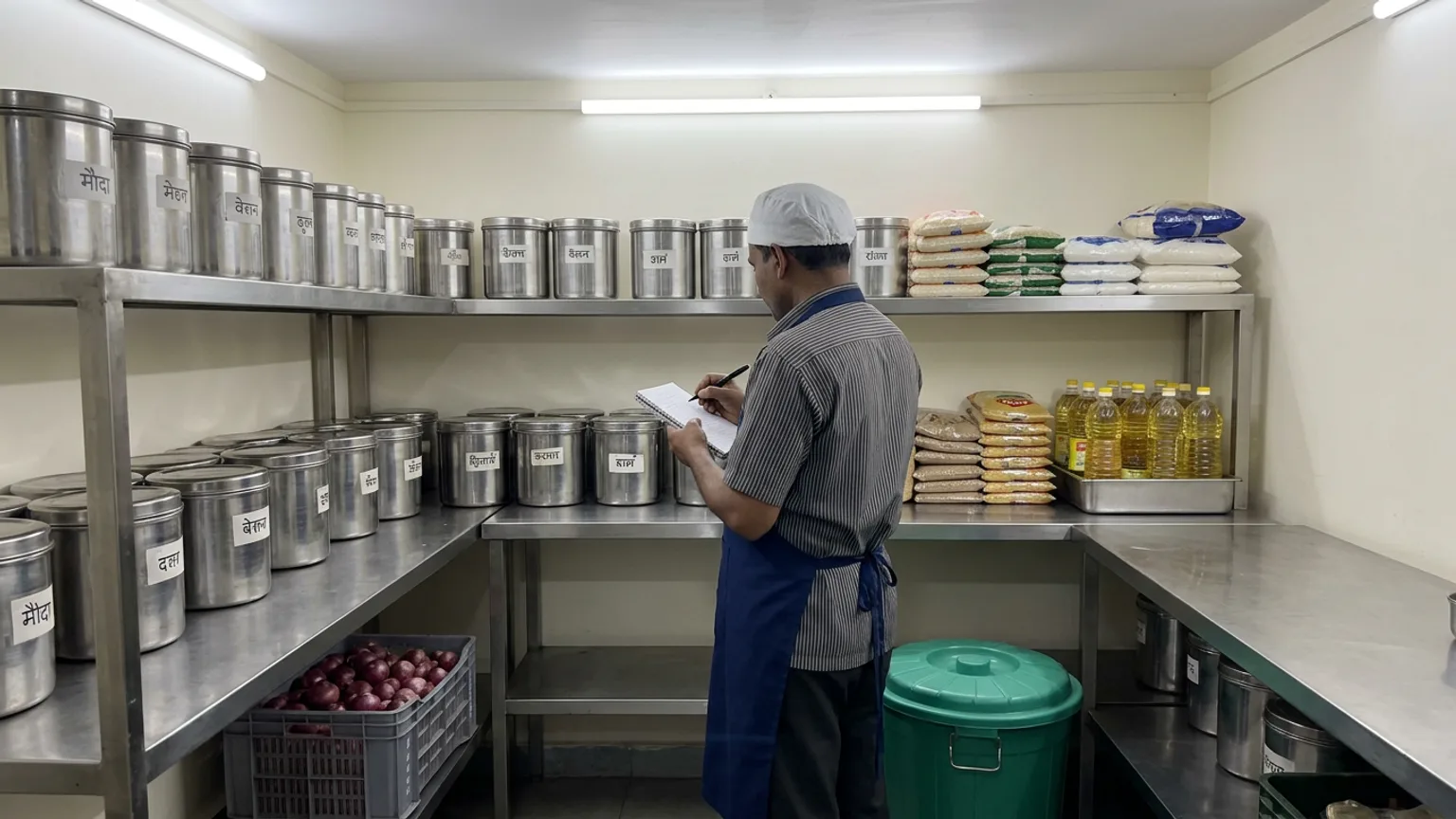
Pick a slow evening. Count your list, in the same order every time, and write what is physically there, not what you think is there.
Work out what you used
Last week's count plus this week's deliveries, minus this week's count, is what the kitchen used. Compare it with what you sold.
Log waste as it happens
A dropped tray, a spoiled batch, a staff meal. A line in a notebook with a reason is enough, and it keeps the gap honest.
Reorder from the list, not from memory
Set a minimum for each item (see below). Anything under its minimum goes on the order for your supplier.
Set reorder points that fit your week
A reorder point is the amount at which you place the next order. A simple way to set it: take the days your supplier needs to deliver, add a day of cushion, and multiply by what you use in a day.
- Paneer: you use 6 kg a day, the supplier delivers the next morning. Allow 2 days: reorder when you are down to 12 kg.
- Cooking oil: you use 5 litres a day, delivery takes 3 days. Allow 4 days: reorder at 20 litres.
- Rice: you use 8 kg a day and the shop is a phone call away. Allow 2 days: reorder at 16 kg.
These numbers are made up; your own daily use is in your counts. Weekends and festival weeks use more, so review the minimums when your sales change.
Spot a leak: the gap between used and sold
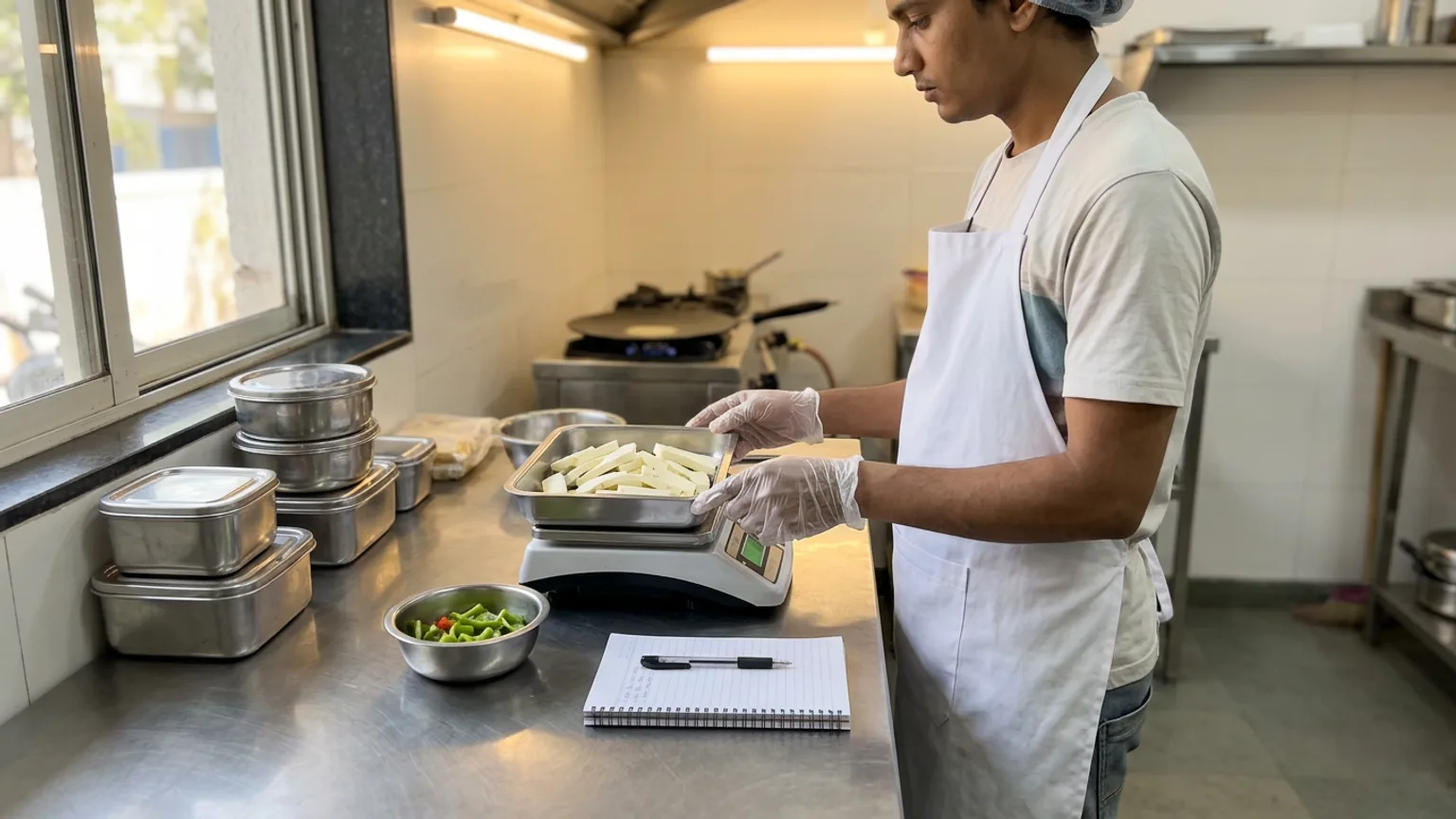
Here is the payoff of counting. If you sold 200 plates of a dish that takes 100 g of paneer each, you should have used about 20 kg. If your counts say 26 kg left the shelf, 6 kg went somewhere: over-portioning, waste nobody wrote down, a wrong delivery, or something worse.
You will not find the cause from the number alone, but you now know where to look. Usually it is portions. A scoop or a scale at the station closes most of the gap.
- costliest ingredients to count first
- 10
- a week, always the same one
- 1 night
- of cushion on top of delivery time
- 1 day
Where KioSnap fits
A notebook works until the list grows. KioSnap's Stock section does the bookkeeping for the same routine. You record a delivery, or photograph the supplier's bill and KioSnap reads it for you to check before anything is saved. You tap Count the shelf, type what is really there, and each line says whether it matches or what the difference is worth in rupees. Ingredients show how many days they usually last, and a Reorder list suggests about a week's worth for each supplier, ready to send to them on WhatsApp.
Ingredients, purchases, bill scans, counts and reorders come with Charcoal (₹299 a month) and above, after a 14-day free trial and a one-time ₹199 setup. Bill scans are limited per day: one on Charcoal, two on Gas, four on Solar. Waste and the stock ledger are on every plan, including the free one. Recipes, which take ingredients off the shelf as dishes sell, are on Gas (₹599 a month) and above. See the stock guide and pricing.
Mistakes to avoid
- Counting everything once. A short list counted weekly beats a full count that never repeats.
- Changing who counts. Different people count differently. Keep it to one or two trusted people.
- Ignoring units. Decide whether oil is in litres or tins and stick to it. Mixed units wreck every comparison.
- Letting the supplier set your order. Order from your minimums, not from what the delivery person suggests.
- Skipping festival weeks. Raise your minimums before a rush, and bring them down after.
The short version
Count your ten costliest items on the same night each week, write down deliveries and waste, and reorder from minimums. After a month you will know your real usage and where the leaks are. To turn those counts into prices, read how to increase average order value at your café next.
Common questions
How often should a restaurant count its inventory?
Count costly and fast-moving items weekly, staples every week or two, and packing every two weeks. A full count once a month is a good extra check.
What is a reorder point?
It is the stock level at which you place the next order. Multiply your daily use by the days the supplier takes to deliver plus a day of cushion.
How do I reduce food waste in my restaurant?
Write down every item thrown away with a reason, and review the list weekly. The list shows which dishes you over-prepare, so you can make less of them.
Do I need software for restaurant inventory management?
No. A notebook and a weekly count are enough to start. Software helps once the list is long, because it does the subtraction and reminds you to count.
Does KioSnap track restaurant stock?
Yes. Ingredients, purchases, bill scans, counts and reorders are on Charcoal and above. Waste and the stock ledger are on every plan, and recipes are on Gas and above.
Put this into practice today
Create your free storefront in minutes. No app for your customers, zero commission on your sales.