How to Increase Average Order Value at Your Café
11 min read
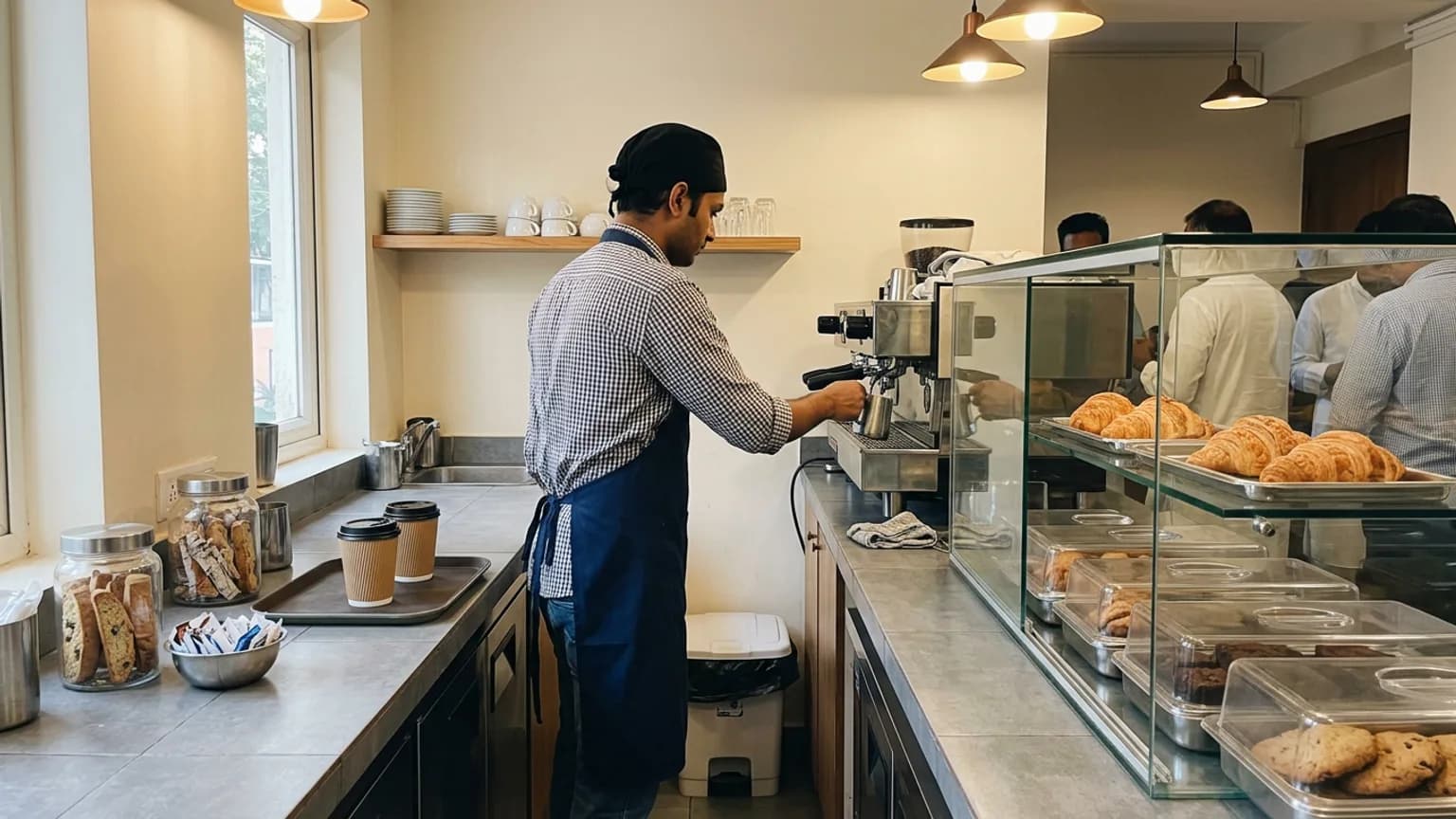
Most café owners think about growth as more customers: more footfall, more reels, more discounts. But a café with 80 orders a day that learns to increase average order value at your café by even ₹20 per bill earns the same extra as getting a dozen new customers every day, with no extra rent and no extra chairs.
Average order value (AOV) is simply what the average bill comes to: total sales divided by the number of orders. This guide covers seven changes that move it, none of which needs a bigger menu or a price hike, plus how to measure whether they worked. It matters most in the weeks ahead: Diwali on 8 November, the winter menu season, and the wedding and holiday crowds that follow.
First, find out what your average order is today
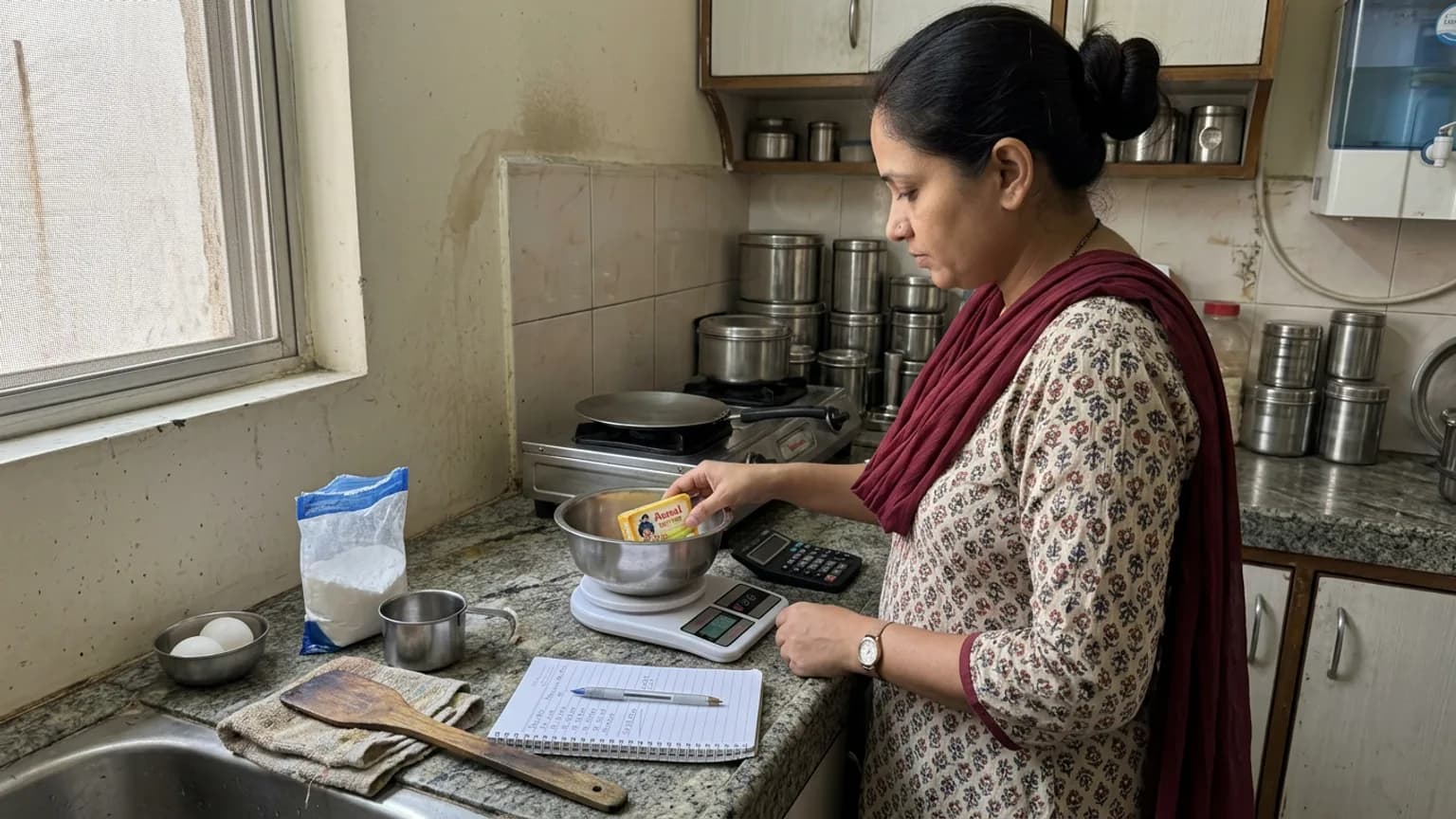
You cannot improve a number you have never looked at. Take your last seven days of sales and divide the total by the number of bills. If you bill on paper, count a typical weekday and a typical Saturday separately: the two are often far apart.
Then look at the shape behind the average. Three things are worth writing down:
- How many bills are a single item. A lone coffee or a lone cold drink is the biggest opportunity in most cafés.
- Which item starts most orders. That is where a suggestion has the most chances to land.
- Which hours are slow. A combo built for 4 pm is a different job from one built for the 1 pm rush.
| What you see | What it usually means | First fix to try |
|---|---|---|
| Most bills are one item | Customers are not shown a natural second thing | A named combo and a printed add-on suggestion at the counter |
| Big gap between weekday and weekend bills | Groups order more; solo customers order least | Sharing platters for groups, a solo combo for one |
| Many orders, small total | Your cheapest item is also your most popular | Add a premium size or version next to it |
| Strong mornings, quiet afternoons | Nothing gives people a reason to stay for a snack | A 3-5 pm combo with a bakery item |
Fix 1: Build two or three combos that people can say in one breath
A combo works because it replaces two decisions with one. "Coffee and a sandwich" is easier than choosing a drink, then thinking about food, then wondering if it is worth it. The saving does not have to be large; it has to be visible.
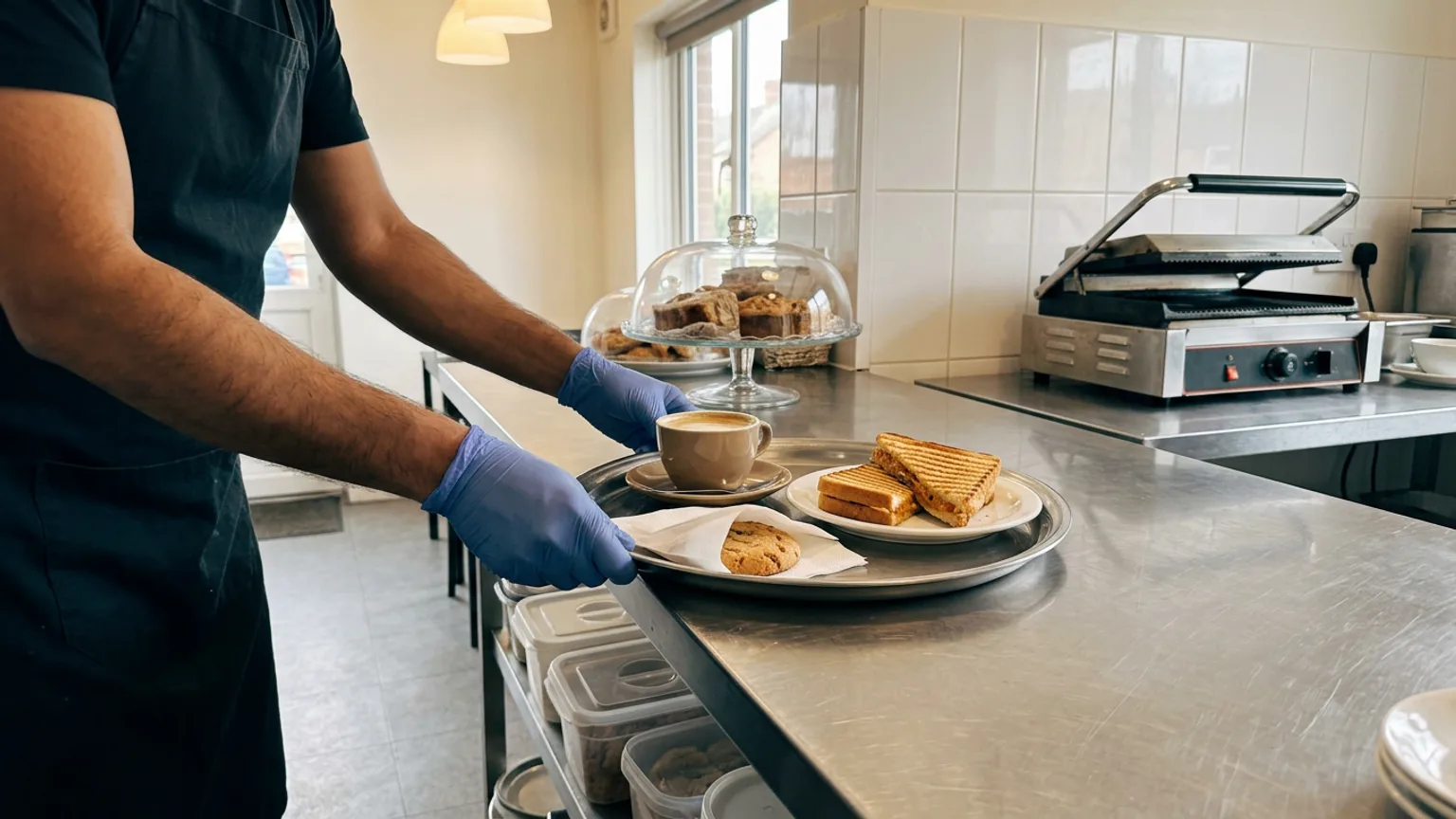
- Pair your most-ordered drink with your best-margin food. Do not pair two items that already sell well alone; pair the one that sells with the one that should sell more.
- Price it a little under the parts, not a lot under. A combo that costs more than the items separately feels like a trick; one that gives away your margin is a loss. Aim for a small, clear saving.
- Name it for the moment. "Study Break", "Monsoon Chai Set" or "Diwali Gift Box" sells better than "Combo 2".
- Keep it to three at most. More than that and the combo list becomes another menu to read.
On KioSnap, combos are on Charcoal and above: 5 active combos on Charcoal, 10 on Gas and unlimited on Solar. You pick the items, set the price, and the storefront shows customers exactly how much they save. The steps are in create combo offers.
Fix 2: Offer add-ons where the customer is already deciding
An add-on is a small, specific extra attached to something already in the order: an extra shot, oat milk, a side of fries, a dessert upgrade. The point is that it is asked for at the moment of choosing, not after the order is done.
- Keep add-ons cheap and obvious: ₹20-40 extras that cost you much less than that to give.
- Make them part of the item. An extra shot as an option on the coffee gets picked more often than an extra shot printed on a separate list.
- Train the counter to ask one question, not three. "Would you like a brownie with that?" beats a list of everything you sell.
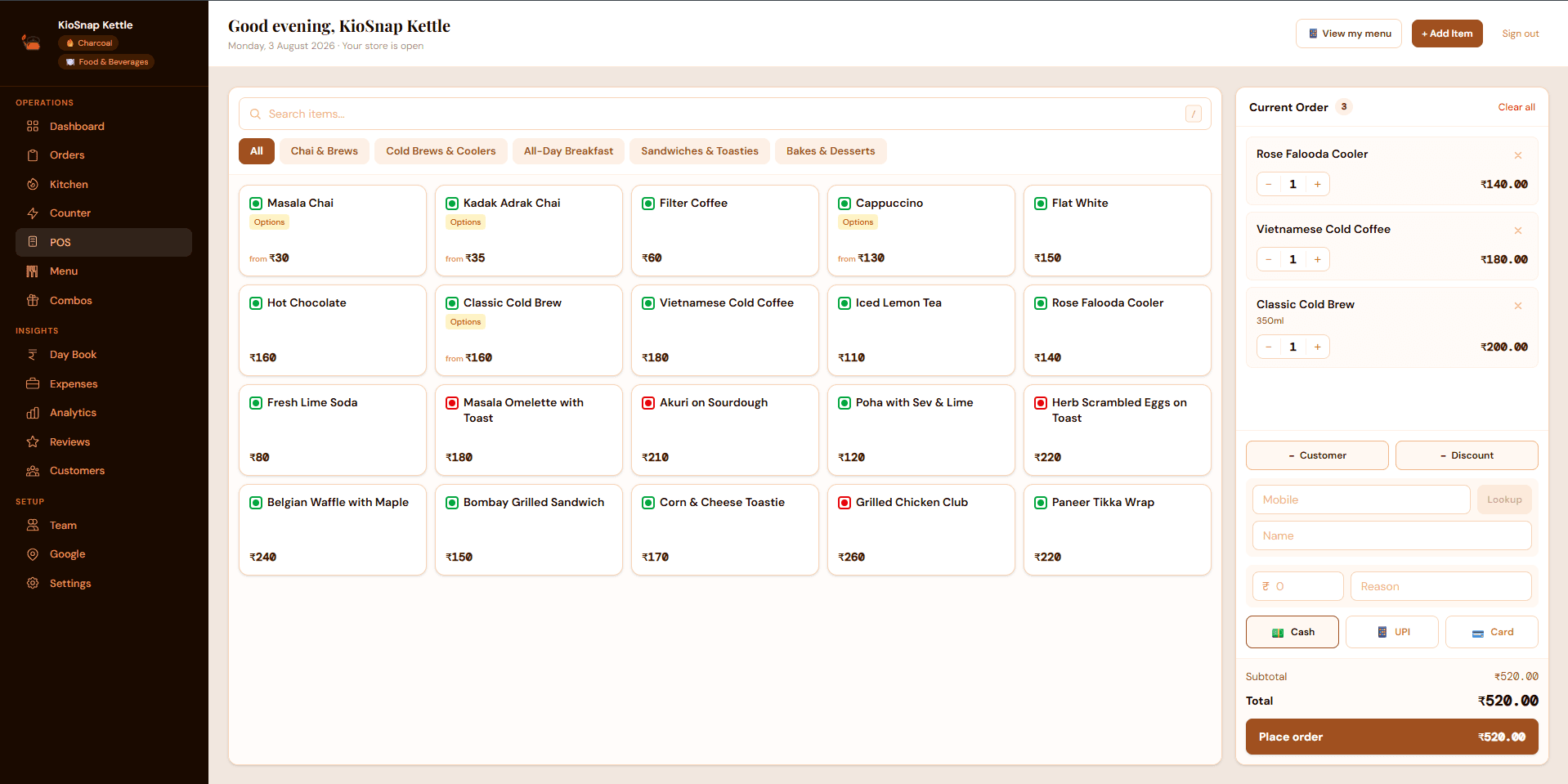
KioSnap items can carry required or optional choices with their own price change, such as milk type or an extra topping, so a customer ordering from the QR on their phone sees the options while picking the drink.
Fix 3: Put a better size next to the one everybody picks
If your regular cappuccino is the item most people order, a larger size next to it can sell without any pushing. With a choice of sizes the question changes from "do I want this?" to "which one?", and some customers will move up a size. Watch your own bills to see how many do.
- Offer two or three sizes for the drinks that sell most, and make the gap in price smaller than the gap in quantity.
- Check that the larger size earns you more profit, not only more revenue. A bigger cup of a drink that costs you more to make can leave you flat.
- List each size with its own price so the customer sees all options before they choose.
Sizes are called variants in KioSnap, and each one has its own price. See sell in sizes with variants.
Fix 4: Arrange the menu so the good items are seen first
Whatever sits first in a category gets looked at most. Put the items you most want to sell, the ones with a good margin that people also like, at the top of each category, not in alphabetical order or the order you added them.
- Lead each category with a bestseller or a high-margin item.
- Mark one or two items as your recommendation. A single "Chef's Special" or "Popular" tag does more than five.
- Move items nobody orders to the bottom, or off the menu. A long menu slows decisions and hides the items you want seen.
On a KioSnap storefront you can switch on a featured mark for an item, and an item that has genuinely sold well recently earns a Bestseller mark on its own; you cannot type it in. That makes it a mark customers can trust.
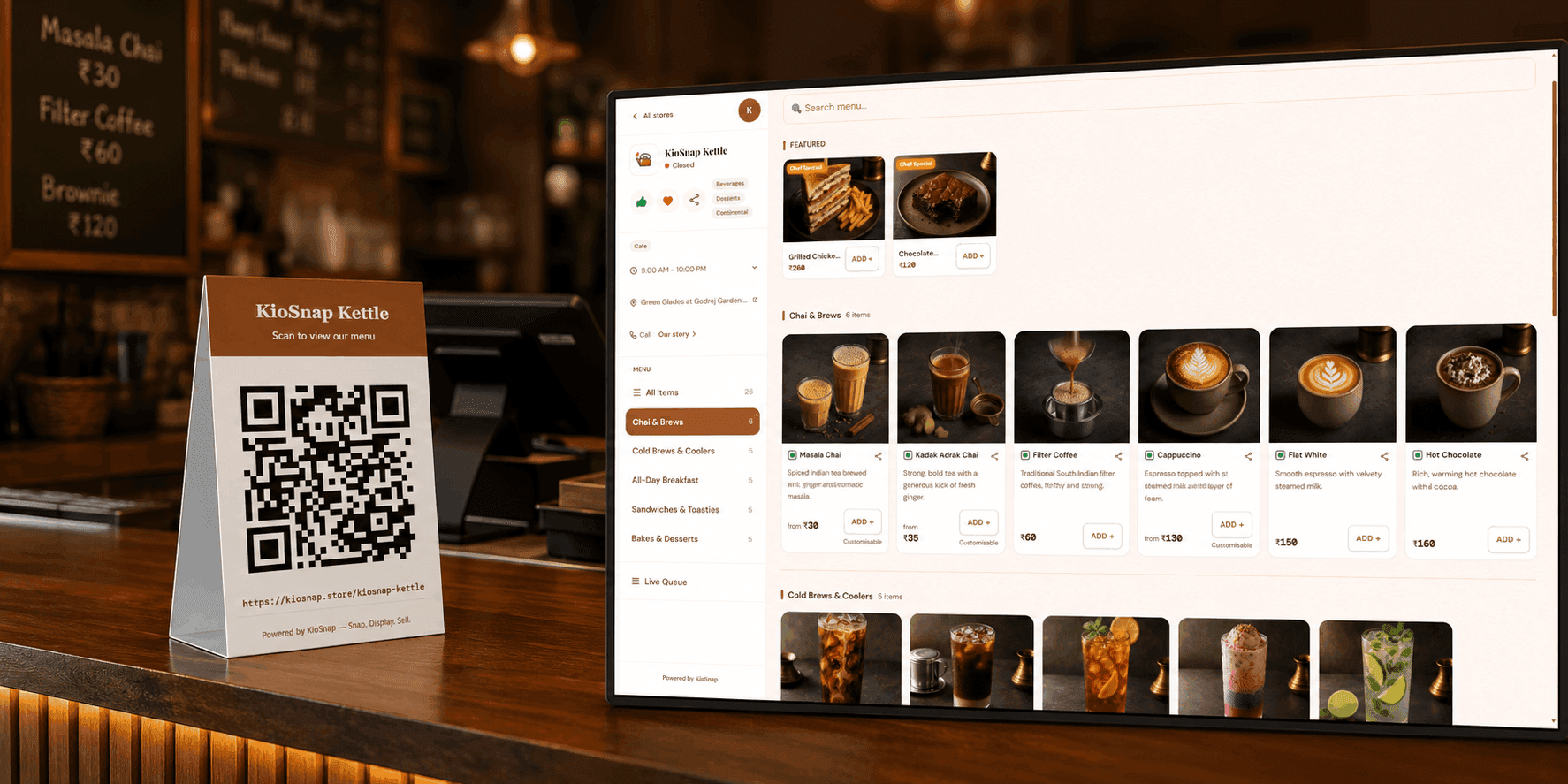
Fix 5: Give people a reason to stay for something small
The second thing a customer buys is often the easiest sale you will make. Someone who came in for a coffee may well take a cookie if it is in front of them and a person asks. Someone who came for lunch may take a dessert if it is offered as part of the set.
- Keep bakery items visible at the till, covered and clean, within reach of the queue.
- Make a 3-5 pm set for the slow hours: chai or coffee plus a bakery item at one price.
- Offer a sharing platter for groups, so the person paying for four has one easy choice.
Fix 6: Take the order where people have time to look
A customer at the counter feels the queue behind them and orders quickly, usually the one thing they came for. The same customer, seated and holding a phone, can scroll through the whole menu, see the combos and add-ons, and add more. Compare your table bills with your counter bills for a week and see whether that holds for your café.
With KioSnap, a customer scans your QR and orders from their phone with no app to install; the order lands on your live order board with a ring. Order management starts on the Charcoal plan at ₹299 a month, after a 14-day free trial and a one-time ₹199 setup. QR ordering at each table, with its own table and session handling, is part of table management on Gas and above. KioSnap does not do home delivery for cafés; it is built for the person at your counter or table. Customers pay you directly, in cash or by your own UPI, and KioSnap takes no commission. Compare the plans on the pricing page and see how dine-in tables and QR work.
Put your café menu on KioSnap
Type the items in, or photograph your printed menu and let the AI read it. See scan your menu with AI.
Add sizes and add-ons to your top sellers
A large size, an extra shot or a milk choice, each with its own price, so the customer sees the options while choosing.
Create two combos
One for your lunch crowd and one for the slow afternoon. Set a price just under the parts. See create combo offers.
Print the QR and put it on the counter and tables
Customers browse your menu, combos and add-ons from their own phone. See share your store QR.
Check the average order every week
Open analytics, note the average order, and compare it with the week before.
Fix 7: Train the counter to suggest one thing
Software shows options; people still decide at the till. The staff member billing the order is the best upselling tool you have, as long as they ask one specific, easy question: "Would you like a cookie with that?" A vague "anything else?" gets a "no" almost every time.
- Decide the question for each hour. Mornings: a pastry with the coffee. Afternoons: the set. Evenings: dessert.
- Suggest after the main item, never before. The customer should be committed to the order first.
- Never push twice. One ask, one answer. Pushing makes people feel sold to and costs you the repeat visit.
- Reward the habit. A small weekly bonus for the best attach rate teaches staff more than a speech.
A simple worked example
These figures are illustrative, not a benchmark. Say a café does 60 bills a day with an average of ₹180, so ₹10,800 a day. A combo, one add-on and a slightly better menu order together lift the average by ₹25 to ₹205. On the same 60 bills that is ₹12,300 a day, an extra ₹1,500, or about ₹45,000 in a 30-day month, with no extra customers and no discounts across the menu. Your own numbers will differ; the point is how quickly a small lift per bill adds up.
- extra per bill in the example above
- ₹25
- daily bills in the example
- 60
- extra a day in the example
- ₹1,500
- combos on Charcoal
- 5
Measure it, then keep what worked
Change one or two things at a time and give each a week, otherwise you will not know what worked. Compare the same days of the week, since a Saturday and a Tuesday are not comparable.
KioSnap's analytics screen shows the average order alongside revenue, orders and profit for 7, 30 or 90 days, and includes how your combos are selling. Check it once a week, at the same time, and write the number down.
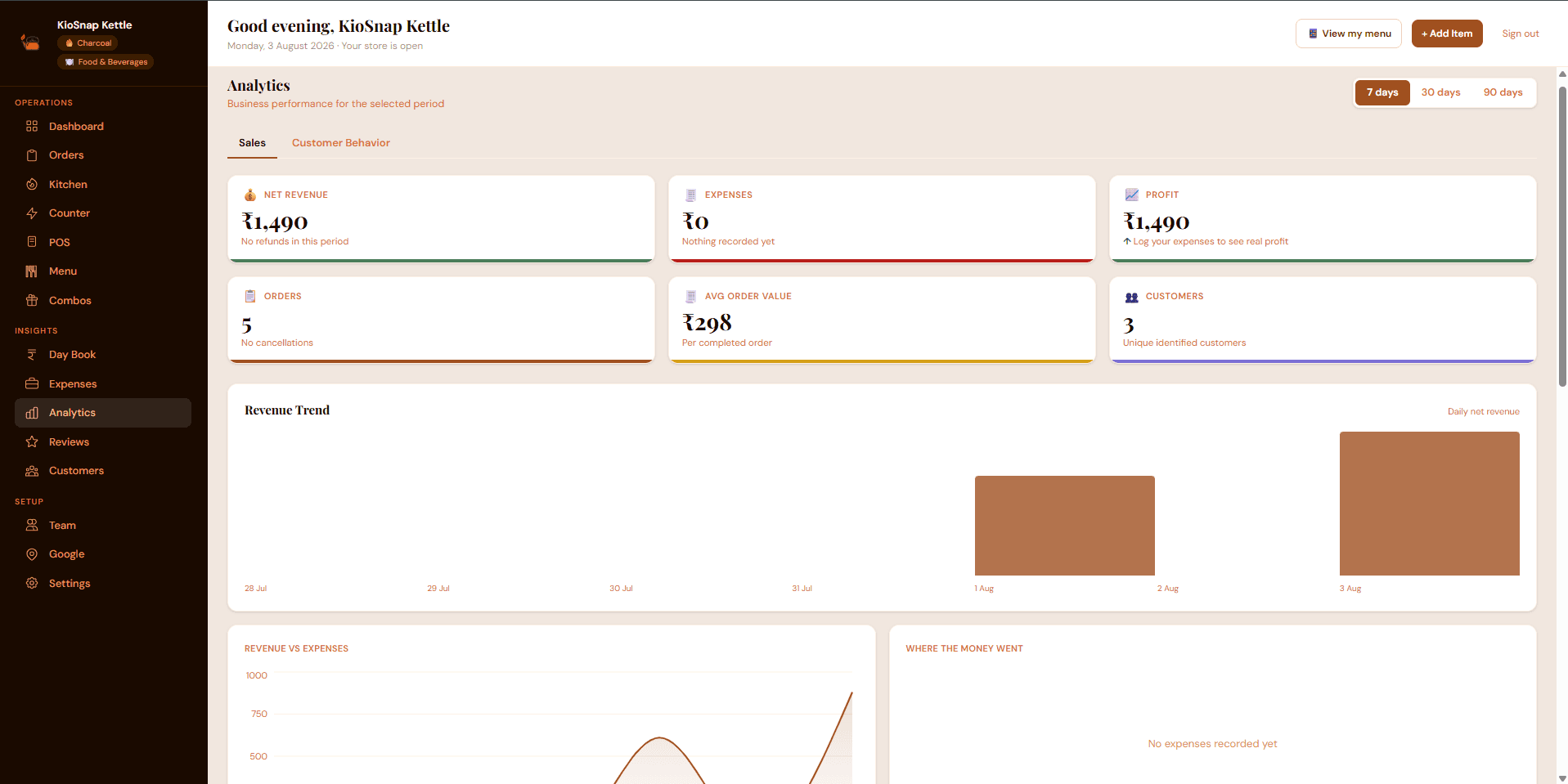
Keep the change if the average rose and your margin held. Drop it if customers complained or the queue got slower. Then add the next one. Over a season, five or six small changes, each a few rupees per bill, are worth more than any single discount.
Common questions
What is a good average order value for a café in India?
It depends on your city, menu and price range, so compare yourself with your own last month rather than a figure from elsewhere. Divide total sales by the number of bills for each week and aim to move it up by a few rupees at a time.
Does a combo reduce my profit?
Not if it is priced a little under the parts and built from items with a good margin. Pair the item that already sells with one you want to sell more of, and check profit, not only revenue, after a week.
Can customers add extras like milk type or toppings when they order from their phone?
Yes. On KioSnap an item can carry optional or required choices, each with its own price change, so the customer sees them while picking the item. Ordering from the QR starts on the Charcoal plan.
Does KioSnap show my café's average order?
Yes. The analytics screen shows the average order next to revenue, orders and profit over 7, 30 or 90 days, and you can see how your combos sell.
Put this into practice today
Create your free storefront in minutes. No app for your customers, zero commission on your sales.