Google Business Profile for Restaurants: A Setup Guide
8 min read
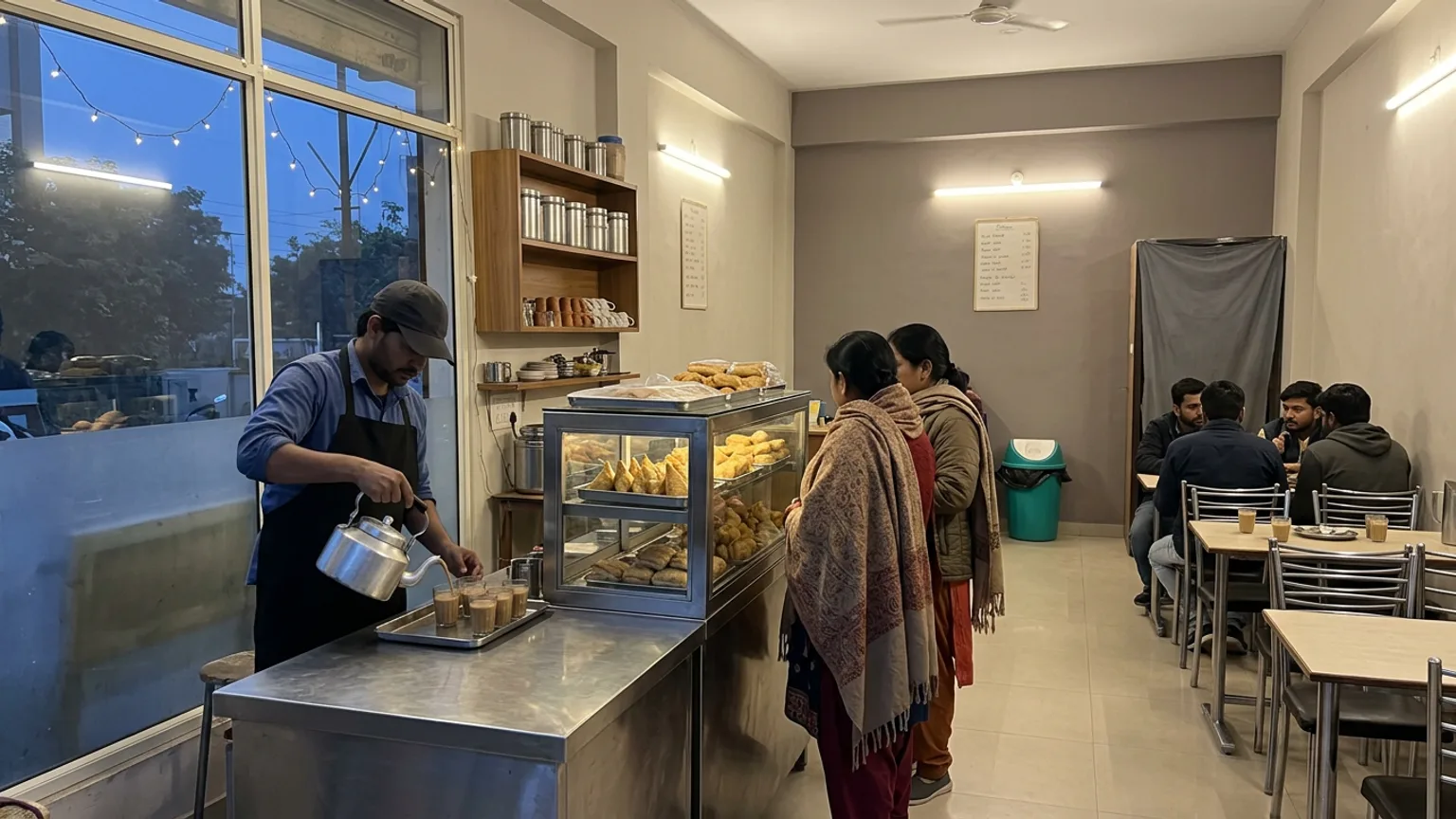
When someone a kilometre away types "café near me" or "best dosa in Indiranagar", they are not choosing from websites. They are choosing from the map: a name, a star rating, a few photos, and whether you are open right now. A well-kept Google Business Profile for restaurants is usually the first thing a new customer sees of you, long before your food.
This guide walks a café or restaurant owner in India through setting the profile up properly, the details that decide whether you appear in those searches, and the routine that keeps it working. It is worth doing now: the wedding season, Christmas and New Year's Eve are the weeks when people search for places to eat that they have never tried.
What Google looks at when it ranks you nearby
Google says local results are based mainly on three things: relevance (how well your profile matches the search), distance (how far you are from the searcher or the place they typed) and prominence (how well known you are, including your review count and rating). You cannot move your café closer to the customer, but the other two are almost entirely in your hands. Google's own page, How to improve your local ranking, is short and worth reading once.
- Relevance comes from a complete profile: the right category, a description in the words customers use, your menu, attributes such as dine-in and takeaway.
- Prominence comes from reviews, photos and how active the profile looks. A profile with recent photos and replies looks alive; one last touched two years ago does not.
- Accuracy is the quiet one. Wrong hours or an old phone number cost you the customer and the trust, even if you rank.
Set up your restaurant's profile, step by step
If someone, a past owner or a customer, already created a listing for your address, claim that one instead of making a second. Duplicates split your reviews and confuse Google. Then work through these steps.
Claim or create the listing
Search your café's name on Google Maps. If it appears, choose to claim it; if not, add your business with the exact name on your signboard, with no extra keywords stuffed in.
Pick the most precise category
Your primary category is the biggest single signal. "South Indian restaurant" or "Café" beats a plain "Restaurant". Add a few secondary ones that are true, such as "Breakfast restaurant".
Pin the location and set hours
Drag the pin to your actual entrance, not the middle of the building. Enter your real opening hours, including the afternoon break if you close between lunch and dinner.
Verify
Google chooses how you verify, often a short video of your premises and signboard, sometimes a call or a postcard. It can take a few days, so start before you need it.
Fill every remaining field
Phone, description, attributes (dine-in, takeaway, outdoor seating, veg-only), and your menu link. An empty field is a question a customer has to ask someone else.
Photos: the part customers actually look at
Diners judge a place they have never visited by its photos, and the photos customers upload are not always kind to you. Add your own, and keep adding them. You do not need a photographer, just daylight and a clean table.
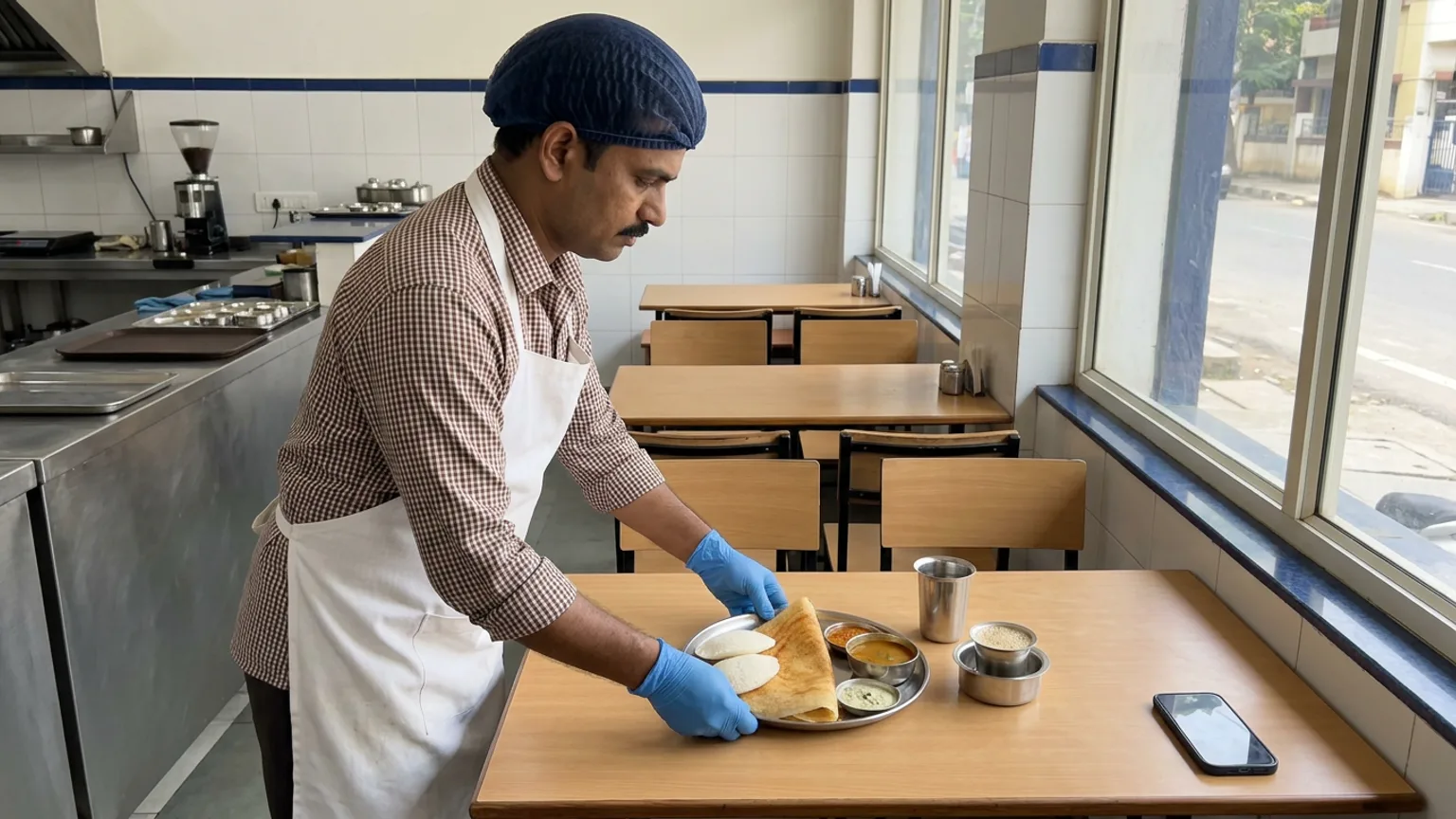
- Your top five dishes, each on its own, in daylight. These are what people zoom into.
- The outside, in daylight and after dark, so a first-timer recognises your entrance from the road.
- The inside with people in it, at a normal busy hour, so it looks like a place people choose.
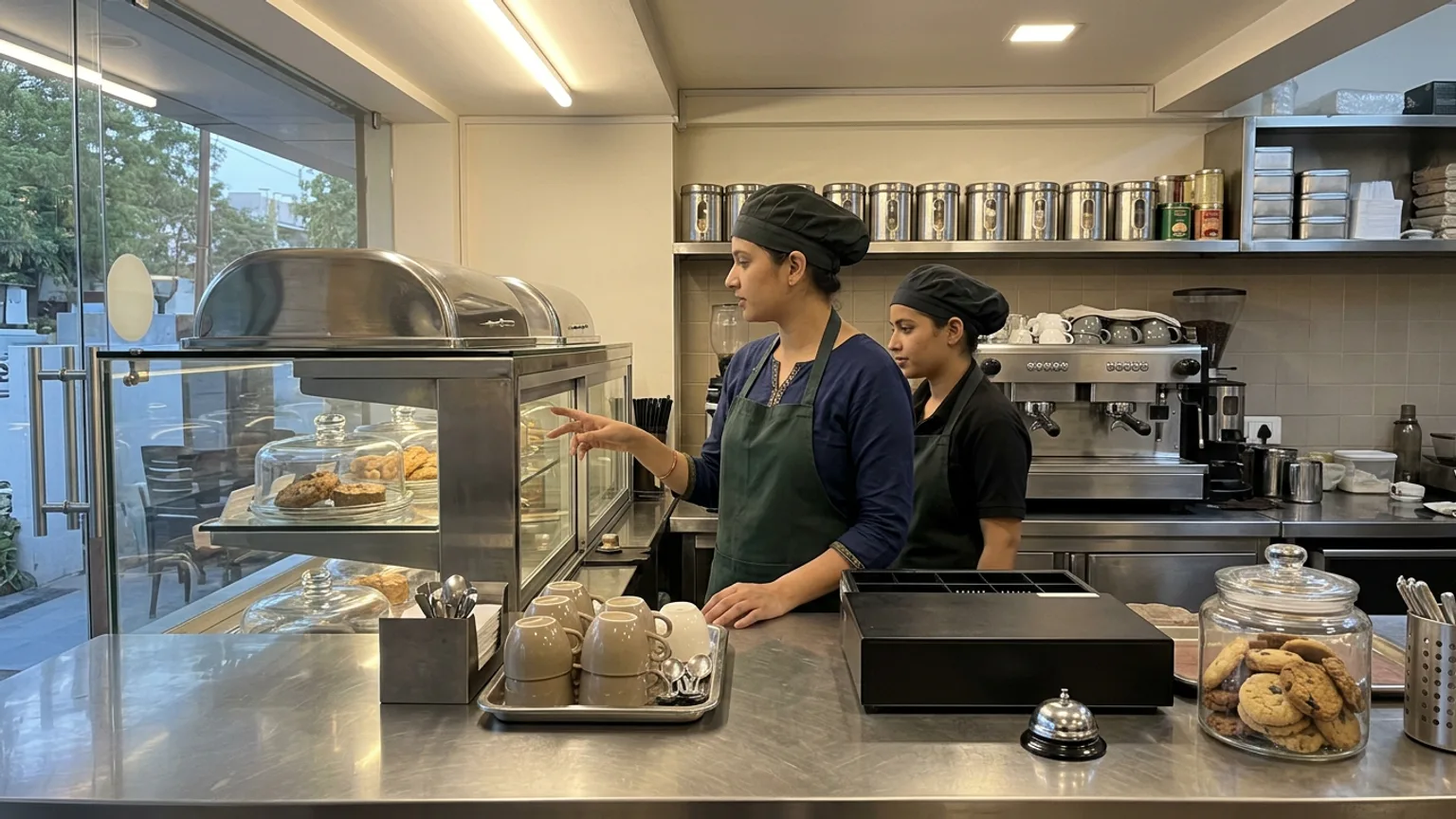
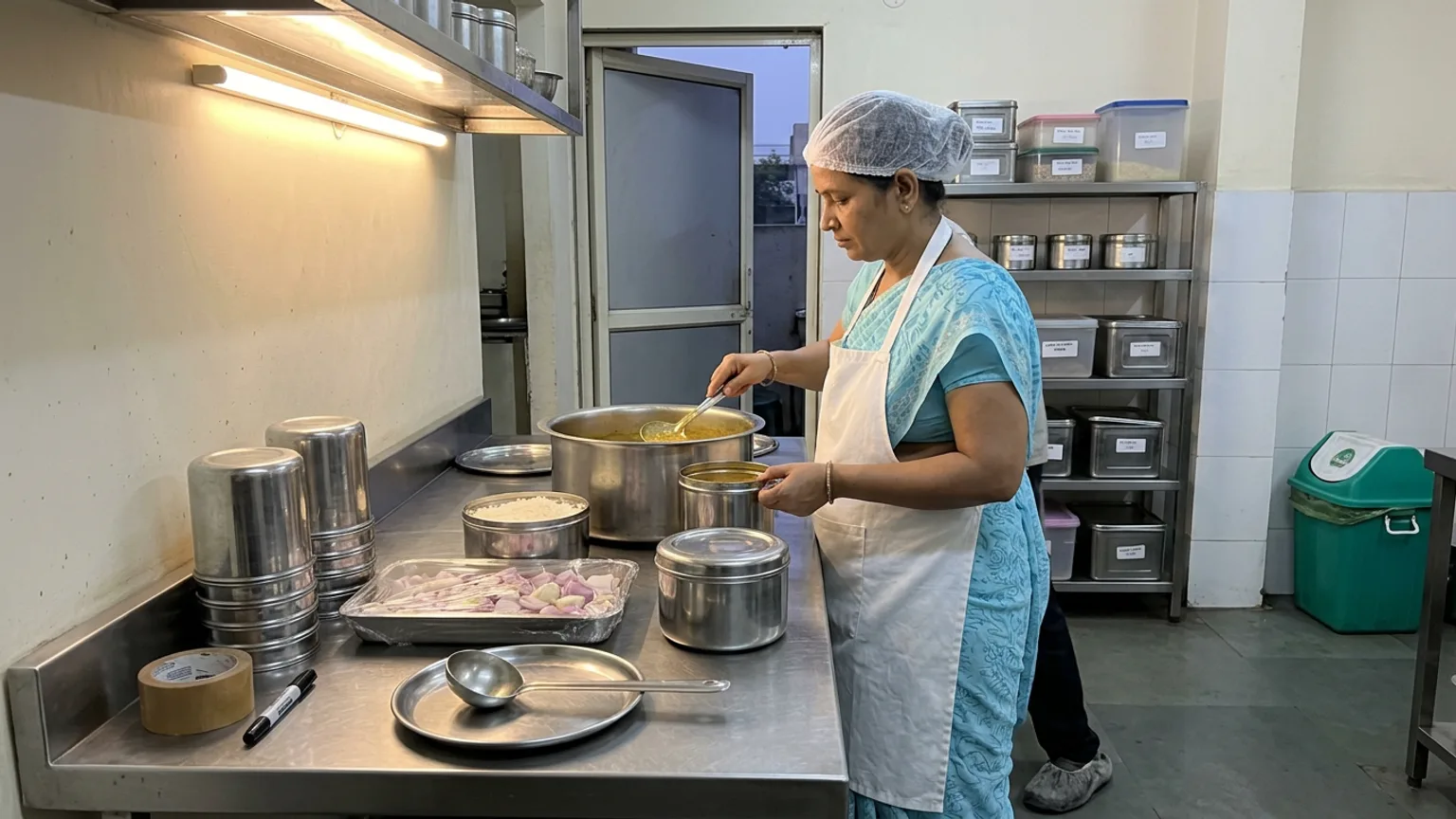
- Your counter and kitchen, clean and in use. Visible hygiene reassures more than any caption.
- Something new every few weeks: a winter special, a festive thali, a new seating area.
Your menu link: the field most owners get wrong
Google lets a restaurant add a menu link to its profile, and Google's help page on the menu editor and menu link shows where it lives. Many owners paste a PDF, a photo of a laminated card, or nothing. The trouble with a PDF is that it is out of date the day you change a price, and it is hard to read on a phone.
Point the menu link, and the website field too if you do not have a website, at a menu that you can change yourself in seconds: photos, prices, what is available today. Google also lets you add a link where people can place an order; if that link goes to a marketplace app, check what commission you pay on customers who were already searching for you by name.
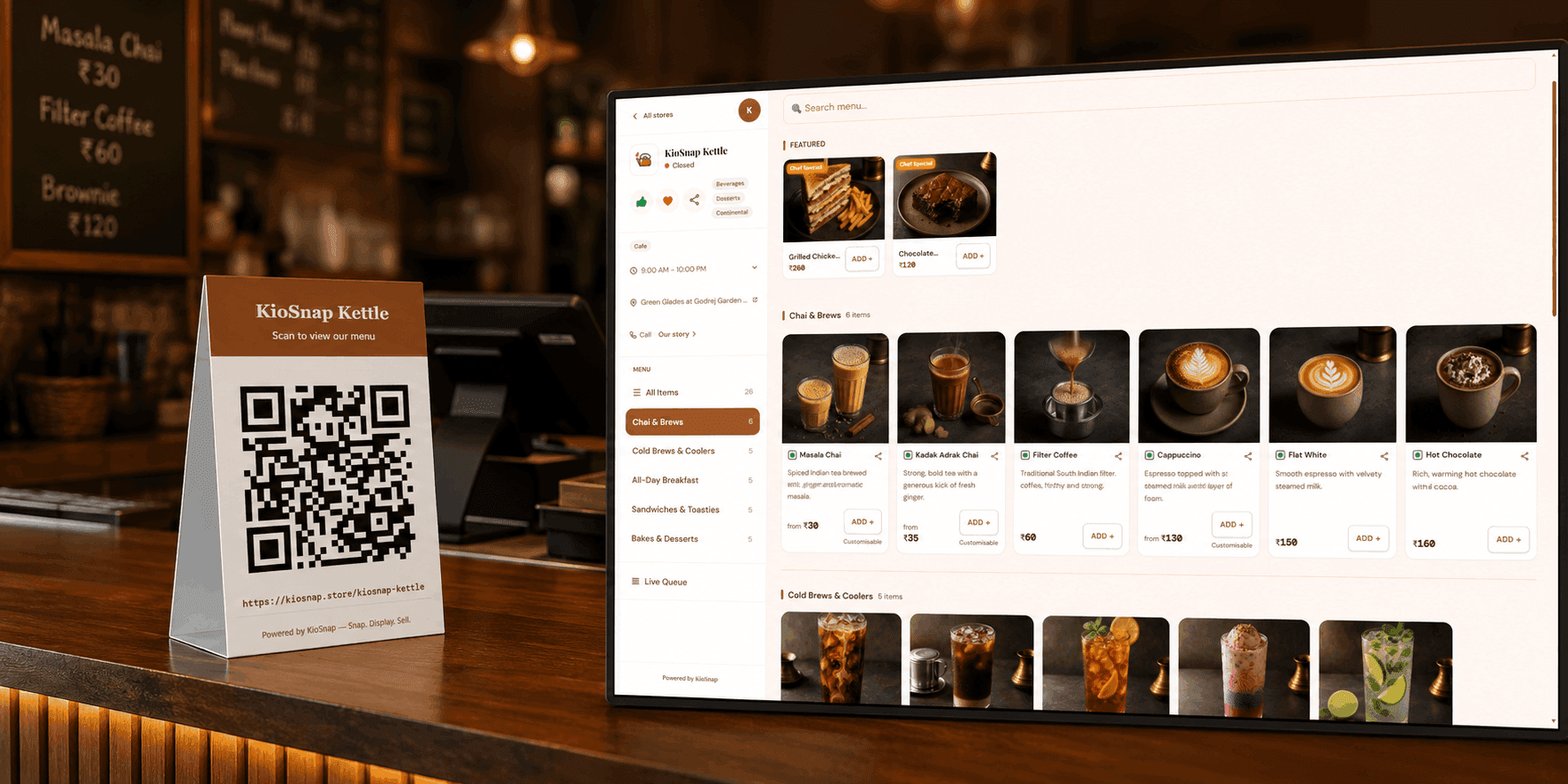
This is where KioSnap fits. Your storefront is your menu on its own link and QR code, with photos for every item and your own colours and logo. When you change a price on your phone, the storefront changes with it, so the menu on Google is never the old one. The same link works for the QR on your tables, and customers need no app to open it.
KioSnap also has a guided Google page in the dashboard and the Vendor app. It shows your name, address, hours and other details from your KioSnap profile as copy-cards, so you paste them into Google's form instead of retyping them, with your storefront link ready for the website field. Google does not let anyone create or verify a listing on your behalf, so you still submit it yourself. See get your business on Google.
Reviews: ask everyone, reply to everyone
Review count and rating feed directly into prominence, and they are what a customer compares between two places on the map. Most happy customers simply forget to write one. Make it easy and make it routine.
| Do | Avoid |
|---|---|
| Keep a review QR at the billing counter and on the table tent | Offering a discount or free dessert for a review; Google removes incentivised reviews |
| Ask at the moment a guest says the food was good | Asking only on your best days, then nothing for months |
| Reply to every review within a day or two, by name | Copy-pasting the same thank-you to every review |
| Answer a bad review calmly, say what you fixed, invite them back | Arguing in public, or asking friends to bury it with five stars |
In KioSnap's Google page, once your listing is live you save your Google review link and download a ready review QR poster for the counter. Every scan of it is counted, so you can see whether the poster is being used. The how-to is in the same help guide.
Before the December rush: a 20-minute check
Do this once in the third week of November and again before Christmas. It is the cheapest marketing you will do all season.
- Set special hours for Christmas, New Year's Eve and New Year's Day, including if you stay open late or close early. Wrong hours on a holiday cost the most.
- Add a post about your winter specials or New Year's Eve plan, with one good photo.
- Upload three fresh photos, at least one of a seasonal dish.
- Reply to every review still waiting, the old ones too.
- Check your menu link opens on a phone and shows today's menu and prices.
If you expect a crowd on the 31st, our New Year's Eve restaurant checklist covers the counter and kitchen side, and the QR code menu guide covers the tables.
What it costs
A Google Business Profile itself is free. The cost is a couple of hours to set up and ten minutes a week to keep alive. On KioSnap, the free Wood plan lets you see a storefront live on its own link, with up to three items and no ordering. A full café menu needs a paid plan: Charcoal at ₹299 a month holds up to 50 items with order management, and Gas at ₹599 adds dine-in tables with table QR ordering and up to 100 items.
- Google Business Profile
- ₹0
- a month for a full menu with orders
- ₹299
- a month for Gas, with dine-in tables
- ₹599
- commission on your sales
- 0%
Paid plans come with a 14-day free trial and a one-time ₹199 setup, and customers pay you directly, by cash or UPI. Full details are on the pricing page.
Common questions
Is Google Business Profile free for restaurants?
Yes. Creating, verifying and managing a Google Business Profile costs nothing. You pay only if you choose to run Google ads, which are separate.
How long does it take for my café to show on Google Maps?
Verification usually takes from a few days to a couple of weeks, depending on the method Google gives you. After that, Google reviews each edit before it shows, which is usually quick.
How do I add a menu to my restaurant's Google listing?
Edit your profile and add a menu link under your contact details, or use Google's menu editor if your category supports it. A link to a menu you update yourself stays accurate when prices change.
How can my restaurant get more Google reviews?
Ask every satisfied guest, at the moment they are happy, with a review QR at the counter and on the tables. Reply to every review, and never offer anything in exchange for one.
Can I put my KioSnap storefront link on Google?
Yes. Add it as your menu link, and as your website if you do not have one. KioSnap's Google page reminds you to do this and gives you your details to copy into Google's form.
Put this into practice today
Create your free storefront in minutes. No app for your customers, zero commission on your sales.