Manage Restaurant Staff: Shifts, Roles, Handover
7 min read
If you are the owner and also the person who fixes every problem, you already know why it is hard to manage restaurant staff. A cook calls in sick at 11 am, two people think the other one opened the shutter, and by the evening nobody can say who gave the discount that is missing from the cash. None of this needs expensive software. It needs a roster people can read, roles that are clear, and a handover that takes five minutes.
This guide is for owners of cafés, restaurants and food counters with a team of three to fifteen. It covers the paper side first, because that is where most problems start, and then where a tool like KioSnap honestly helps.
Start with a roster people can actually read
A good roster is boring. It is one page, it covers a week, and everyone sees it before the week starts, not on the morning they are meant to turn up. A WhatsApp group with the roster pinned, or a printed sheet by the kitchen door, is enough.
- Publish it 48 hours ahead at the latest. Staff plan their lives around it, and fewer people vanish on the day.
- Roster to the rush, not to the clock. Most food counters need double the hands from 12 to 2 pm and 7 to 10 pm, and half of that in between. Staff your busiest hour first, then fill the rest.
- Mix experienced and newer people on every shift, so no shift is run only by people still learning.
- Keep one or two flexible people who can step in for a sick day, and keep their numbers in one place.
- Write down who closes. One named person closes the shutter, the gas and the cash every night, every night.
Give every person one clear role
Confusion costs more than a weak team. When everybody does everything, the order is taken twice, the plate waits on the pass, and nobody feels responsible. Decide the few roles you need and say them out loud.
| Role | Owns | Should not need to |
|---|---|---|
| Cashier | Taking orders and payment at the counter, giving the bill | Change prices or touch the reports |
| Cook or chef | The kitchen, the quality and the prep list | Handle cash |
| Waiter or captain | Tables: orders, calls, clearing | Take payment or give discounts |
| Shift manager | The floor during the shift, small decisions, the handover | Wait for you to approve a normal day |
| Accounts | Bills from suppliers, expenses and the books | Be in the rush at all |
Make shift handover a five-minute habit
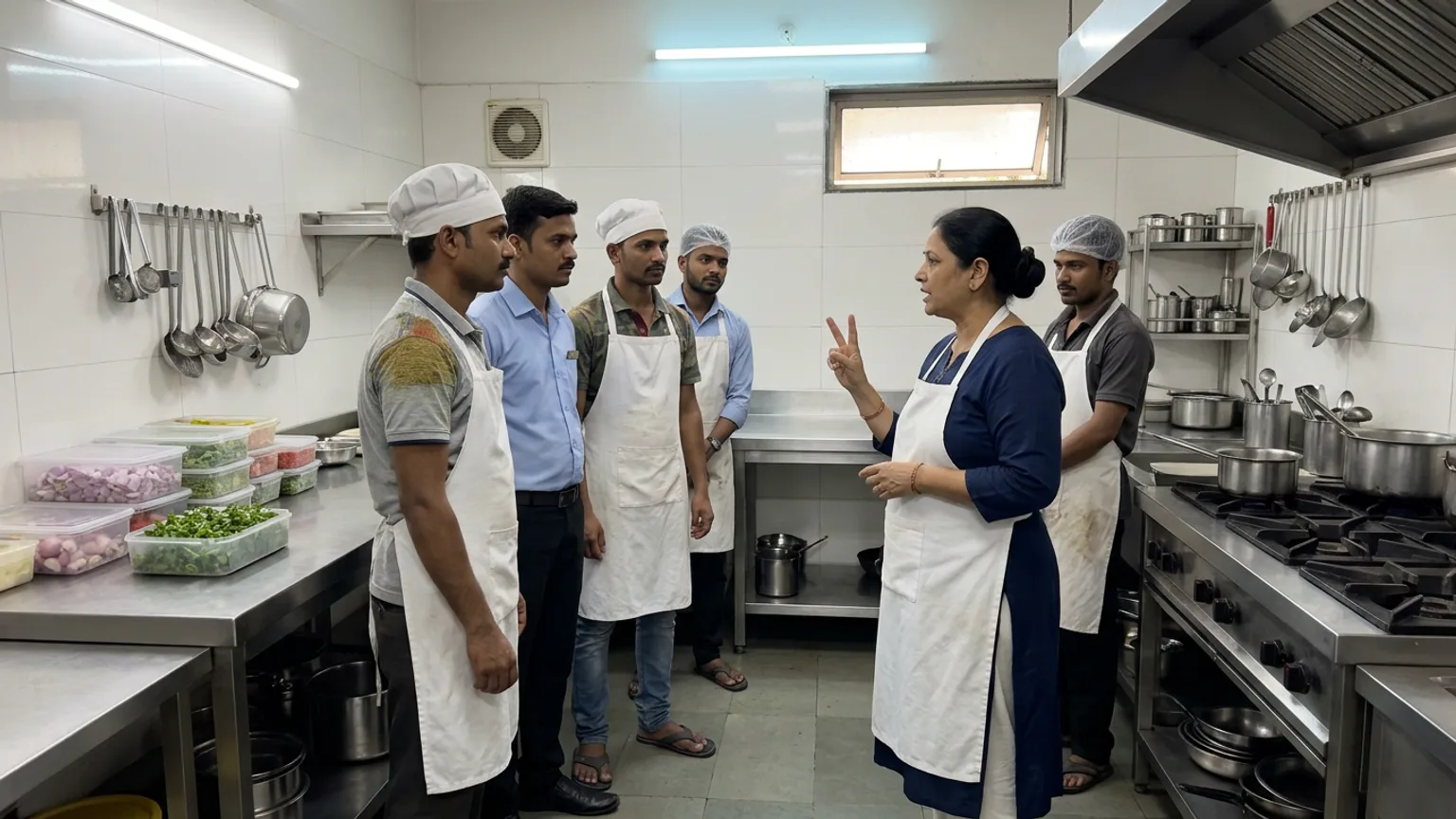
The shift change is where things get lost: the table that was promised a free dessert, the milk that is nearly finished, the cash that was not counted. A short, fixed handover removes most of it.
Count the cash together
The outgoing and incoming person count the drawer side by side and agree on the figure before anyone leaves.
Say what is open
Orders still on the board, tables still seated, anything promised to a customer.
Say what is running short
Items that will not last the shift, so the next person can stop selling them before a customer is disappointed.
Pass on the oddities
A broken machine, a regular who is coming at 8, a delivery that is late. One sentence each.
Leave it clean and covered
Counters wiped, food covered, gloves and caps back where they belong, so the next person starts clean.
Control who can see and do what
The older the business, the more it matters who can change a price, give a discount or open the sales report. Sharing one login is the most common mistake: when everyone uses the owner's password, you can never tell who did what.
On KioSnap, each team member gets their own login and a role, set by you in the Team page, which only the owner can open. Manager, Cashier and Accountant are always offered. Kitchen and Chef appear where your store has a kitchen board, and Captain (a waiter who only takes orders at the table) appears on plans with table management, which starts at Gas. A cashier gets the counter, orders, POS and tables. An accountant sees orders, analytics, customers, the day book and expenses. Staff never see the Team page.
On a shared counter phone or tablet, staff switch between each other with a 4-digit PIN instead of logging out and in. Orders and counter sales are recorded against whoever is switched in, so at the end of the day you can see who handled what. When someone leaves, deactivate them: they are signed out on every device straight away, and their past orders stay on record. The steps are in add staff and switch users with a PIN.
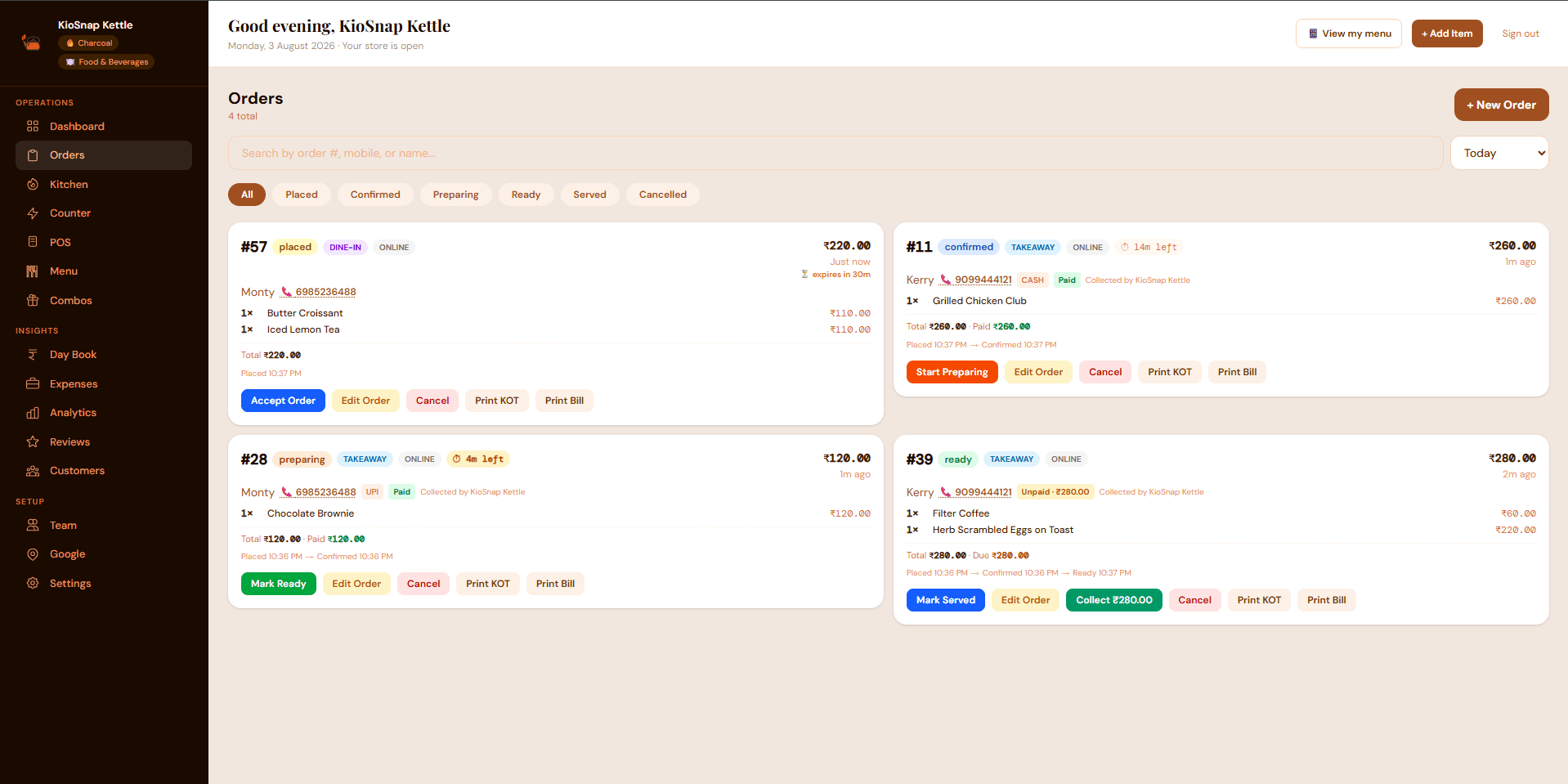
To be clear about what it does not do: KioSnap does not build your roster or track attendance. Keep the weekly roster on paper or WhatsApp as above. What KioSnap handles is the part that happens during the shift: who has access, who took which order, and a record you can check when you close the day. See close your day with the day book.
- staff logins on Charcoal, ₹299 a month
- 2
- staff logins on Gas, ₹599 a month
- 3
- staff logins on Solar, ₹999 a month
- 5
- free trial on paid plans
- 14 days
The free Wood plan has no staff logins and no order management. Staff accounts start on Charcoal, which carries a one-time ₹199 setup and a 14-day free trial; all plans are on the pricing page. KioSnap takes no commission on your sales.
Pick the staffing mode that fits your team
A three-person café does not need the same steps as a restaurant with a kitchen, a floor and a counter. KioSnap lets you pick a staffing mode (solo, counter and kitchen, or full team) that shortens the order steps for a small team and keeps them for a big one. Switching is safe, because only who taps what changes, not your data. See choose your staffing mode.
A simple weekly routine
- Sunday: build and publish next week's roster, rushes first.
- Every shift: a two-minute huddle at the start and a five-minute handover at the end.
- Every night: the named closer counts the cash and checks the day's figures.
- Once a week: ten minutes with your manager on what went wrong and one thing to change.
- Once a month: review roles and logins, and deactivate anyone who has left.
Managing a team well is mostly small, repeated habits. Write the roster early, give each person one clear job, hand over properly, and give everyone their own login so the numbers tell you the truth.
Common questions
How do I make a shift schedule for a small restaurant?
Start from your busiest hours, usually lunch and dinner, and place your strongest people there. Fill the quieter hours with fewer staff, keep one flexible person for absences, and publish the roster at least 48 hours before the week starts.
How many staff does a small café need?
It depends on your menu and peak hour, not on the size of the room. Count orders in your busiest hour and ask what one cook and one cashier can handle; add hands only where a queue forms.
Does KioSnap have a staff roster or attendance feature?
No. KioSnap gives each team member a login with a role, PIN switching on a shared device and a record of who handled each order. Plan the roster itself on paper or in a WhatsApp group.
How many staff can I add on KioSnap?
Charcoal includes 2 staff logins, Gas 3 and Solar 5. The free Wood plan has none. Plan limits are on the pricing page.
Should staff share one login at the counter?
No. A shared login means you cannot tell who gave a discount or took an order. Give each person their own login, and use a PIN to switch quickly on a shared device.
Put this into practice today
Create your free storefront in minutes. No app for your customers, zero commission on your sales.