How to Take Cake Orders Online as a Home Baker
7 min read
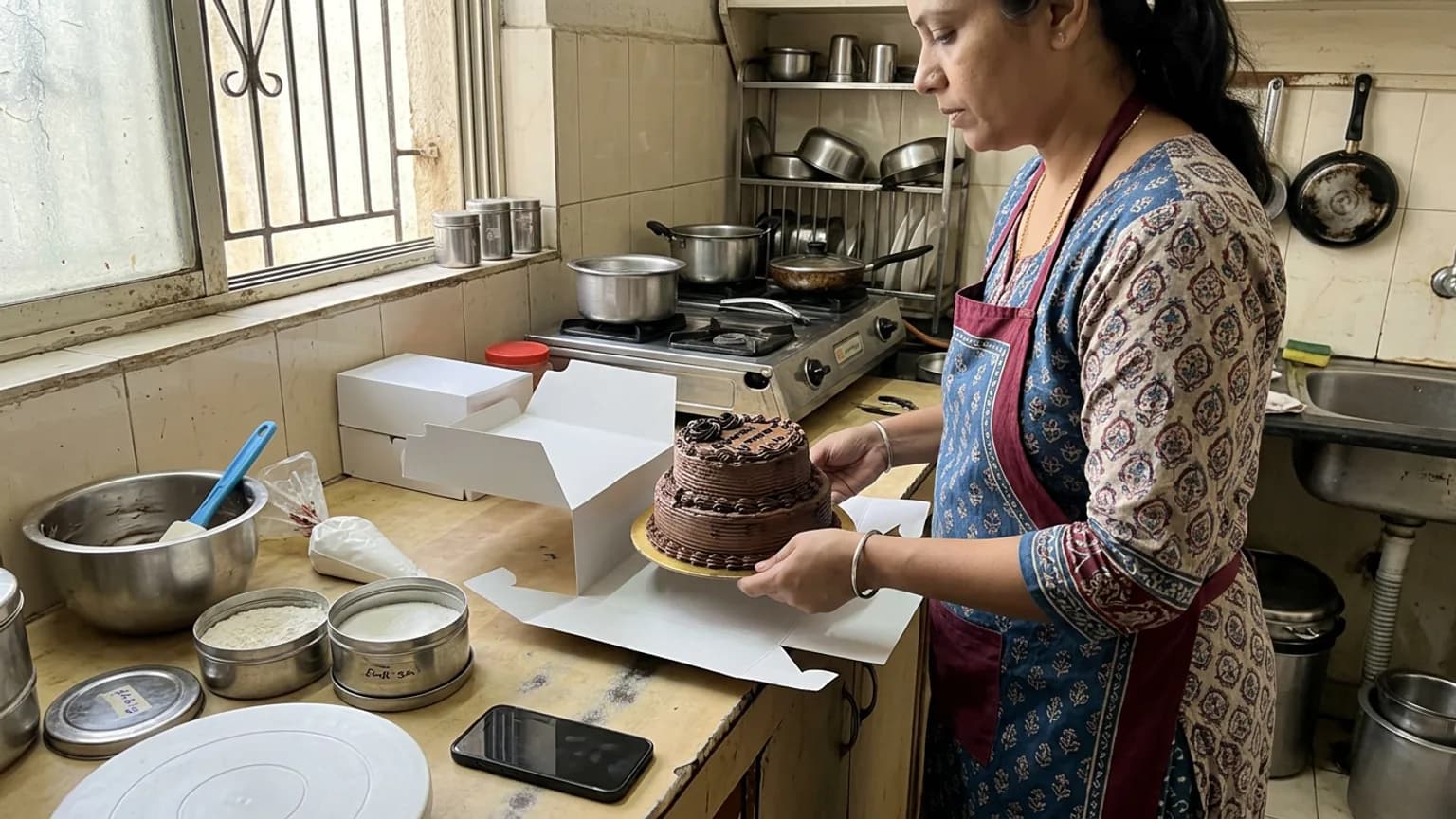
If you bake from home, you already know how an order really happens. You post a photo, and the messages start: "Price?", "Available Sunday?", "Half kg possible?", "Eggless?". Forty messages and two apps later, one cake is settled. On a busy weekend, one of those conversations quietly scrolls away, and you find out on Sunday morning.
This guide shows you how to take cake orders online without losing the personal touch that made customers come to you in the first place. You do not need a developer, a big budget, or an app for your customers to install.
Why DMs stop working once orders pick up
Instagram and WhatsApp are brilliant at getting attention. They are poor at holding an order. An order is a set of facts: which cake, what size, eggless or not, for which date, pickup or delivery, to which address, paid or not. In a chat those facts are scattered across a thread, mixed with voice notes and "ok 👍".
- Repeated questions. You answer the same price and size question dozens of times a week.
- Lost details. The date is in one message, the flavour in another, the address in a third.
- No record. At month end there is no easy way to see what sold, to whom, or what you earned.
- Missed orders. A confirmed order that scrolled up is the one that hurts your reputation most.
What a good cake order page needs
Whether you use a form, a website or a storefront app, check it against this list. If a customer still has to message you to finish an order, the page is not doing its job.
| Must have | Why it matters for a baker |
|---|---|
| Photos of your real bakes | Customers buy the cake they can see. Several angles sell better than one. |
| Sizes with their own prices | Half kg, 1 kg and 2 kg should be choices, not a conversation. |
| A date and time for the order | A cake for Sunday must arrive as a cake for Sunday, with the notice you need to bake it. |
| Pickup or delivery, with your charges | You decide where you deliver and what it costs. |
| A way to pay that suits you | UPI, cash on delivery or payment at pickup, without a middleman holding your money. |
| One place to see every order | What, how much, for when and for whom, on one screen. |
How to set up online cake orders, step by step
Here is how it works on KioSnap, a storefront built for India's small businesses. The same steps apply to most tools; KioSnap just does them in an afternoon.
Create your storefront
Sign up, choose Bakery & Desserts as your business type, and add your name, logo and colours. Your storefront gets its own link and QR code.
Add your cakes
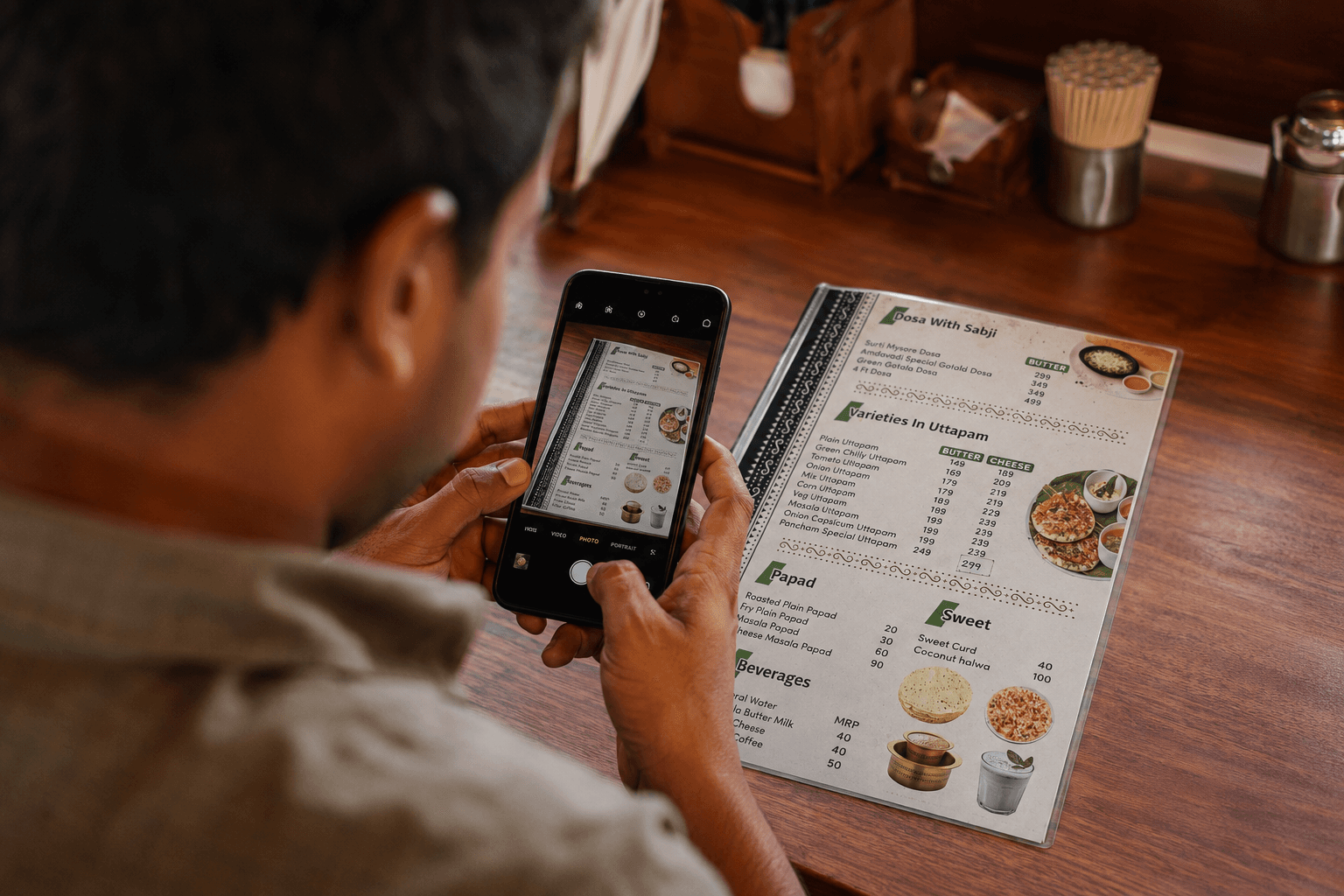
Type them in, or photograph your printed price list and let the AI read the items and prices for you. See scan your menu with AI.
Set sizes as variants
One cake, several sizes, each with its own price. Customers pick; nobody asks. See sell in sizes with variants.
Upload your best photos
Up to ten photos or a video on every item. Your bakes do the convincing. See add item photos and videos.
Set dates and delivery
Turn on advance orders so customers book a date and time slot with the notice you choose. Add your delivery charge by area, cash on delivery or payment on pickup.
Put the link in your bio
Pin it on Instagram, set it as your WhatsApp Business link, and print the QR on your boxes. See share your store QR.
From then on, each order lands on one board with everything you need: the item, the size, the date, the customer and the address. You accept it, bake it, mark it ready and hand it over or send it out. If a customer changes their order, you see exactly which item changed instead of rereading a chat.
What about custom and theme cakes?
Not every cake has a fixed price. For custom or theme cakes, list the item with its price on request. The customer sends an enquiry with the size and their own note, you reply with a quote, and it becomes an order only when they accept. The enquiry sits on your board, not in your chat history.
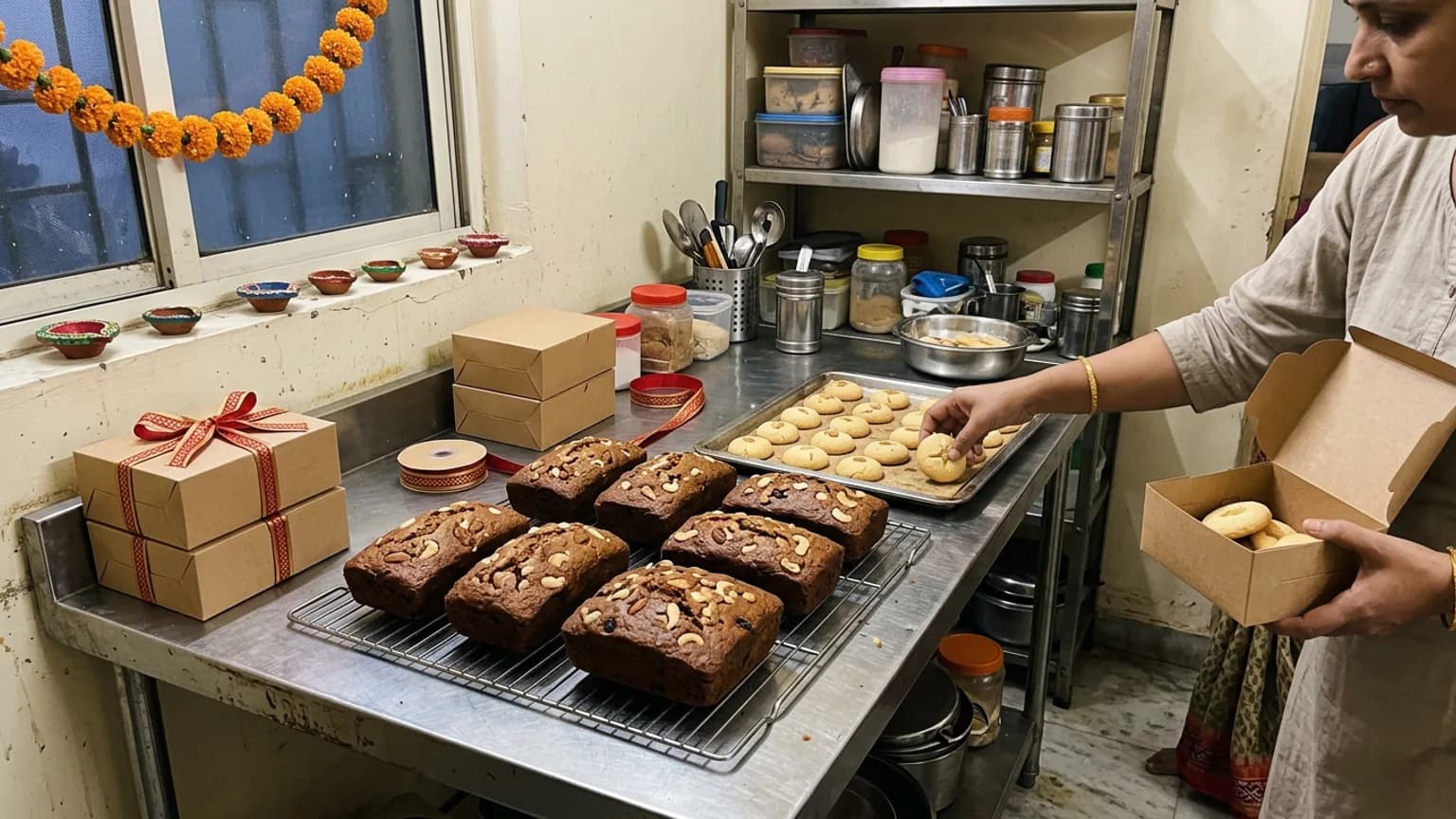
Getting ready for the Diwali rush
Festival weeks are when home bakers make a large share of the year's sales, and when DMs fail hardest. A few weeks of preparation before Diwali pays for itself:
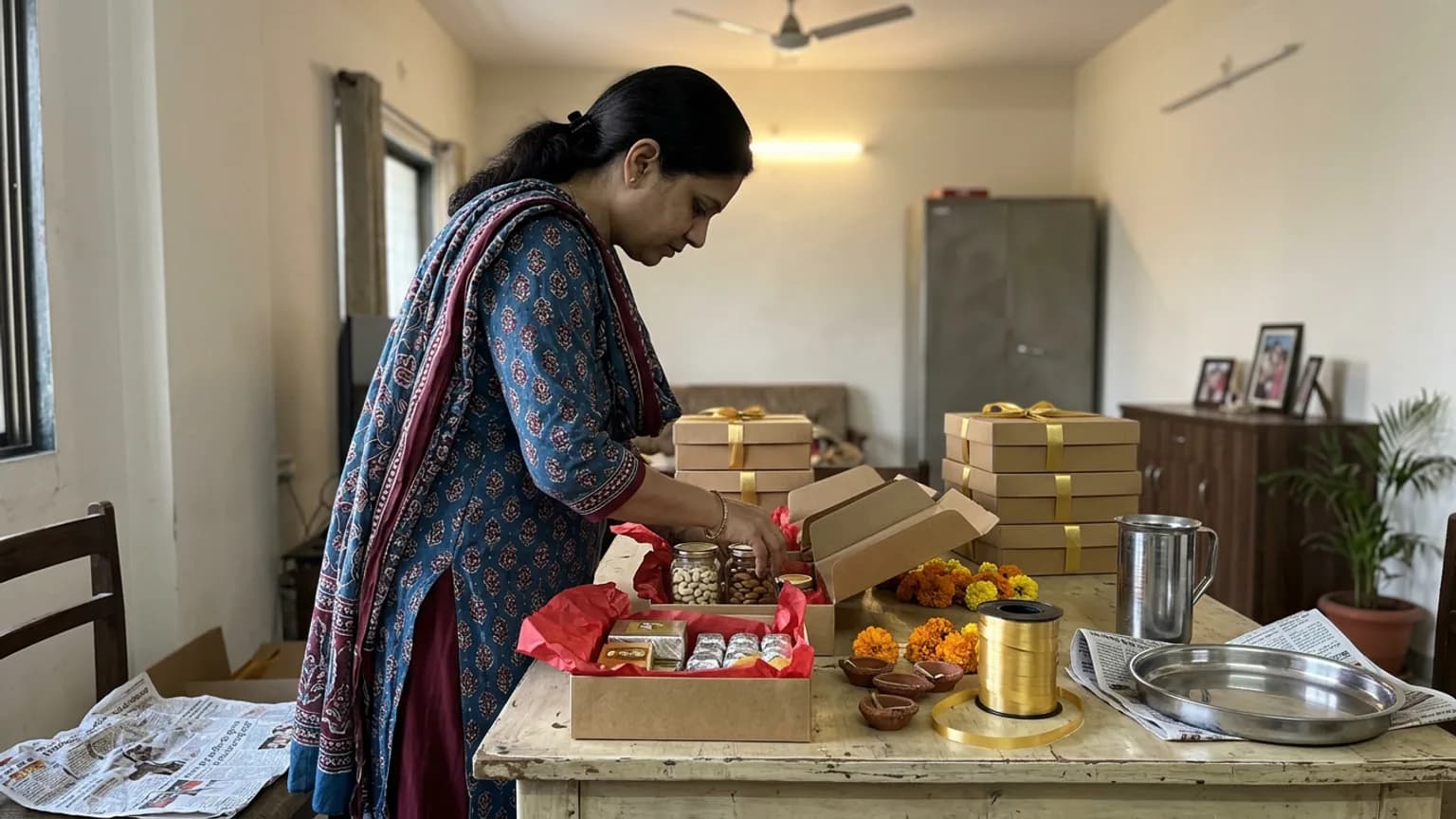
- Add your festive range early. Dry-fruit cakes, cookie boxes and gift hampers need photos and prices before people start searching.
- Set a longer minimum notice for festival dates, so you are never promised a cake you cannot bake in time.
- Run one clear offer, such as a fixed amount off above a minimum order, instead of negotiating discounts one by one.
- Use combos for gifting. A cake plus a cookie box as one item is easier to buy and lifts what each customer spends. See create combo offers.
What it costs, compared honestly
There are three common ways to take cake orders online. The right one depends on how many orders you take and how much time you lose to chat.
| Option | Cost | What you give up |
|---|---|---|
| DMs and WhatsApp only | Free | Time, lost orders and any record of your sales |
| A custom website | Often ₹20,000 or more to build, plus hosting | Weeks to launch, and a fee for every change |
| A storefront like KioSnap | ₹0 to start, ordering from ₹299 a month | Nothing on your sales: zero commission |
- to start, on the free plan
- ₹0
- a month to take orders
- ₹299
- free trial on paid plans
- 14 days
- commission on your sales
- 0%
On KioSnap, the free Wood plan puts a three-item catalog on your own link so you can see your storefront live today. Taking orders starts on the Charcoal plan at ₹299 a month, after a 14-day free trial and a one-time ₹199 setup. Customers pay you directly by UPI, cash on delivery or at pickup, and KioSnap takes no cut. Full details are on the pricing page.
The short version
Let social media bring customers to you, and let an order page hold the order. Put your cakes, sizes and prices where customers can see them, let them choose a date and delivery themselves, and keep every order on one board. Your next order deserves better than a DM.
Common questions
Do my customers need to download an app to order?
No. Your storefront opens in the browser on any phone. Customers confirm an order with a one-time code sent to their mobile, with no app and no password.
Can customers order a cake for a specific date?
Yes. With advance orders on, customers pick a date and time slot from the hours you set, with the minimum notice you choose, and the order sits on your board with its slot.
How do I get paid for online cake orders?
Directly, the way you do today: UPI, cash on delivery or payment at pickup. KioSnap never holds your money and takes no commission on your sales.
Can I take orders for eggless cakes and different sizes?
Yes. Add sizes as variants with their own prices, and list eggless versions as their own item or option so customers choose it themselves instead of asking.
Put this into practice today
Create your free storefront in minutes. No app for your customers, zero commission on your sales.